
Churches - Turn 1 sermon into 30-50+ short clips that reach more people globally
Transform sermons into short-form video clips. Reach more people globally, build local and global presence, and tap into the short-form content economy with 90% of internet traffic.
Try it for freeTrusted by 90,000+ podcasters, agencies, and creators worldwide




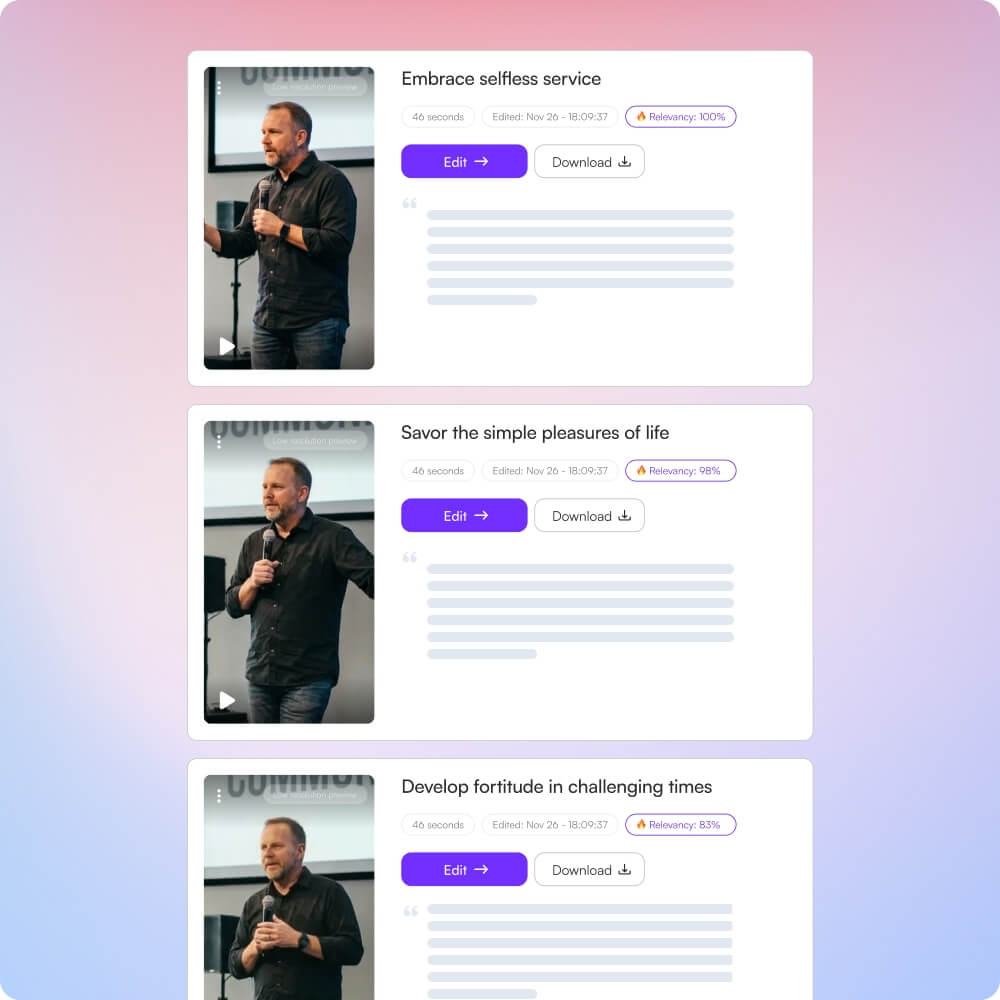
Turn sermons into short clips that reach more people globally
1
Upload sermon
Upload your sermon recording once.
2
AI finds highlights
AI automatically detects key moments, insights, and memorable segments.
3
Edit with text
Volunteers refine clips by editing transcript text—no timeline expertise needed.
4
Publish globally
Export platform-ready clips and reach people throughout the week.
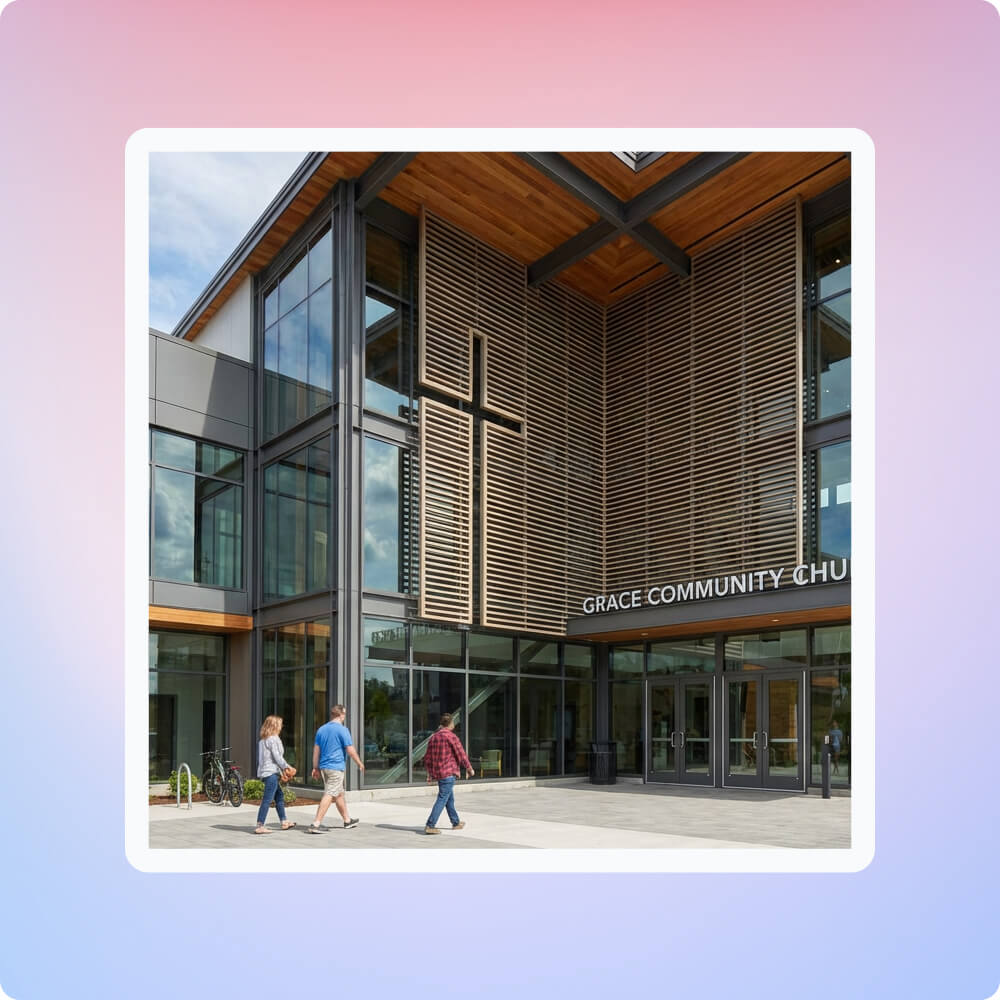
Churches struggle with limited resources and time
Creating engaging video content is challenging for churches with tight budgets and volunteer teams.
• Limited technical expertise
• Time constraints - staff juggle multiple responsibilities
• Manual editing takes ~1 week to generate 30+ short clips per sermon
• Outsourcing costs $100–$300 per video
• Difficulty reaching both local and global audiences
Choppity eliminates technical barriers and saves time
Choppity automates the tedious parts of video editing so churches can focus on ministry.
• AI automatically detects highlights - no manual scrubbing
• Text-based editing - volunteers edit transcripts, not timelines
• Multi-platform optimization - one upload creates vertical, square, and landscape formats
• Automated captions and smart framing - professional results without expertise
• Generate 20–50+ clips from one sermon automatically
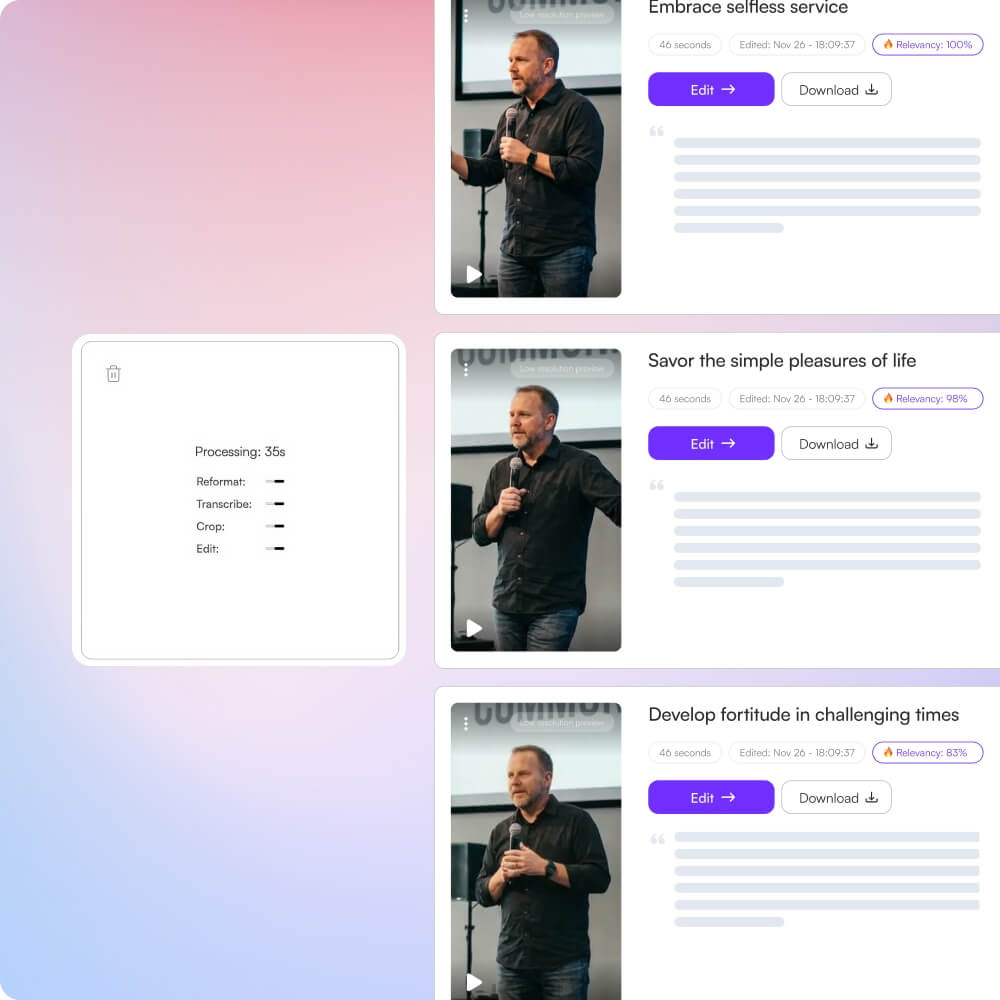
Reach more people globally and build digital presence
Churches can transform from occasional content creators to consistent digital ministry powerhouses.
• Global reach: Share messages worldwide, break geographic barriers, connect with diaspora communities
• Local and global presence: Strengthen community engagement while establishing thought leadership across borders
• Short-form content economy: Short-form videos account for 90% of global internet traffic, and engagement surpasses long-form by 2.5x - churches can participate in the dominant content format
• Content multiplication: Turn one 60-minute sermon into 20–30+ short clips across platforms
• Accessibility: Auto-captions make content accessible to hearing-impaired and non-native speakers
• Youth engagement: Short-form content resonates with younger demographics
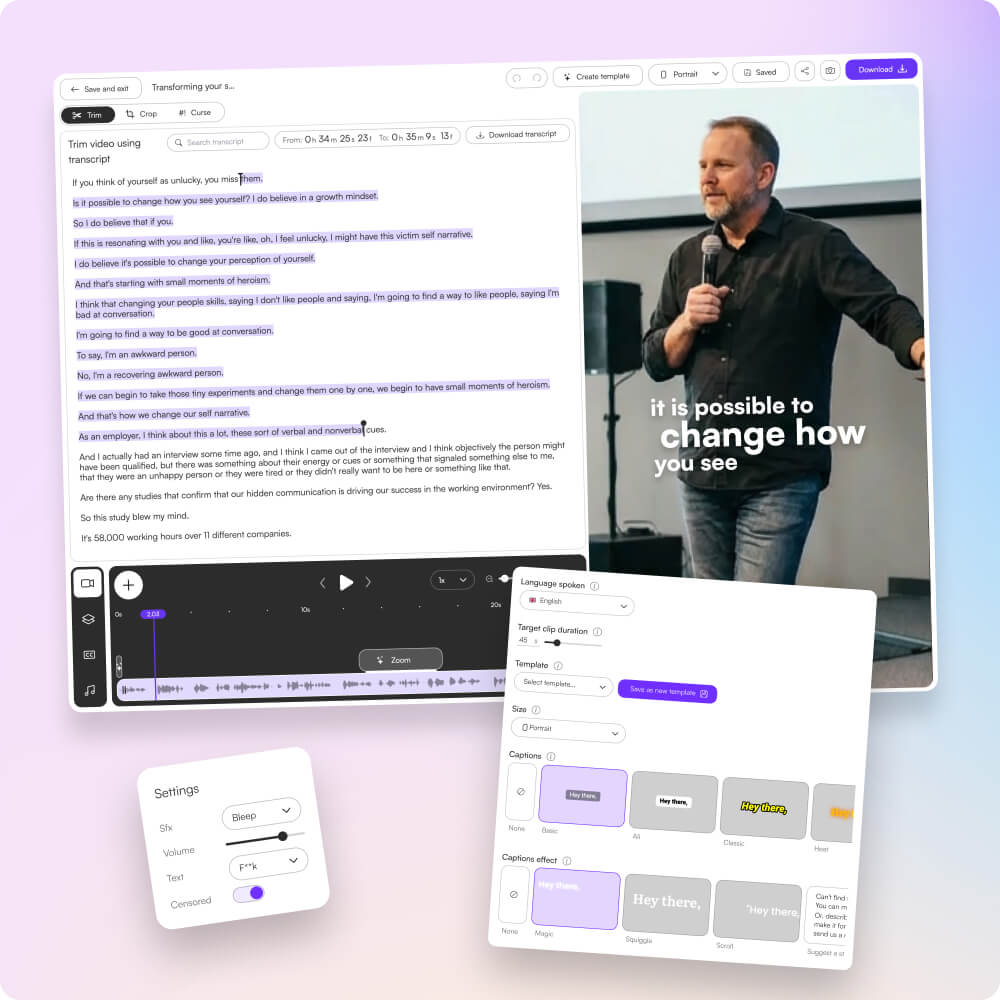
Empower volunteers without technical skills
Choppity makes professional video editing accessible to churches with limited resources, enabling them to compete with larger organizations in the digital space while maintaining full creative control.
These podcasters, creators, content teams and founders said yes, look what happened
Here's what happened when you stop trying tools or dabble with video editors and start using Choppity.
"All these random startups and VC-backed companies going after the "creator economy".
Now this is how you do it. For creators, built by creators.
Super bullish on products being built for the pain points already felt deeply by the founder.
Let's goooooo!"

"Exactly the solution I was looking for. Just generated all these clips whilst in bed! Awesome work and congrats on the launch"

"After a few small technical issues the team really went above and beyond to help. They were fast and efficient and really made all the difference. I don’t think I have had this type of customer service … maybe ever lol - Thank you and recommend"

"We've been using Choppity for the last 6 months or so for the AutoTrader tech podcast. We've seen a massive increase in our views and subscribers! Couldn't have done it without Choppity."

"Since we've started using Choppity, our socials have seen a 4x increase in overall views across our channels. Love the non-stop product updates as well."
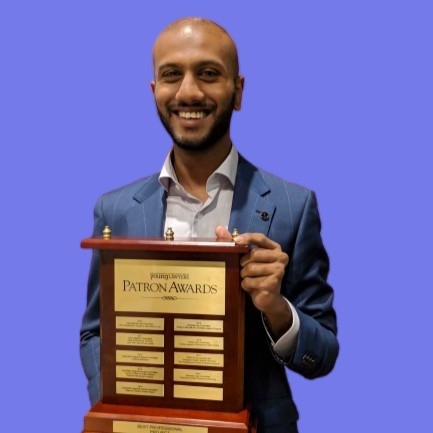
"Want cleaner podcasts without spending hours editing? We found an AI tool that automatically censor swear words audio bleeps AND caption cleanup! Choppity. Game changer"
"The Choppity team have been shipping new updates to the product which I am quite happy about. It's getting faster and they are also giving us the features we've been asking for!"

"In the past I've tried to get my YouTube video editor to create mass amount of short form content, but they struggled.
Economically it didn't make sense and the quality wasn't great.
Choppity has been an INCREDIBLE asset in scaling up my short-form video reach. Having ALL the clips automatically clipped, styled and ready to publish has been the biggest lever to growing my businesses."
FAQ
Common questions about Choppity and how it works
Will Choppity help our church staff avoid burnout from manual editing?
Absolutely! Choppity eliminates hours of manual editing work that often leads to volunteer and staff burnout. By automating the clipping process, your team can focus on ministry instead of spending hours editing videos every week.
Can I edit sermon clips to remove mistakes or adjust timing?
Yes! Choppity's transcript-based editing makes it easy to trim clips, remove unwanted sections, and adjust timing by simply editing the text. No complex video timelines required—just delete words in the transcript to refine your clips.
How can sermon clips help us reach more people beyond Sunday?
Short-form sermon clips create multiple touchpoints throughout the week, helping people discover your message on social media. This increases visibility, engagement, and reach beyond your Sunday service, connecting with people who might not attend in person.
Does Choppity work with audio-only sermon recordings?
Choppity works best with video recordings, but you can convert audio-only sermons to video format or use video recordings of your services. The AI analyzes both visual and audio content to find the most engaging moments for clipping.
Can I share sermon clips on multiple platforms?
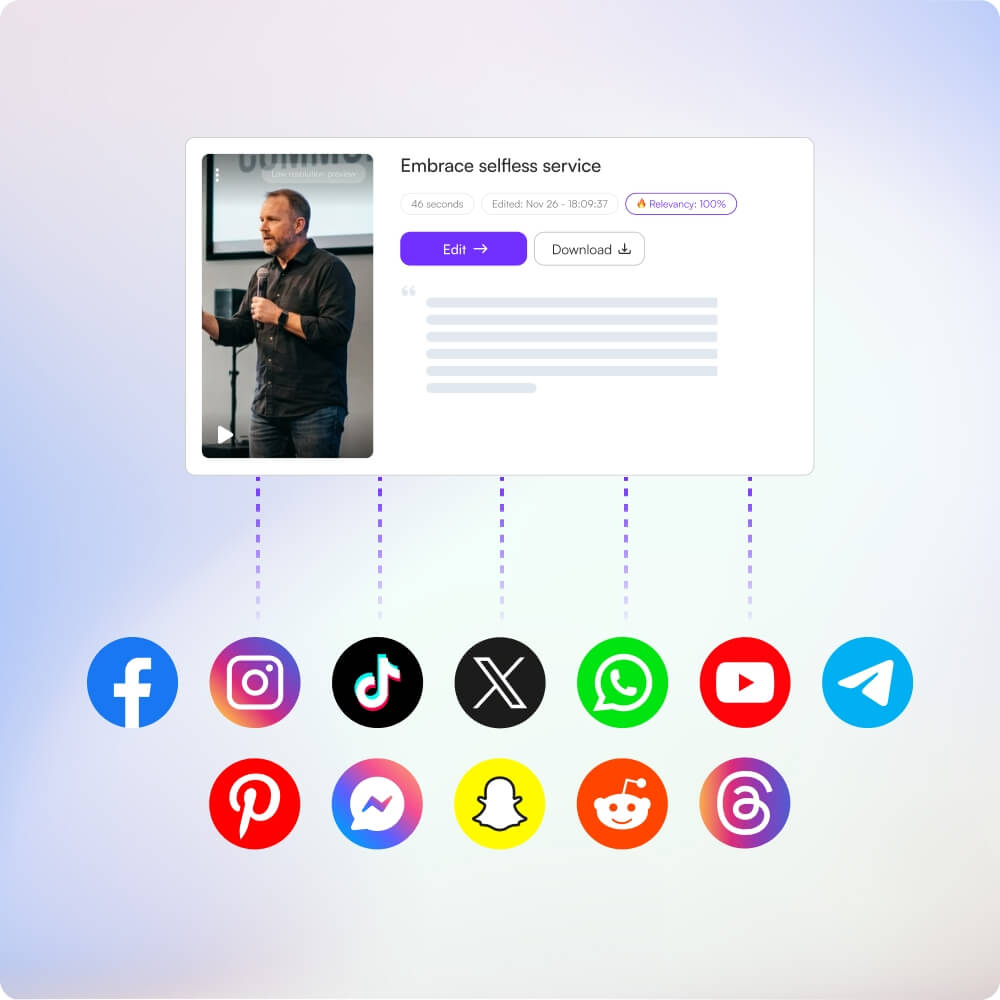
Yes! Choppity exports clips in formats optimized for Instagram, Facebook, YouTube, TikTok, and other platforms. You can reach people throughout the week across all the platforms where your congregation and community are active.
How much does Choppity cost compared to outsourcing sermon editing?
Choppity is significantly more affordable than outsourcing, which typically costs hundreds of dollars per sermon. With Choppity, you can process unlimited sermons on paid plans, saving thousands of dollars annually while maintaining full control over your content.
Can I add captions to sermon clips for silent viewing?
Absolutely! Choppity automatically adds captions optimized for silent mobile viewing. This is essential for reaching people who watch content with sound off, making your sermon clips more accessible and engaging on social media platforms.
How long does it take to turn a sermon into shareable clips?
Choppity can process a sermon and generate clips in minutes rather than hours. This eliminates the days-long delays that come with outsourcing, allowing you to share sermon clips immediately after your service ends.
Can volunteers use Choppity to clip sermons without technical skills?
Yes! Choppity is designed to be simple and intuitive, making it easy for volunteers to use. The AI handles the heavy lifting of finding moments and generating clips, while the transcript-based editing means anyone can make quick adjustments without complex video editing knowledge.
How many clips can I generate from one sermon?
Choppity can generate multiple short clips from a single sermon recording. The exact number depends on your sermon length, but the AI automatically identifies key points, stories, and teachable moments to create several shareable clips that you can distribute throughout the week.
Still have questions
Reach out to our team anytime
More for you
A library of guides and tutorials for you