
Sales reps - Turn screen recordings into short clips that close deals
Turn product demos, walkthroughs, and screen recordings into short, engaging clips. Use automatic zooms and captions to explain faster and close more deals.
Try it for freeTrusted by 90,000+ podcasters, agencies, and creators worldwide



Turn screen recordings into short clips that close more deals
1
Record your screen
Record product demos, walkthroughs, or sales explanations.
2
Auto-zoom and caption
Choppity automatically zooms into key areas and adds captions.
3
Trim into short clips
Create multiple short clips from one recording.
4
Share and close deals
Share clips anywhere prospects engage.
Sales demos don’t scale
Live demos and long recordings are hard to reuse and even harder to follow up with.
• One-to-one demos don’t scale across prospects
• Recording, editing, and trimming demos takes hours
• Prospects forget details after calls

Create reusable sales clips automatically
Choppity turns screen recordings into clear, focused sales clips.
• Automatic zooms highlight exactly what matters on screen
• Captions make demos easy to watch with sound off
• Create multiple clips from a single recording in minutes

Shorten sales cycles and improve conversions
Short, focused clips help prospects understand value faster.
• Improve clarity and product understanding
• Increase engagement in follow-ups
• Move deals forward without repeating demos

Explain once, reuse everywhere
Use the same demo clips across emails, CRM follow-ups, landing pages, and onboarding. Choppity helps sales reps sell smarter, not harder.
FAQ
Common questions about Choppity and how it works
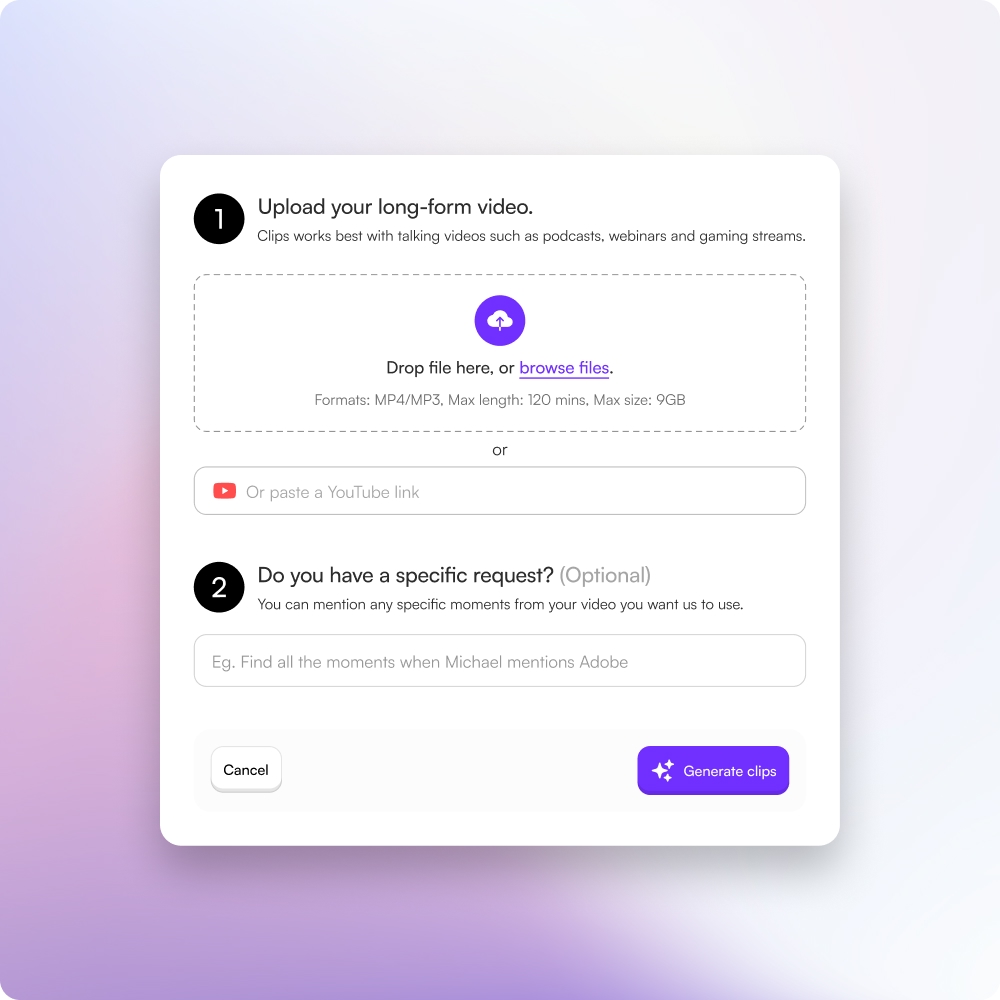
Choppity accepts MP4, MOV, WebM, and most common video formats. Upload from your computer, cloud storage, or paste a link. The tool handles the rest.
Yes. AI generates the clips, but you have full control. Edit captions, trim frames, adjust timing, add transitions, change colors, and customize everything in the web editor.
Most videos process in minutes depending on length and complexity. A one-hour podcast typically generates clips in 5-10 minutes. You'll get a notification when ready.
No. Your videos are processed and then deleted from our servers unless you choose to keep them in your project library. Full privacy control is yours.
AI-generated captions are usually 95%+ accurate for clear audio. You can manually edit any word or timing directly in the editor if needed.
Still have questions
Reach out to our team anytime