Podcasters spend countless hours manually combing through their episodes, trying to identify those golden moments that could go viral on TikTok or Instagram Reels. What if AI could automatically detect the most engaging segments from your hour-long podcast and turn them into polished social media clips in minutes?
TL;DR - Our Top Picks
Winner: Choppity - Best overall for speed, AI accuracy, caption quality, and direct social publishing. No other tool matches its combination of context-aware clip detection and full editing control.
Our Testing Methodology
We uploaded the same 60-minute, 4K podcast recording with two hosts discussing AI trends to every tool on this list to see which audio clip generator delivered the fastest, most accurate results for podcast audience growth.
Metrics we tracked
- Processing time - How quickly each tool analyzed the full episode
- AI accuracy - How well each tool identified the quotable insight, the biggest revelation, or the moment that makes listeners want to hear the full episode
- Caption quality - Accuracy of automatic transcription and visual appeal
- Export resolution - Quality and format options for social media clips
The results were eye-opening. While some tools took over an hour to process our test episode, others delivered viral podcast moments in under 10 minutes. The difference in AI accuracy was equally dramatic, with some platforms missing obvious highlight moments that even a first-time podcaster would catch.
Why Choppity Is Our #1 Pick for Podcaster Clips
Choppity emerged as our top choice because it combines lightning-fast processing with sophisticated AI that actually understands podcast conversations, not just surface-level engagement metrics.

The "Aha!" Moment
Forget scrubbing through 90-minute episodes looking for that perfect 30-second segment. Choppity's AI analyzes your entire podcast episode and automatically surfaces the moments with the highest viral potential - those quotable insights, surprising revelations, and engaging exchanges that make perfect TikTok clips. What used to take hours now happens in minutes.
Workflow Snapshot
From podcast episode to viral clips in 3 steps:
- Paste your podcast video link or upload your file directly
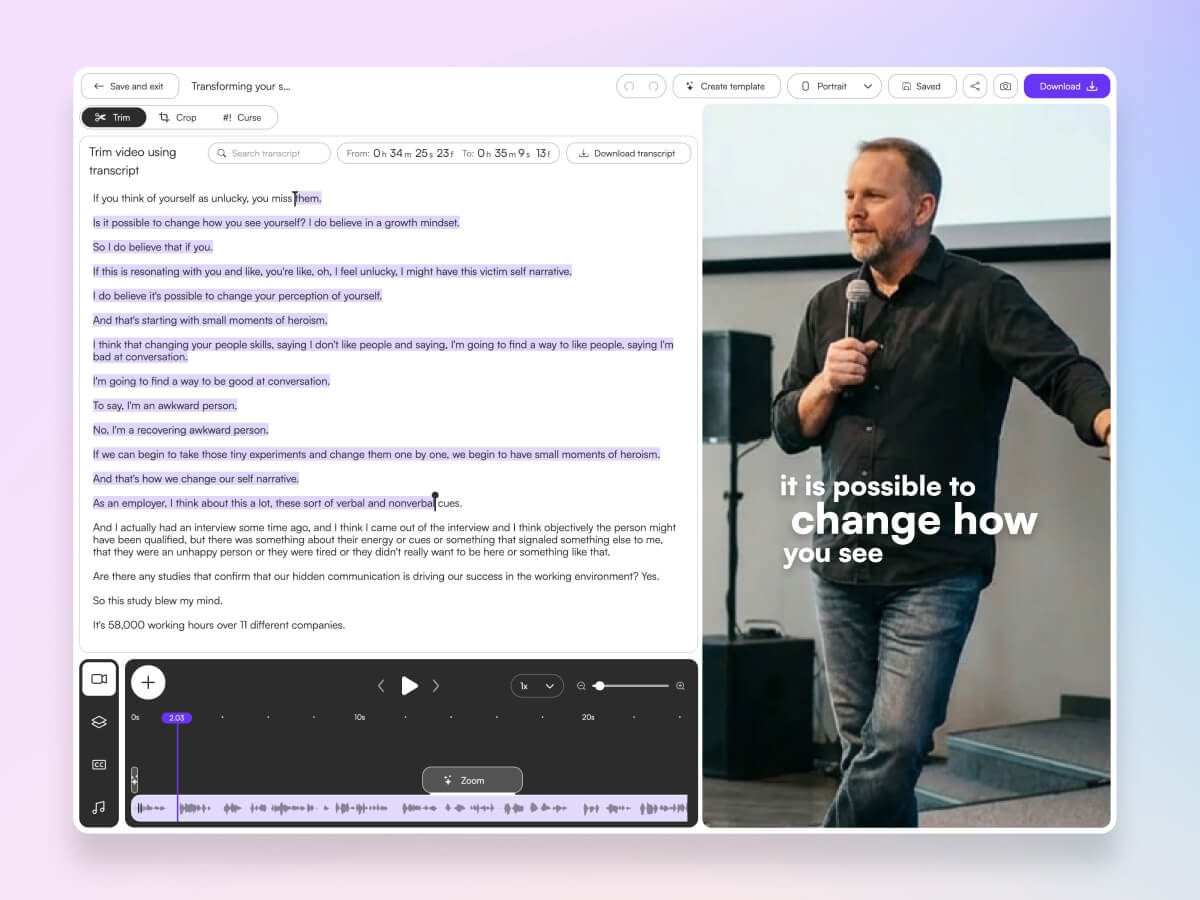
- AI automatically identifies the most engaging segments and creates clips
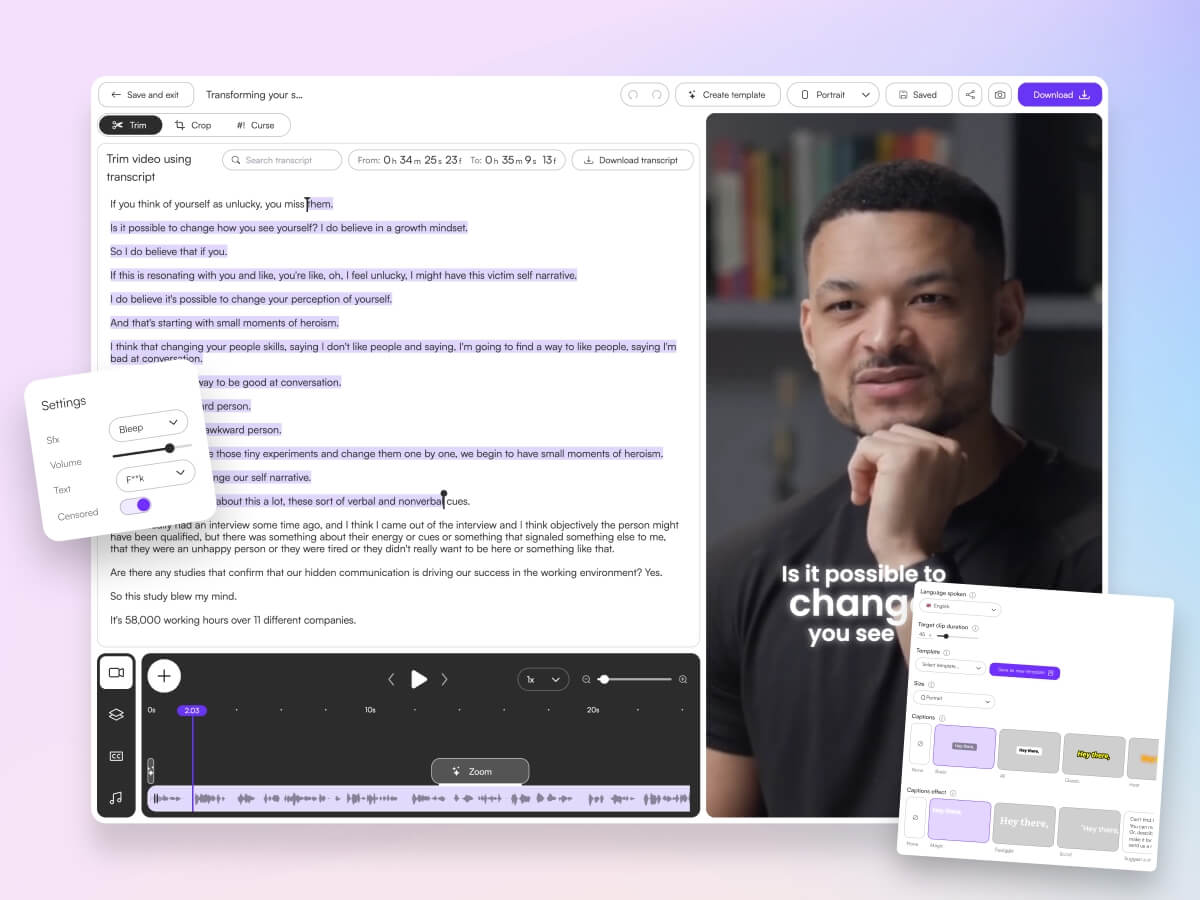
- Add magic captions, customize for each platform, and export in seconds
Real Use Case
A business podcast host uploaded one 75-minute interview with a startup founder and Choppity delivered 12 clips highlighting key insights in under 15 minutes. The result? A 400% increase in episode downloads and 50K new social media impressions within the first week. This kind of short form content creation efficiency transforms podcast marketing from a time-consuming afterthought into a scalable growth engine.
Pros
- Blazing fast render speeds that process hour-long episodes in minutes
- Advanced facial recognition that tracks multiple speakers seamlessly
- Professional caption templates designed specifically for podcast content
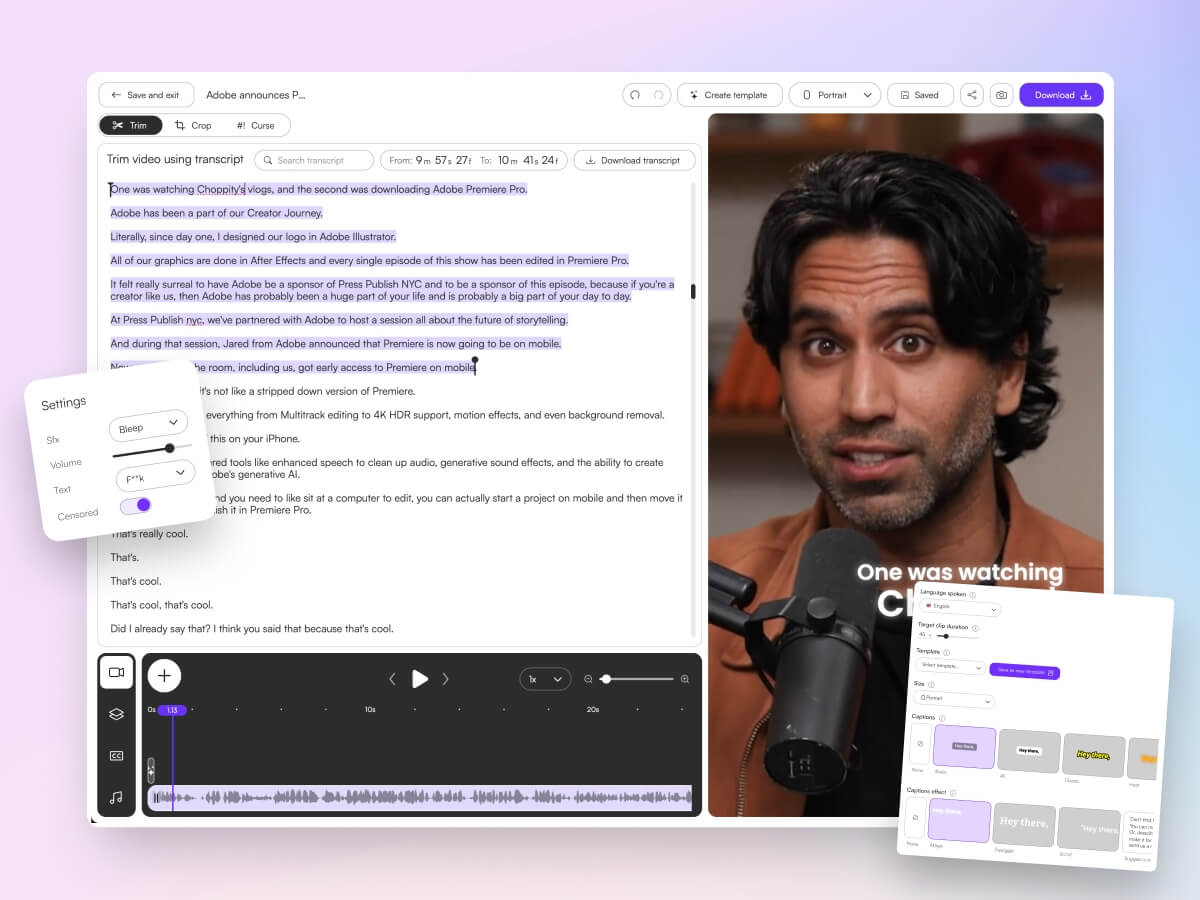
- Full transcript editing with automatic punctuation and speaker identification
- Multi-language support for international podcast audiences
- B-roll integration to enhance audio-heavy segments
- Multi-format export for TikTok, Instagram Reels, YouTube Shorts, and more
- Smart profanity censoring to keep clips advertiser-friendly
Cons
- Watermark appears on clips in the free tier
- Less ideal for audio-only podcasts without video elements or visual engagement
Opus Clip
Opus Clip focuses on completely hands-off clip generation with viral potential scoring for each segment. It's a popular choice for viral clip detection but can miss nuanced podcast conversations that require context to understand their impact.

Pros
- Viral potential scoring helps prioritize the best podcast highlights
- Completely automated workflow requires zero manual input
- Strong integration with social media scheduling tools
Cons
- AI sometimes misses subtle but important conversational moments
- Limited customization options for caption styling
- Struggles with multi-speaker podcast formats
Descript
Descript revolutionizes podcast editing software by treating audio like a text document, making it incredibly easy to edit transcripts and remove filler words. However, clip generation requires more manual selection compared to AI-first tools.

Pros
- Excellent automatic transcription accuracy for podcast analytics
- Powerful filler word removal and transcript editing features
- Intuitive text-based editing that feels familiar to writers
Cons
- Clip generation requires significant manual selection and timing
- Steeper learning curve for podcasters focused purely on content repurposing tools
- More expensive for users who only need clip generation
Vizard
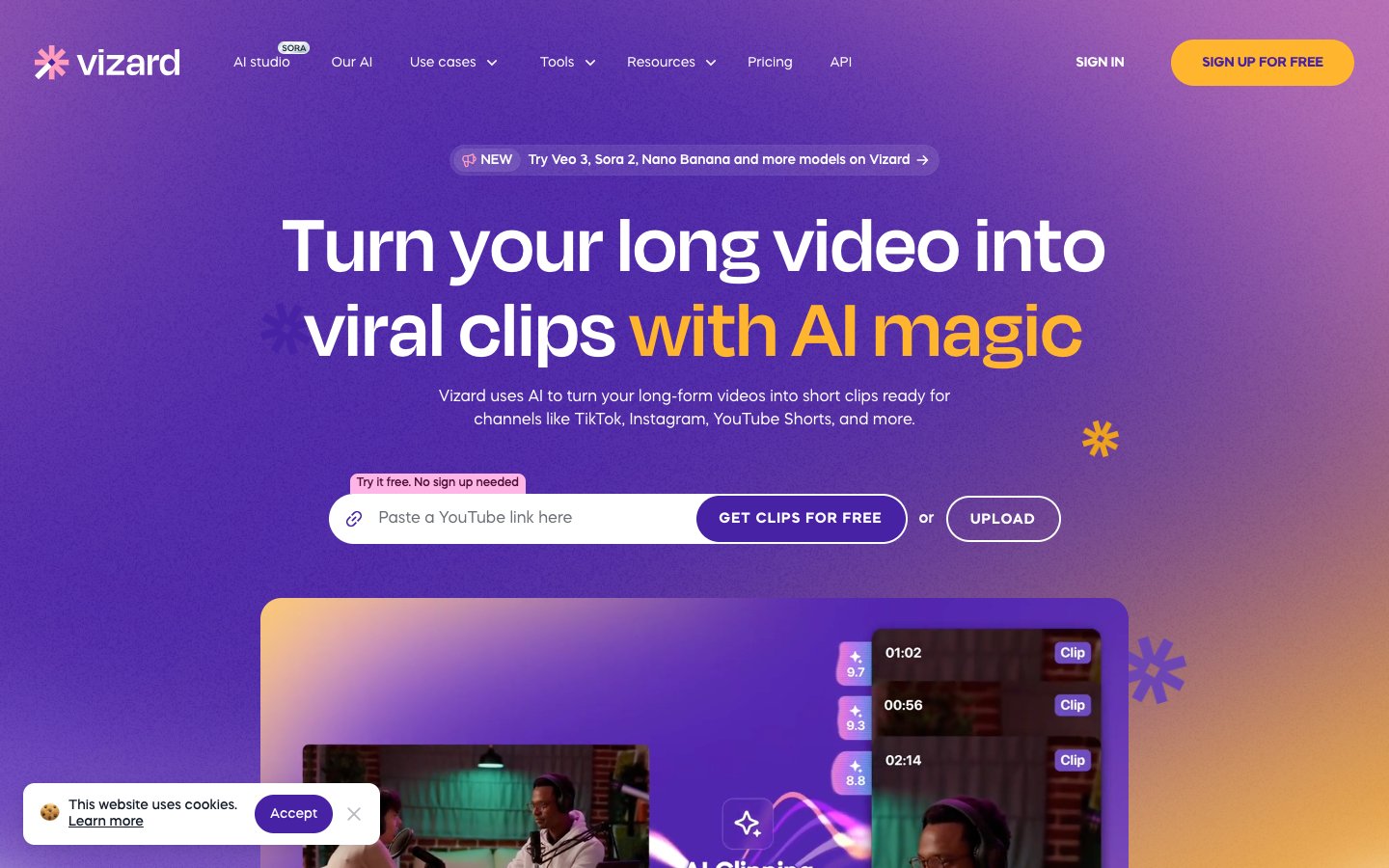
Vizard offers quick, browser-based clip generation that works well for interview-style podcasts with clear question-and-answer segments. It struggles with casual conversation formats that don't follow predictable patterns.
Pros
- No software download required - works entirely in browser
- Strong performance on interview-style podcast formats
- Quick turnaround for simple podcast snippet creation
Cons
- Limited effectiveness with casual, free-flowing conversations
- Fewer customization options compared to dedicated tools
- Processing can be slower for longer podcast episodes
Vidyo.ai
Vidyo.ai provides straightforward content repurposing focused on business podcast content. While good for basic needs, it offers limited customization for brand-specific clip styles that help with podcast monetization.

Pros
- Simple, beginner-friendly interface for new podcasters
- Good performance on business and educational podcast content
- Reliable automatic transcription for most English accents
Cons
- Limited brand customization options for professional podcasters
- AI clip selection lacks sophistication for complex conversations
- Fewer export format options for different social platforms
Submagic
Submagic excels at creating visually stunning captions that grab attention on social media. However, it focuses heavily on caption aesthetics but lacks sophisticated podcast moment detection for identifying the best segments.

Pros
- Outstanding caption visual effects and animation options
- Strong performance for podcast promotion tools focused on visual appeal
- Good integration with popular social media platforms
Cons
- Weak AI for identifying the best podcast moments automatically
- Requires more manual work to select engaging segments
- Less focus on the actual content and more on visual presentation
Riverside
Riverside combines high-quality podcast recording with basic clip generation, making it convenient for podcasters who want an all-in-one solution. However, its AI selection isn't as advanced as dedicated AI video editing tools.

Pros
- Seamless integration between recording and clip creation
- High-quality recording capabilities for professional podcasts
- Convenient workflow for podcasters who record remotely
Cons
- AI clip selection lacks sophistication compared to specialized tools
- More expensive for podcasters who only need clip generation
- Limited advanced editing features for complex podcast formats
CapCut
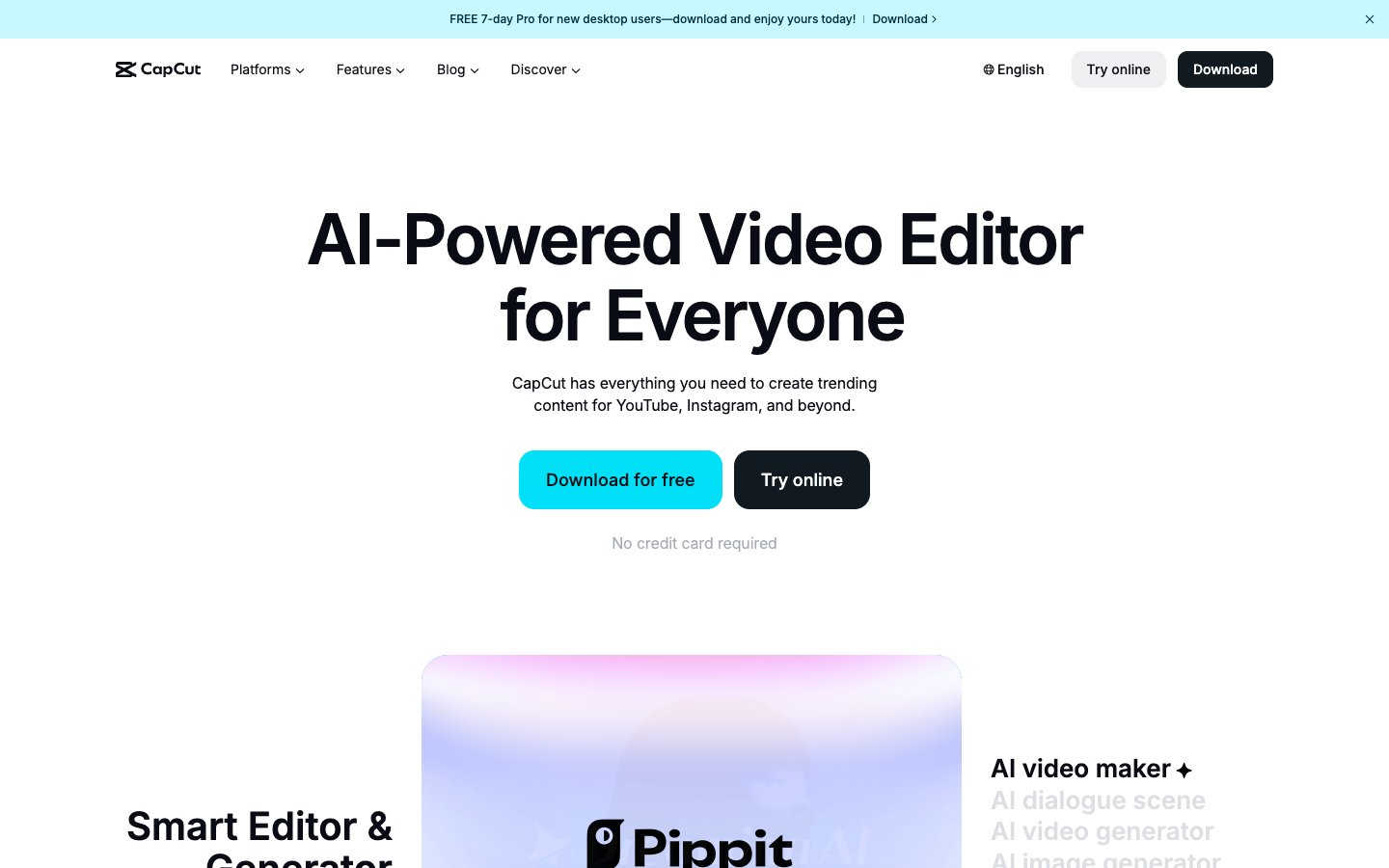
CapCut provides a completely free option for creating podcast clips, but requires significant manual work since it lacks AI-powered moment detection. It's a good starting point for new podcasters testing the waters of short form content creation.
Pros
- Completely free with no watermarks on exports
- Full manual control over every aspect of clip creation
- Good selection of templates and effects for social media
Cons
- No AI assistance for identifying engaging podcast segments
- Requires significant time investment to create clips manually
- Steeper learning curve for podcasters without video editing experience
Repurpose.io
Repurpose.io focuses on automating the distribution of podcast clips across multiple platforms once they're created. It handles distribution well but relies on manual clip selection rather than AI identification of the best moments.

Pros
- Excellent automation for distributing clips across multiple platforms
- Good analytics tracking for podcast audience growth across channels
- Saves significant time on the distribution side of podcast marketing
Cons
- No AI assistance for identifying the best podcast segments
- Requires manual clip creation before distribution automation kicks in
- Limited editing capabilities for fine-tuning clip content
Head-to-Head Comparison
| Feature | Choppity | Opus Clip | Descript | Vizard | Vidyo.ai | Submagic | Riverside | CapCut | Repurpose.io |
|---|---|---|---|---|---|---|---|---|---|
| AI Hook Detection | Excellent | Good | Manual | Good | Basic | Poor | Basic | None | Manual |
| Auto-Captions | Yes | Yes | Yes | Yes | Yes | Yes | Yes | Manual | No |
| Caption Customization | Advanced | Basic | Good | Basic | Basic | Advanced | Basic | Advanced | None |
| Face Tracking | Yes | Yes | No | Yes | Yes | Basic | No | Manual | No |
| Transcript Editing | Yes | No | Advanced | Basic | Basic | No | Basic | No | No |
| Direct Social Export | Yes | Yes | No | Yes | Yes | Yes | No | Yes | Advanced |
| Multi-Format | Yes | Yes | Limited | Yes | Limited | Yes | Limited | Yes | Yes |
| Free Tier | Yes | Limited | Limited | Limited | Limited | Limited | Limited | Yes | No |
How to Choose a Podcaster Clip Maker
Face-Tracking Technology
Face-tracking technology is essential for multi-host podcasts where the AI needs to follow speaker changes and maintain proper framing during conversations. When creating vertical clips for TikTok and Instagram Reels, the camera needs to automatically focus on whoever is speaking to maintain viewer engagement. Tools without sophisticated face tracking often produce clips where speakers are cut off or poorly framed, leading to unprofessional-looking content that hurts your brand.
Caption Quality and Retention
Studies show that 85% of social media videos are watched without sound, making caption accuracy crucial for podcast audience growth. Poor automatic transcription not only looks unprofessional but can completely change the meaning of your content, potentially damaging your credibility. The best podcast promotion tools offer both high accuracy in their initial transcription and easy editing capabilities to fix any mistakes quickly.
Multi-Platform Aspect Ratios
Different social media platforms require different video formats for optimal performance. Your chosen tool should export clips in multiple aspect ratios without requiring manual adjustment.
Essential aspect ratios for podcast marketing:
- 9:16 - TikTok, Instagram Reels, YouTube Shorts
- 1:1 - Instagram feed posts and LinkedIn
- 4:5 - Instagram feed (optimal engagement)
- 16:9 - YouTube, Facebook, Twitter video
Handling Long Podcast Episodes
Podcast episodes regularly run 45 to 180+ minutes with multiple discussion topics and guest interviews. Many content repurposing tools have strict input duration limits, forcing you to manually break down longer episodes before processing. The best tools can handle your longest episodes without preprocessing, saving hours of manual work and ensuring no great moments get lost in the splitting process.
Frequently Asked Questions
Does Choppity have a free trial?
Yes, Choppity offers a free tier that allows you to test the platform's AI clip detection and caption quality before committing to a paid plan. The free version includes watermarked exports so you can see exactly how your podcast highlights will look and perform before upgrading.
Can AI clip makers replace a human editor?
AI podcast editing software works best as a force multiplier, not a complete replacement for human creativity. These tools excel at identifying potentially engaging moments and handling technical tasks like transcription and formatting, but human judgment is still valuable for understanding context, brand voice, and strategic content decisions. The most successful podcasters use AI to handle the time-consuming work while focusing their creative energy on the big picture.
What is the best AI for TikTok podcast episodes?
Choppity consistently performs best for creating TikTok-ready podcast clips because of its sophisticated understanding of conversational content and its optimized vertical video formatting. Its AI specifically looks for the types of moments that perform well on TikTok - surprising revelations, quotable insights, and emotionally engaging exchanges that make viewers want to hear more.
Can AI handle 2-hour podcast episodes?
Most AI clip makers can technically process 2-hour episodes, but processing times and accuracy vary dramatically. Some tools struggle with longer content and may miss important segments or provide lower-quality analysis. Choppity and a few other premium tools are specifically designed to handle full-length podcast episodes without compromising on AI accuracy or processing speed.
Do I need video editing experience?
No, modern AI-powered podcast editing software uses transcript-based editing that feels more like editing a document than traditional video editing. You can make cuts, adjustments, and corrections by editing text rather than manipulating timeline scrubbers and video tracks. This makes professional-quality clip creation accessible to podcasters regardless of their technical video editing background.
The Verdict
After testing nine different tools with the same 60-minute podcast episode, Choppity stands out for its unique combination of lightning-fast processing, sophisticated conversation analysis, and professional output quality that actually drives podcast audience growth.
Quick recommendation summary
- Best overall: Choppity for speed, accuracy, and professional results
- Best free option: CapCut for manual clip creation without budget constraints
- Best fully automated: Opus Clip for hands-off viral potential scoring
- Best for recording + clipping: Riverside for all-in-one podcast production
- Best for distribution: Repurpose.io for automating multi-platform sharing
The key to podcast growth in 2026 is consistent short form content creation that drives listeners back to your full episodes. The right AI clip maker transforms this from a time-consuming bottleneck into an automated growth engine that runs in the background while you focus on creating great content. Choose a tool that matches your workflow, commit to consistent posting, and watch your download numbers climb.

Written by
Michael WongYouTuber with 215K+ subscribers and founder of Choppity. Building AI tools that help creators repurpose content at scale.