
Twitch AI Clip Maker — Turn Streams into Viral Clips
Stop scrubbing through hours of VODs. Choppity's Twitch AI clip maker analyses your entire stream and surfaces the moments your audience loved most — clutch plays, funny reactions, and chat-popping highlights — ready to share everywhere.
Loved and used by real creators, podcasters, brands and more
 LockedOn Lakers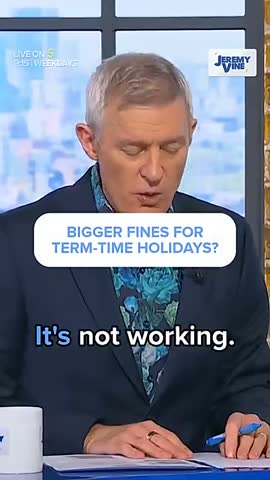
 Jeremy Vine & Daytime on 5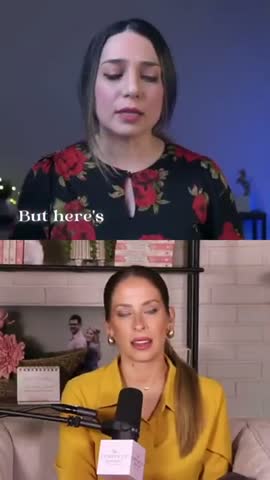
 Lighten Up Podcast
  Unscripted by Raygan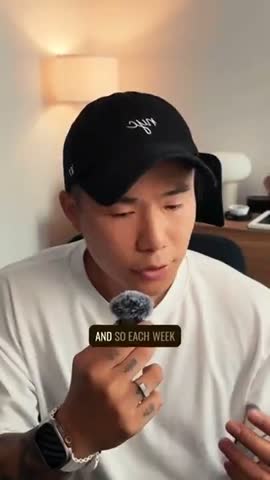
 Made by Mizko
 Design Champs
  MotDollarMiljonen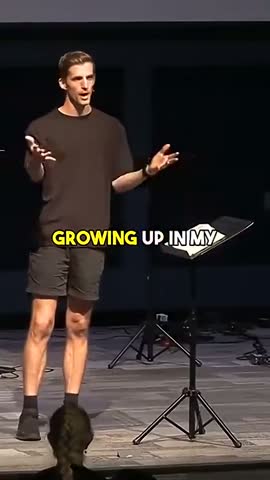
 Southside Presbyterian Church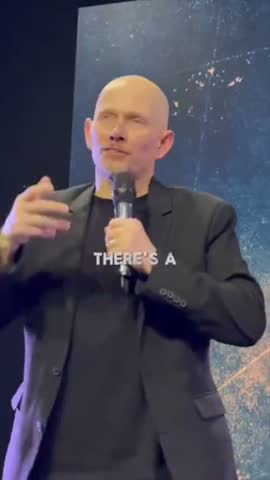
 Hope Rising Church Southside Presbyterian Church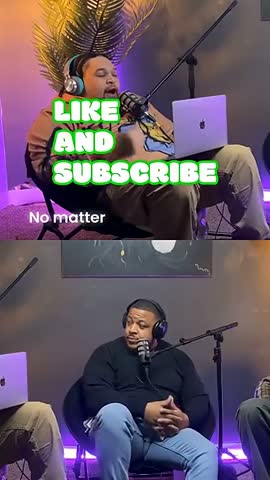
 Let The Streets Rejoice
 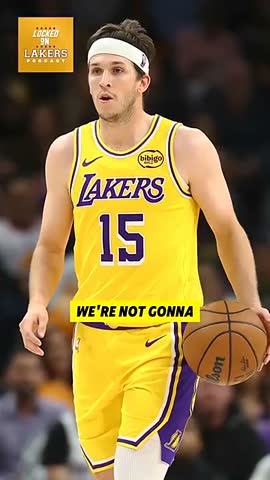 LockedOn Lakers Jeremy Vine & Daytime on 5 Lighten Up Podcast
  Unscripted by Raygan Made by Mizko Design Champs
  MotDollarMiljonen Southside Presbyterian Church Hope Rising Church
  Southside Presbyterian Church Let The Streets Rejoice LockedOn Lakers Jeremy Vine & Daytime on 5 Lighten Up Podcast Unscripted by Raygan Made by Mizko Design Champs MotDollarMiljonen Southside Presbyterian Church Hope Rising Church Southside Presbyterian Church Let The Streets Rejoice LockedOn Lakers Jeremy Vine & Daytime on 5 Lighten Up Podcast Unscripted by Raygan Made by Mizko Design Champs MotDollarMiljonen Southside Presbyterian Church Hope Rising Church Southside Presbyterian Church Let The Streets Rejoice
 Trusted by teams at



 MPS Society
 SonatypeMPS SocietySonatypeMPS SocietySonatypeMPS SocietySonatype
 Processing…
This will only take a moment…
How to use this tool
Paste a link or upload
Drop in a YouTube, Vimeo, or Twitch URL — or upload any video file from your device.
AI finds the best moments
Our AI analyses the transcript, audio energy, and visual cues to identify the most clip-worthy segments.
Get captioned vertical clips
Each clip is auto-reframed to 9:16, captioned with animated text, and trimmed to the perfect length.
Download or post
Export clips individually or in batch. Post directly to TikTok, YouTube Shorts, Instagram Reels, and LinkedIn.
Browse more AI clip maker tools
Best AI Clip Maker in 2026
Discover why Choppity is the best AI clip maker in 2026. Compare top tools and see how AI-powered clip generation, animated captions, and auto-reframing set it apart.
Adobe Express AI Clip Maker Alternative — Choppity
Looking for an Adobe Express AI clip maker alternative? Choppity offers smarter AI clip detection, animated captions, and free multi-platform export.
AI Clip Maker for TikTok — Create Viral TikToks from Long Videos
Create viral TikToks from long videos with Choppity's AI clip maker for TikTok. Auto-reframe to 9:16, add trending captions, and export optimised clips instantly.
AI Clip Maker from YouTube — Turn YouTube Videos into Short Clips
Turn any YouTube video into short, shareable clips with Choppity's AI. Paste a URL, let AI find the best moments, and export with animated captions.
AI Clip Maker for Twitch — Auto-Clip Your Best Stream Moments
Automatically clip your best Twitch stream moments with Choppity's AI. Detect hype plays, add captions, and export vertical clips for TikTok and Shorts.
YouTube AI Clip Maker — Generate Shorts from Any YouTube Video
Generate YouTube Shorts from any long video with Choppity's AI clip maker. Smart detection finds the best moments, adds captions, and exports in vertical format.
For streamers
Why Twitch streamers need an AI clip maker
Growing on Twitch means being discoverable off Twitch. The streamers who blow up in 2026 are the ones repurposing their best moments into TikToks, YouTube Shorts, and Instagram Reels. But manually reviewing a four-hour VOD to find ten seconds of gold is brutal.
Choppity's AI watches your stream for you. It detects energy spikes, laughter, shouting, and rapid-fire chat activity to pinpoint the moments viewers remember. Each clip is auto-reframed to 9:16 with your facecam tracked and centred.
The result: a batch of share-ready clips waiting in your dashboard before you've even finished your post-stream snack.

Features
Twitch-specific features that save you hours
Choppity understands the unique structure of Twitch content. Speaker tracking keeps your facecam front and centre even when the gameplay dominates the screen. Animated captions highlight your commentary so viewers scrolling on mute still stop and watch.
Silence removal automatically trims loading screens, AFK moments, and dead air so your clips are tight and punchy. Text-based editing lets you refine clips by simply deleting words from the transcript — no timeline scrubbing required.
Export presets are optimised for every platform. One click gives you a TikTok-ready vertical clip; another gives you a YouTube Short with end-screen space. Batch export means you can process your entire stream's highlights in a single session.

Getting started
How to turn your Twitch VOD into clips with Choppity
Upload your Twitch VOD directly or paste the video URL. Choppity's AI processes the full recording and returns a ranked list of suggested clips sorted by predicted engagement. Review the suggestions, adjust start and end points if you like, and hit export.
Each clip comes with animated captions already applied. Choose from styles that match your brand — bold impact text, smooth lower-thirds, or karaoke-style word highlights. Customise colours and fonts to stay on-brand across every platform.
Whether you stream daily or weekly, Choppity turns your VOD backlog into a content pipeline that keeps your socials active between streams.

Try our AI video editing platform
At Choppity we help content creators turn long videos into viral short clips. We use AI to automatically identify highlights, add animated captions, and optimize content for each social platform.
Try it for freeThese podcasters, creators, content teams and founders said yes, look what happened
Here's what happened when you stop trying tools or dabble with video editors and start using Choppity.
"All these random startups and VC-backed companies going after the "creator economy". Now this is how you do it. For creators, built by creators. Super bullish on products being built for the pain points already felt deeply by the founder. Let's goooooo!"

Alex B.
YouTuber & Founder, EfficientApp
"Exactly the solution I was looking for. Just generated all these clips whilst in bed! Awesome work and congrats on the launch"

Ramish
YouTuber & Designer
"After a few small technical issues the team really went above and beyond to help. They were fast and efficient and really made all the difference. I don’t think I have had this type of customer service … maybe ever lol - Thank you and recommend"

Nicole B.
Content creator
"We've been using Choppity for the last 6 months or so for the AutoTrader tech podcast. We've seen a massive increase in our views and subscribers! Couldn't have done it without Choppity."
Callum B.
Product Lead, AutoTrader
"Since we've started using Choppity, our socials have seen a 4x increase in overall views across our channels. Love the non-stop product updates as well."

Vaibhav
Founder, SmartLead.ai
"Want cleaner podcasts without spending hours editing? We found an AI tool that automatically censor swear words audio bleeps AND caption cleanup! Choppity. Game changer"
AwesomeCast
Tech Podcast
"The Choppity team have been shipping new updates to the product which I am quite happy about. It's getting faster and they are also giving us the features we've been asking for!"

Amy L.
Finance creator
"In the past I've tried to get my YouTube video editor to create mass amount of short form content, but they struggled. Economically it didn't make sense and the quality wasn't great. Choppity has been an INCREDIBLE asset in scaling up my short-form video reach. Having ALL the clips automatically clipped, styled and ready to publish has been the biggest lever to growing my businesses."
Michael W.
YouTuber & Designer
Twitch AI Clip Maker — Turn Streams into Viral Clips FAQs
Common questions about this tool and how it works
Can I use this Twitch AI clip maker with past VODs?
Absolutely. Upload any Twitch VOD file or paste the URL. Choppity processes recordings of any length, so you can go back through your archive and extract clips from older streams too.
Does the AI detect hype moments in Twitch streams?
Yes. Choppity's AI analyses audio energy, speech patterns, and intensity spikes to find the moments that generated the most excitement during your stream. It's designed to surface clutch plays, funny reactions, and viral-worthy highlights.
Will the clips have my facecam properly framed?
Choppity uses speaker tracking to keep your facecam centred and properly sized when converting to 9:16 vertical format. It intelligently balances facecam and gameplay so nothing important gets cropped.
Can I export Twitch clips directly for TikTok and YouTube Shorts?
Yes. Choppity includes export presets optimised for TikTok, YouTube Shorts, and Instagram Reels. Each preset uses the correct resolution, aspect ratio, and safe zones for that platform.
More free tools
Animated Subtitles Generator (Free Animated Captions Tool)
Create stunning animated subtitles for your videos instantly. Our free animated subtitles generator adds eye-catching motion effects.
Try freeAdd Subtitles to Video Online Free - AI Subtitle Generator
Add subtitles to video online free with our AI subtitle generator. Upload any video and get accurate subtitles in seconds.
Try freeFacebook Reel Caption Generator (Add Captions Facebook Reel - Free Tool)
Add captions to your Facebook Reels instantly with our free AI tool. Upload any video and get perfectly formatted captions in minutes.
Try freeFree Facebook Video to Transcript Generator
Convert any Facebook video to text instantly. Upload your video or paste a link to get an accurate transcript. Free.
Try freeFree Video Caption Generator - Add Captions to Video Online
Generate video captions instantly with our free AI tool. Add captions to video files in seconds.
Try freeHormozi Caption Style Generator - Free Alex Hormozi Subtitles
Generate Alex Hormozi-style animated captions for your videos instantly. Free tool. Get viral Hormozi caption style now!
Try free