
Free AI Clip Maker Without Watermark — Clean Exports
Choppity delivers clean, professional clip exports without watermarks on its paid plans. Start with the free tier to explore every AI feature, then upgrade when you're ready for pristine output.
Loved and used by real creators, podcasters, brands and more
 LockedOn Lakers
 Jeremy Vine & Daytime on 5
 Lighten Up Podcast
  Unscripted by Raygan
 Made by Mizko
 Design Champs
  MotDollarMiljonen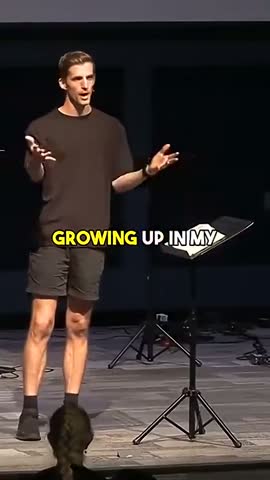
 Southside Presbyterian Church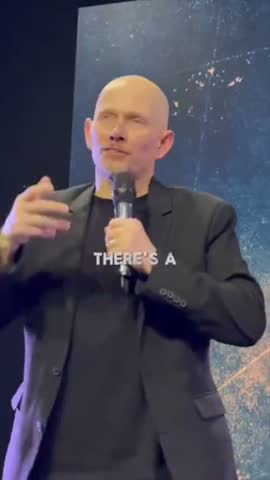
 Hope Rising Church Southside Presbyterian Church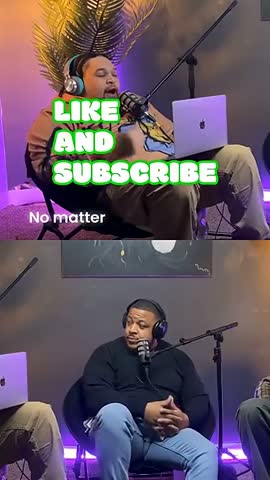
 Let The Streets Rejoice
 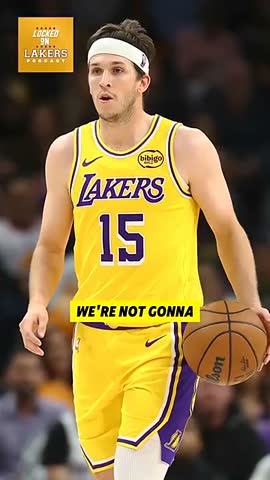 LockedOn Lakers Jeremy Vine & Daytime on 5 Lighten Up Podcast
 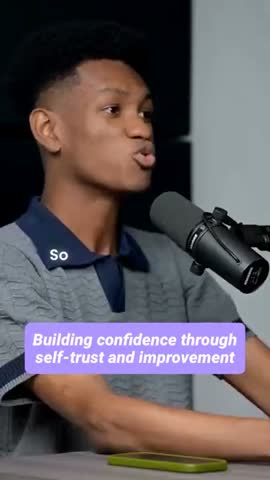 Unscripted by Raygan Made by Mizko Design Champs
 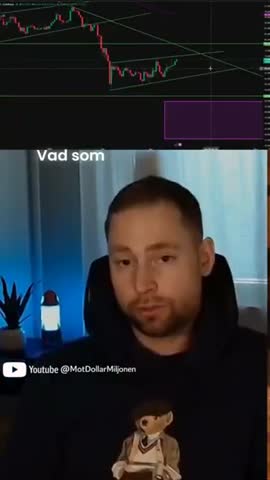 MotDollarMiljonen Southside Presbyterian Church Hope Rising Church
 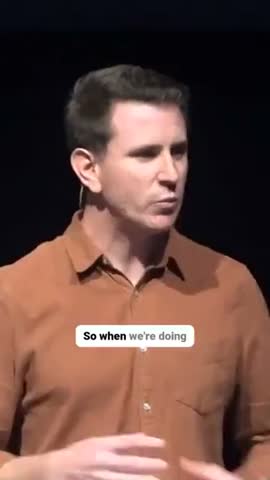 Southside Presbyterian Church Let The Streets Rejoice LockedOn Lakers Jeremy Vine & Daytime on 5 Lighten Up Podcast Unscripted by Raygan Made by Mizko Design Champs MotDollarMiljonen Southside Presbyterian Church Hope Rising Church Southside Presbyterian Church Let The Streets Rejoice LockedOn Lakers Jeremy Vine & Daytime on 5 Lighten Up Podcast Unscripted by Raygan Made by Mizko Design Champs MotDollarMiljonen Southside Presbyterian Church Hope Rising Church Southside Presbyterian Church Let The Streets Rejoice
 Trusted by teams at



 MPS Society
 SonatypeMPS SocietySonatypeMPS SocietySonatypeMPS SocietySonatype
 Processing…
This will only take a moment…
How to use this tool
Paste a link or upload
Drop in a YouTube, Vimeo, or Twitch URL — or upload any video file from your device.
AI finds the best moments
Our AI analyses the transcript, audio energy, and visual cues to identify the most clip-worthy segments.
Get captioned vertical clips
Each clip is auto-reframed to 9:16, captioned with animated text, and trimmed to the perfect length.
Download or post
Export clips individually or in batch. Post directly to TikTok, YouTube Shorts, Instagram Reels, and LinkedIn.
Browse more AI clip maker tools
Best AI Clip Maker in 2026
Discover why Choppity is the best AI clip maker in 2026. Compare top tools and see how AI-powered clip generation, animated captions, and auto-reframing set it apart.
Twitch AI Clip Maker — Turn Streams into Viral Clips
Turn your Twitch streams into viral clips with Choppity's AI clip maker. Automatically detect hype moments, add animated captions, and export for TikTok and Shorts.
Adobe Express AI Clip Maker Alternative — Choppity
Looking for an Adobe Express AI clip maker alternative? Choppity offers smarter AI clip detection, animated captions, and free multi-platform export.
AI Clip Maker for TikTok — Create Viral TikToks from Long Videos
Create viral TikToks from long videos with Choppity's AI clip maker for TikTok. Auto-reframe to 9:16, add trending captions, and export optimised clips instantly.
AI Clip Maker from YouTube — Turn YouTube Videos into Short Clips
Turn any YouTube video into short, shareable clips with Choppity's AI. Paste a URL, let AI find the best moments, and export with animated captions.
AI Clip Maker for Twitch — Auto-Clip Your Best Stream Moments
Automatically clip your best Twitch stream moments with Choppity's AI. Detect hype plays, add captions, and export vertical clips for TikTok and Shorts.
Clean output
Why clean exports matter for professional content
Third-party watermarks on your clips signal to viewers that you're using a free tool. For personal projects, this is perfectly fine. But for branded content, client work, or monetised channels, clean exports project professionalism and build trust.
Choppity understands this distinction. That's why every creative feature is available for free — so you can verify the quality before investing in clean exports. When you upgrade, the only thing that changes is the removal of the small corner watermark.
The export quality itself is identical between free and paid. Resolution, audio quality, caption rendering, and file format are the same. You're paying for the cosmetic clean-up, not for better technology.

Free first
Test everything for free before upgrading
Choppity's approach is refreshingly honest: try the full platform for free, create real clips, and evaluate the quality. If the AI detection, animated captions, and export options meet your standards, upgrade for watermark-free output.
This means there's zero risk. You're never paying for something you haven't tested. Every feature — clip detection, speaker tracking, silence removal, text-based editing, and multi-platform export — works identically on the free plan.
Many creators run their entire workflow on the free plan for weeks before deciding to upgrade. By then, they've published dozens of clips and confirmed that Choppity is the right tool for their needs.

Upgrade value
What you get beyond watermark removal
Paid plans include more than just clean exports. Higher upload limits let you process longer videos and more of them. Priority processing means your clips render faster, especially during peak hours.
Team features become available on higher tiers — shared workspaces, brand kits with saved fonts and colours, and multi-user access. Agencies managing client content find these features essential for efficient operations.
Despite the added benefits, the pricing remains accessible. Choppity's plans are designed for individual creators, small teams, and agencies at different scales. Every tier includes watermark-free exports.

Try our AI video editing platform
At Choppity we help content creators turn long videos into viral short clips. We use AI to automatically identify highlights, add animated captions, and optimize content for each social platform.
Try it for freeThese podcasters, creators, content teams and founders said yes, look what happened
Here's what happened when you stop trying tools or dabble with video editors and start using Choppity.
"All these random startups and VC-backed companies going after the "creator economy". Now this is how you do it. For creators, built by creators. Super bullish on products being built for the pain points already felt deeply by the founder. Let's goooooo!"

Alex B.
YouTuber & Founder, EfficientApp
"Exactly the solution I was looking for. Just generated all these clips whilst in bed! Awesome work and congrats on the launch"

Ramish
YouTuber & Designer
"After a few small technical issues the team really went above and beyond to help. They were fast and efficient and really made all the difference. I don’t think I have had this type of customer service … maybe ever lol - Thank you and recommend"

Nicole B.
Content creator
"We've been using Choppity for the last 6 months or so for the AutoTrader tech podcast. We've seen a massive increase in our views and subscribers! Couldn't have done it without Choppity."
Callum B.
Product Lead, AutoTrader
"Since we've started using Choppity, our socials have seen a 4x increase in overall views across our channels. Love the non-stop product updates as well."

Vaibhav
Founder, SmartLead.ai
"Want cleaner podcasts without spending hours editing? We found an AI tool that automatically censor swear words audio bleeps AND caption cleanup! Choppity. Game changer"
AwesomeCast
Tech Podcast
"The Choppity team have been shipping new updates to the product which I am quite happy about. It's getting faster and they are also giving us the features we've been asking for!"

Amy L.
Finance creator
"In the past I've tried to get my YouTube video editor to create mass amount of short form content, but they struggled. Economically it didn't make sense and the quality wasn't great. Choppity has been an INCREDIBLE asset in scaling up my short-form video reach. Having ALL the clips automatically clipped, styled and ready to publish has been the biggest lever to growing my businesses."
Michael W.
YouTuber & Designer
Free AI Clip Maker Without Watermark — Clean Exports FAQs
Common questions about this tool and how it works
Can I start for free and upgrade later for watermark-free exports?
Yes. That's exactly how Choppity is designed. Start with the free plan to test every feature, then upgrade whenever you're ready for clean, watermark-free exports.
How big is the watermark on the free plan?
The watermark is a small Choppity logo positioned in the corner of the video. It's designed to be unobtrusive — it doesn't cover your content, captions, or speakers.
Can I re-export old clips without the watermark after upgrading?
Yes. Once you upgrade, you can re-export any previously created clips without the watermark. Your projects are saved in your account, so there's no need to start over.
Are there any other differences between free and paid plans?
Besides watermark removal, paid plans include higher upload size limits, priority processing speed, and team collaboration features on higher tiers. All AI and creative features are identical.
More free tools
Animated Subtitles Generator (Free Animated Captions Tool)
Create stunning animated subtitles for your videos instantly. Our free animated subtitles generator adds eye-catching motion effects.
Try freeAdd Subtitles to Video Online Free - AI Subtitle Generator
Add subtitles to video online free with our AI subtitle generator. Upload any video and get accurate subtitles in seconds.
Try freeFacebook Reel Caption Generator (Add Captions Facebook Reel - Free Tool)
Add captions to your Facebook Reels instantly with our free AI tool. Upload any video and get perfectly formatted captions in minutes.
Try freeFree Facebook Video to Transcript Generator
Convert any Facebook video to text instantly. Upload your video or paste a link to get an accurate transcript. Free.
Try freeFree Video Caption Generator - Add Captions to Video Online
Generate video captions instantly with our free AI tool. Add captions to video files in seconds.
Try freeHormozi Caption Style Generator - Free Alex Hormozi Subtitles
Generate Alex Hormozi-style animated captions for your videos instantly. Free tool. Get viral Hormozi caption style now!
Try free