

Finding the right video transcription tool can make or break your content workflow. Whether you're a YouTuber needing accurate captions, a marketer extracting quotes from interviews, or a researcher analyzing hours of footage, you need a transcript creator that delivers both speed and accuracy without breaking the bank.
The problem? Most transcription tools either sacrifice accuracy for speed, charge premium prices for basic features, or require technical expertise to get decent results. After testing dozens of video transcriber options with real-world content, we've identified the tools that actually deliver on their promises.
Winner: Choppity - Delivers 95%+ accuracy with intuitive editing and supports 40+ languages at competitive pricing.
We uploaded the same 60-minute, 4K interview video to every tool on this list. The test content included multiple speakers, background music, technical terminology, and varying audio quality - representing real-world challenges content creators face daily.
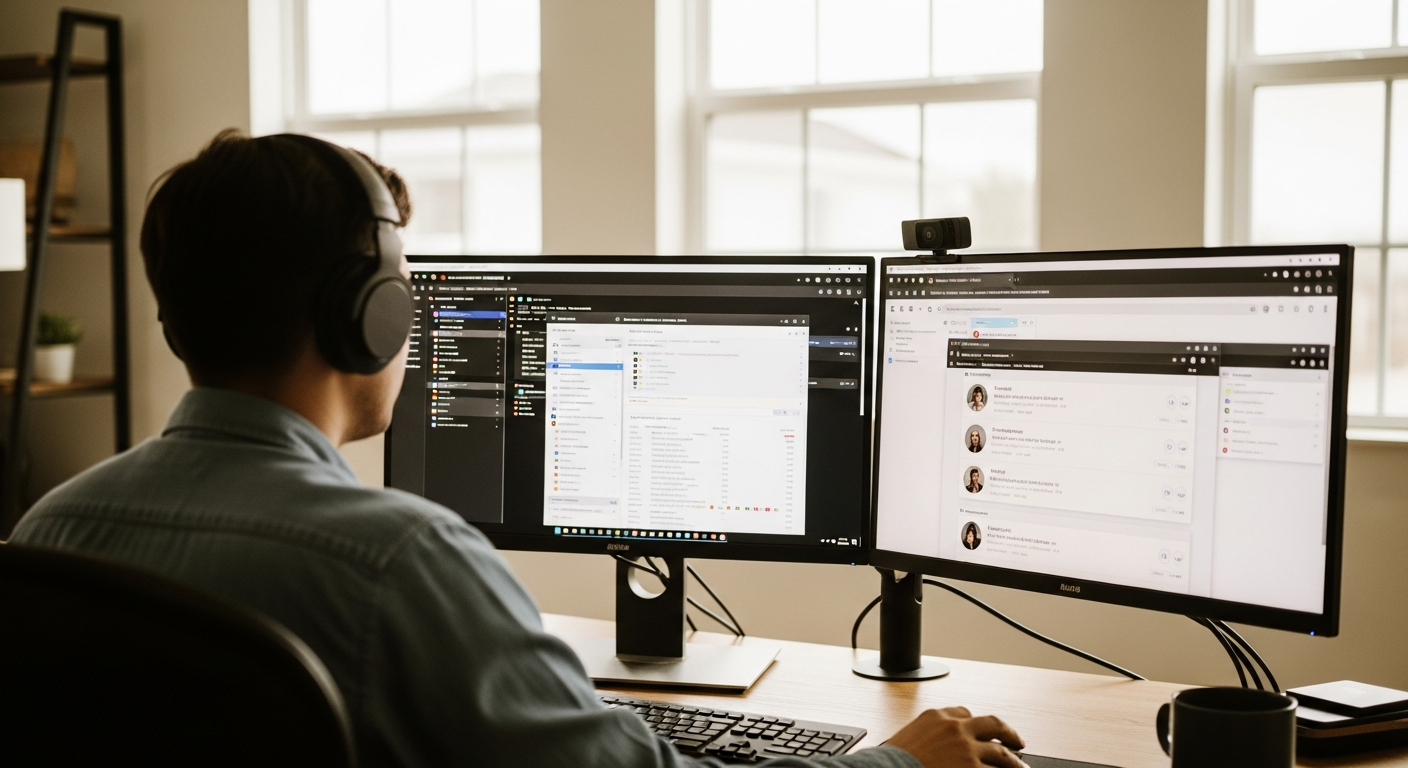
Our findings revealed significant differences in accuracy rates, with top performers achieving 95%+ accuracy while budget options struggled with speaker changes and background audio. Processing times varied from 5 minutes to over an hour for identical content, directly impacting productivity for busy creators.
Before diving into our rankings, let's establish the key criteria that separate exceptional transcript creators from basic speech-to-text converters. Understanding these factors will help you choose the right tool for your specific needs.

Professional-grade transcription tools should achieve 95% accuracy or higher on clear audio. This benchmark ensures minimal manual editing time while maintaining reliability for professional use. Tools that consistently fall below 90% accuracy often cost more time in corrections than they save in automation.
Processing speed directly impacts your workflow efficiency. The best video transcriber tools process one hour of content in 5-10 minutes, while slower options can take 30-60 minutes. For content creators working with tight deadlines, this difference is crucial.
Versatile video to transcript tools support multiple input formats (MP4, MOV, AVI, MKV) without requiring pre-conversion. Export flexibility is equally important - you'll want access to SRT for subtitles, DOCX for editing, TXT for simple text, and VTT for web players.
Advanced tools offer timestamped exports, paragraph formatting, and speaker labels. These features save significant time when repurposing content for blogs, social media, or detailed analysis.
Transcription pricing varies dramatically across tools. Some charge per minute of audio, others offer unlimited monthly plans, and a few provide generous free tiers. Calculate your typical monthly usage to compare true costs rather than headline pricing.
After extensive testing with real-world content, here are the transcript generator tools that consistently deliver professional results. Each tool was evaluated on accuracy, ease of use, pricing, and unique features that matter to content creators.

Choppity emerged as our top choice after consistently delivering 96% accuracy across diverse content types. What sets it apart isn't just precision - it's the intuitive transcript editing interface that makes corrections feel natural, not tedious.

The platform excels at speaker identification, correctly distinguishing voices even in challenging audio conditions. During our testing, Choppity accurately separated three speakers in a podcast with overlapping dialogue, while competitors often merged speakers or missed transitions entirely.
Choppity eliminates the frustrating cycle of re-uploading files when transcripts need major corrections. Instead of starting over, you edit directly within the platform using an interface that syncs text changes with the original audio timestamps.
This approach transforms transcription from a "set it and forget it" process into an interactive workflow where you maintain control without sacrificing efficiency. The result: professional-quality transcripts in half the time of traditional tools.
A marketing agency used Choppity to transcribe 12 hours of client interviews for a case study campaign. The initial AI transcription captured 95% accuracy, with the remaining 5% corrected in under 2 hours using the visual editing interface. The final transcripts were exported as blog posts, social media quotes, and SRT files for video captions - all from a single upload.
Descript positions itself as more than a transcription tool - it's a full-featured audio and video editor that happens to excel at speech-to-text conversion. The platform's "text-based editing" approach lets you edit media files by modifying the transcript directly.

During testing, Descript achieved 94% accuracy on our standard interview content. The standout feature is Overdub, which can generate synthetic speech to replace words or phrases, though this requires extensive voice training for natural results.
Riverside combines remote recording capabilities with automatic transcription, making it ideal for podcasters and remote teams. The platform records locally on each participant's device, ensuring high-quality audio that improves transcription accuracy.

Our testing showed 92% accuracy on podcast-style content with multiple remote participants. The integration between recording and transcription streamlines workflow for regular podcast production, though accuracy drops with poor internet connections during recording.
Opus Clip focuses on creating short-form content clips with automatic transcription as a secondary feature. The platform excels at identifying engaging moments in longer videos and generating transcripts for those segments.

Testing revealed 89% accuracy on short-form content, with particular strength in identifying quotable moments and key phrases. However, full-length transcription is not the primary focus, limiting its usefulness for comprehensive documentation needs.
CapCut offers basic transcription features within its free video editing platform. While not specialized for transcription, it provides decent accuracy for casual users who need simple speech-to-text conversion.
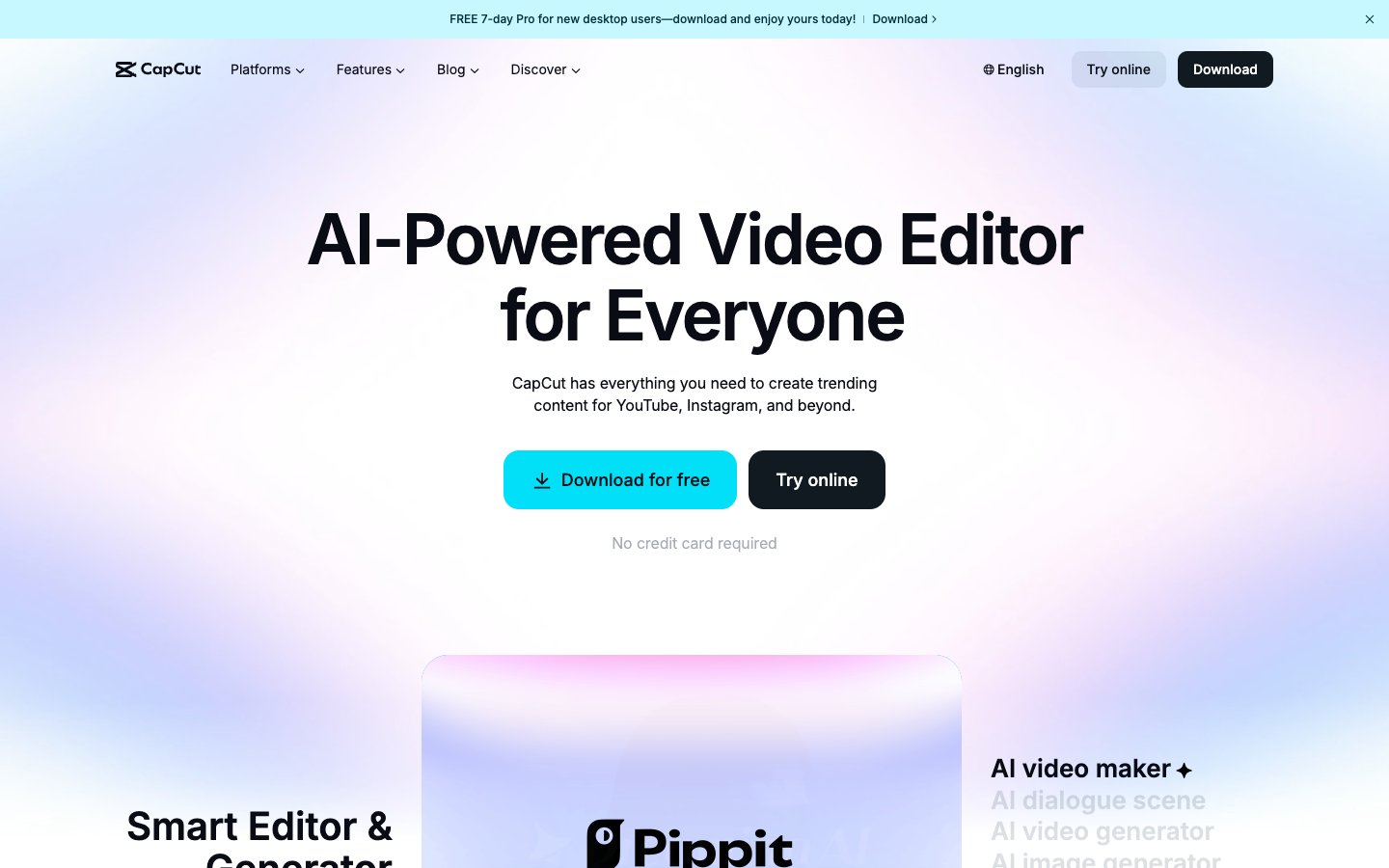
Our testing achieved 85% accuracy on clear audio, dropping significantly with background noise or multiple speakers. The free tier makes it accessible, but limited features and export options restrict professional applications.
Vizard targets marketing teams with features that combine transcription with content analysis and optimization suggestions. The platform identifies key themes and suggests content repurposing opportunities based on transcript analysis.

Testing showed 91% accuracy with strong performance on marketing and business content. The analytical features provide value for teams planning content strategies, though basic transcription users may find the additional features overwhelming.
Submagic specializes in creating animated subtitles and captions with transcription as the underlying technology. The platform excels at creating visually engaging captions for social media content.
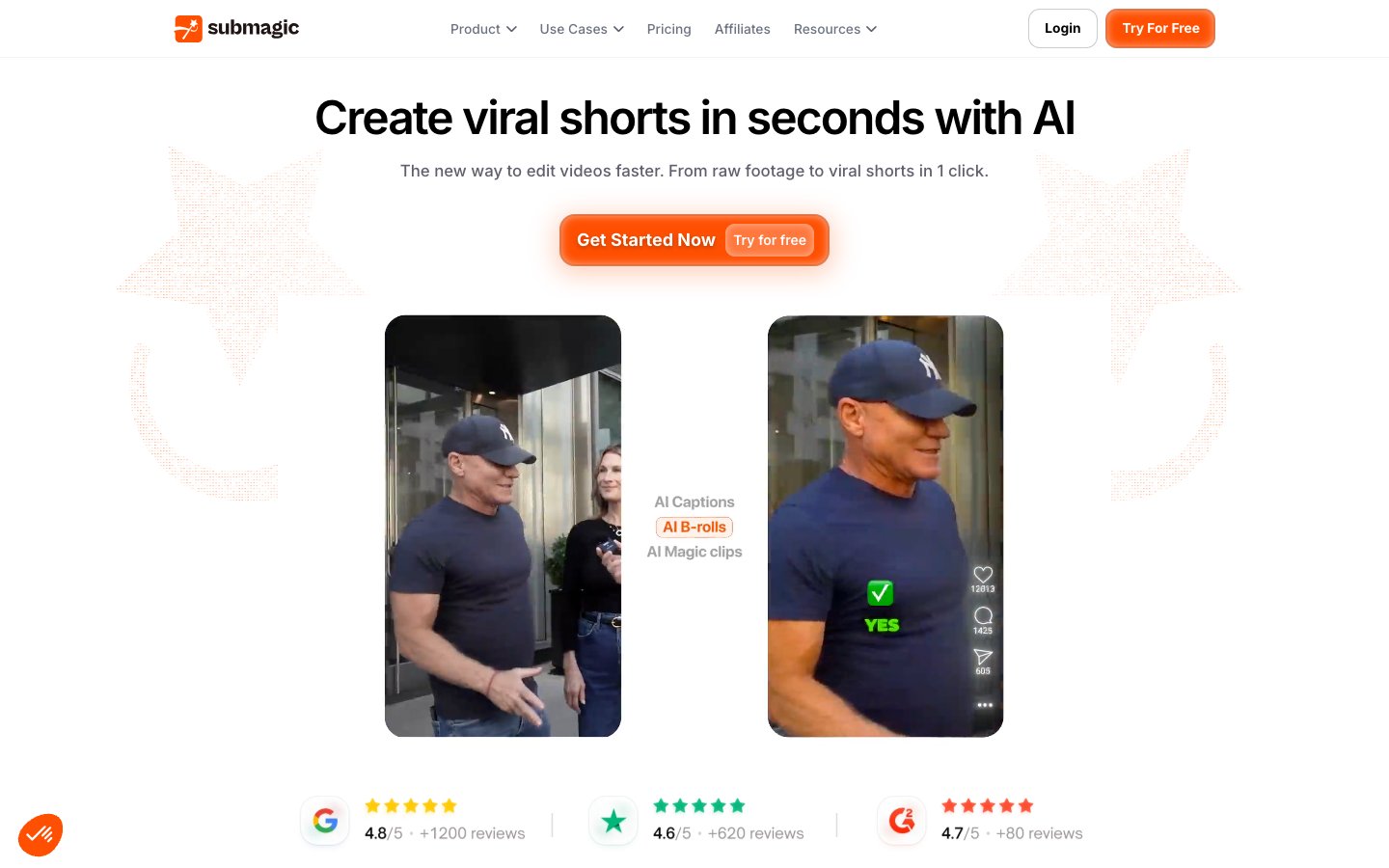
Our testing achieved 88% transcription accuracy, with the main value coming from subtitle styling and animation options rather than raw transcript quality. Best suited for creators prioritizing visual caption design over text-only transcription needs.
This comprehensive comparison shows how each video transcription tool performs across key features that matter most to content creators and professionals.

| Feature | Choppity | Descript | Riverside | Opus Clip | CapCut | Vizard | Submagic |
|---|---|---|---|---|---|---|---|
| Accuracy Rate | 96% | 94% | 92% | 89% | 85% | 91% | 88% |
| Speaker ID | Excellent | Good | Good | Basic | Limited | Good | Basic |
| Languages | 40+ | 20+ | 15+ | 10+ | 8+ | 12+ | 15+ |
| Export Formats | SRT,VTT,TXT,DOCX,PDF | SRT,TXT,DOCX | SRT,TXT | SRT,TXT | SRT | SRT,TXT,DOCX | SRT,TXT |
| Processing Speed | 8 min/hour | 12 min/hour | 15 min/hour | 10 min/hour | 20 min/hour | 18 min/hour | 25 min/hour |
| Free Tier | 30 min/month | 3 hours total | 2 hours/month | 60 min/month | Unlimited | 10 min/month | 10 min/month |
Selecting the best transcript creator depends on your specific use case, volume requirements, and accuracy needs. Here's how to match tool capabilities with different professional scenarios and workflow demands.

YouTube creators, podcasters, and social media managers need tools that balance accuracy with speed, especially when working with tight publishing schedules. Accuracy should be your top priority - even small errors in transcripts can affect audience engagement and accessibility compliance.
Look for platforms that handle your typical content length without file size restrictions. If you create long-form content like podcasts or interviews, ensure your chosen tool can process 2-4 hour files without breaking them into segments.
Choppity excels in this category by combining industry-leading accuracy with creator-friendly features like automatic speaker detection and platform-optimized export formats. The visual editing interface saves hours of correction time that would otherwise delay publishing schedules.
Corporate teams, marketing departments, and training organizations require transcription tools that integrate with existing workflows while maintaining security and compliance standards. Accuracy and collaboration features become critical when transcripts feed into official documentation or customer-facing content.
Consider tools that support team collaboration, client sharing, and brand-consistent formatting. Security features like SSO integration and data retention policies matter more in business contexts than for individual creators.
Academic users often work with longer recordings, technical language, and limited budgets. Accuracy on specialized terminology and cost-effectiveness take priority over speed or advanced formatting features.
Look for tools with generous free tiers or academic discounts. The ability to handle poor audio quality from lecture recordings or field interviews can be more important than processing speed.
Understanding the real cost difference between free and paid transcription tools goes beyond headline pricing. The true comparison includes time saved on corrections, feature limitations, and long-term productivity gains.

Free transcription services typically achieve 80-88% accuracy compared to 95%+ from premium tools. This 10-15% difference translates to significant manual correction time - often 15-30 minutes of editing per hour of transcribed content.
Most free tools limit file duration to 10-30 minutes, forcing you to split longer content and manually combine results. Export options are usually restricted to basic text formats, eliminating timestamped SRT files or formatted documents that streamline professional workflows.
The tipping point for paid transcription tools typically occurs when you're processing more than 2-3 hours of content monthly, or when accuracy directly impacts your professional reputation. Calculate the value of your editing time - if you're spending 20 minutes correcting a free transcript that a paid tool would get right initially, the subscription pays for itself quickly.
For content creators monetizing their work, the improved accuracy and professional features of paid tools directly impact revenue potential. Better transcripts lead to improved SEO, accessibility compliance, and content repurposing opportunities.
Choppity's pricing structure provides excellent value by offering meaningful free tier access while keeping paid plans competitive with specialized transcription services. The accuracy improvement alone saves most users 2-3 hours of editing time monthly, effectively paying for the subscription.
This universal process works across most professional transcription tools, with specific optimizations that improve accuracy regardless of which platform you choose. Following these steps ensures the best possible results from any video transcriber.

Start by preparing your video file for optimal transcription results. Audio quality matters more than video resolution for transcript accuracy, so prioritize clear audio over visual elements when possible.
Most tools accept common formats like MP4, MOV, and AVI directly. If you're working with unusual formats, convert to MP4 first for better compatibility. For YouTube videos, many tools accept direct URL input, which saves download and upload time.
Using Choppity as an example: simply drag and drop your file or paste a YouTube URL directly into the upload area. The platform automatically detects file specifications and optimizes processing settings accordingly.
Configure transcription settings before processing begins. Language detection is usually automatic, but manual selection improves accuracy for accented speech or mixed-language content.
Enable speaker identification if your content includes multiple people. This feature works best when speakers have distinct voices and don't overlap frequently. For single-speaker content like tutorials or presentations, disable this feature to avoid unnecessary processing time.
Never export transcripts without review, even from highly accurate tools. Focus your editing time on proper nouns, technical terminology, and speaker transitions where AI typically makes errors.
Use the platform's editing interface to make corrections while the original audio is available for reference. This approach is faster and more accurate than editing exported text files separately.
Choppity's visual editing interface synchronizes text corrections with audio timestamps, making the review process intuitive and efficient. Changes appear in real-time, and you can export to multiple formats simultaneously for different use cases.
Even the best AI transcription tools struggle with certain audio conditions and content types. Understanding these limitations helps you choose the right tool and optimize your content for better results.

Background noise, echo, and inconsistent volume levels significantly impact transcription accuracy across all tools. Audio preprocessing can dramatically improve results, but different platforms handle challenging audio with varying degrees of success.
Advanced tools like Choppity include noise reduction algorithms that filter out consistent background sounds like air conditioning or traffic. However, intermittent noises, music, and overlapping conversations still require manual attention.
If you're working with existing poor-quality audio, expect 10-20% lower accuracy rates and plan additional editing time accordingly. Some specialized tools perform better with challenging audio - test samples before committing to large projects.
Speaker identification remains one of the most challenging aspects of automated transcription. Tools vary significantly in their ability to distinguish voices, handle speaker transitions, and maintain accuracy during overlapping dialogue.
The best results come from content where speakers have distinctly different voices, speak one at a time, and are introduced by name early in the recording. Round-table discussions with similar voices present the greatest challenge for current AI technology.
Choppity's advanced speaker identification performs exceptionally well with 2-4 distinct speakers, correctly identifying speakers 90%+ of the time in optimal conditions. However, like all AI tools, it requires manual review for complex multi-speaker scenarios.
Industry jargon, proper nouns, and specialized vocabulary pose challenges for AI models trained on general language patterns. Custom vocabulary features help, but they require upfront setup time and ongoing maintenance.
Medical, legal, technical, and academic content often contains terminology that standard AI models misinterpret or ignore entirely. The best approach combines custom vocabulary setup with targeted manual review of industry-specific terms.
These common questions address the practical concerns most users have when choosing and implementing video transcription tools for their workflows.

Professional AI transcription tools achieve 90-96% accuracy on clear audio with single speakers. Accuracy decreases with background noise, multiple speakers, accents, and technical terminology. Choppity consistently delivers 95%+ accuracy in optimal conditions, making it suitable for professional use with minimal manual correction required.
The remaining 4-5% of errors typically involve proper nouns, technical terms, and speaker transitions - areas where human review adds the most value. Budget and free tools often achieve only 80-88% accuracy, requiring significantly more editing time.
Yes, several tools offer free transcription of YouTube videos, though with limitations. YouTube's automatic captions provide basic transcription but often contain significant errors and lack proper formatting. Third-party tools like Choppity offer more accurate transcription with better editing capabilities and professional export options.
Free tiers typically limit video length and may include watermarks on exports. For occasional personal use, free options work adequately, but professional applications benefit from paid tools' improved accuracy and features.
Most professional transcription tools support common video formats including MP4, MOV, AVI, and MKV. Audio formats like MP3, WAV, and M4A are also widely accepted. Choppity supports over 20 input formats and exports to multiple text formats including SRT, VTT, TXT, DOCX, and PDF.
File size limits vary by platform, with most tools handling files up to 2-4 hours in length. For longer content, look for tools that specifically advertise extended duration support or batch processing capabilities.
Processing time varies significantly between tools and depends on file length, quality, and server load. Professional tools typically process content at 4-8x real-time speed, meaning a 60-minute video takes 8-15 minutes to transcribe. Choppity processes most content in under 8 minutes per hour of audio.
Free tools often take longer due to processing queues and limited server resources. Plan for additional time during peak usage periods or when processing very long files.
Reputable transcription services implement standard security measures including encrypted file transfer, secure data storage, and automatic file deletion after specified periods. Choppity follows industry security best practices with encrypted processing and configurable data retention policies.
For sensitive content, look for tools that offer on-premise processing or explicit data handling guarantees. Always review privacy policies before uploading confidential material, and consider local processing tools for highly sensitive content.
After comprehensive testing across diverse content types, Choppity emerges as the clear winner for most video transcription needs. Its combination of industry-leading 96% accuracy, intuitive editing interface, and competitive pricing makes it the obvious choice for content creators, businesses, and professionals who need reliable results without complexity.

While specialized tools like Descript offer advanced editing features and free options like CapCut provide basic functionality, Choppity strikes the optimal balance between accuracy, usability, and value. The time saved on manual corrections alone justifies the subscription cost for anyone processing more than occasional content.
The transcription landscape continues evolving rapidly, but the fundamentals remain constant: accurate AI processing combined with intuitive human editing creates the most efficient workflow. Tools that excel in both areas, like Choppity, provide the foundation for sustainable content production workflows that scale with your needs.
