Podcast clips for social media are one of the fastest ways to grow a show in 2026. Full episodes build depth with existing listeners, but short clips drive discovery. The creators growing fastest turn one podcast recording into a steady stream of TikTok, Instagram Reels, YouTube Shorts, and LinkedIn posts.
This guide gives you the playbook: platform-by-platform strategy, clip specs, publishing cadence, and a practical workflow to repurpose one episode into a week of social content.
TL;DR — Podcast social strategy in one view
- TikTok: fast hooks, 20-45s clips, high-energy captions
- Instagram Reels: clear framing, polished covers, reusable series format
- YouTube Shorts: searchable hook + one complete takeaway
- LinkedIn: insight-led clips with professional context
- Use one workflow to clip, caption, and schedule across all channels
Why podcast clips outperform full episodes on social
Most social feeds are built for short-form browsing. Asking a cold viewer to watch a 60-minute episode is a big commitment, but asking them to watch a 35-second insight is not. Clips create the first touch; full episodes convert high-intent listeners later.
This is why short-form should be treated as a distribution layer for your podcast, not a side project.
Podcast audiograms vs video clips
Audiograms still have a place, especially for quick audio teasers. But video-first clips with speaker framing and captions usually outperform static waveform visuals on TikTok, Reels, and Shorts.
| Workflow | Audiogram | Video clip + captions |
|---|---|---|
| Best use case | Audio-only snippets and quick promos | Discovery-focused social growth and retention |
| Primary strength | Fast to produce from audio-first workflows | Higher watch time, stronger hooks, better feed performance |
| Main trade-off | Lower visual retention in modern short-form feeds | Needs good framing, caption styling, and clip selection |
| Platform fit | Useful for quick LinkedIn/X teasers | Best fit for TikTok, Reels, and YouTube Shorts |
Platform-by-platform podcast clip playbook
TikTok
Prioritize the first second. Start with a claim, contradiction, or "I didn't expect this" moment. Keep clips tight and avoid long preambles.
Instagram Reels
Podcast Instagram strategy works best when clips feel part of a repeatable series. Use consistent caption style, color system, and cover text so viewers recognize your clips immediately.
YouTube Shorts
Shorts viewers reward complete ideas. One question + one answer often beats montage-style edits. Keep titles direct and outcome-focused.
Use clips with concrete lessons, mistakes, and practical frameworks. Add post copy that summarizes the business takeaway in one or two lines.
Facebook Reels
Repurpose your best-performing Instagram and TikTok clips, then test alternate hooks. Facebook often rewards broad, relatable themes over niche references.
What makes a strong podcast clip for social media?
- A single complete thought (not a half idea)
- A hook in the first second
- Captions readable on mobile at arm's length
- Clear speaker focus (especially in interviews)
- A natural endpoint that feels shareable
Clip sizing and spec quick table
| Platform | Recommended ratio | Typical length | Caption rule |
|---|---|---|---|
| TikTok | 9:16 | 20-45s | Large, high-contrast captions above lower UI |
| Instagram Reels | 9:16 | 20-60s | Keep key words away from bottom overlays |
| YouTube Shorts | 9:16 | 25-60s | Readable but less stylized than TikTok |
| 9:16 or 1:1 | 30-75s | Clarity > effects |
Workflow: one episode into a week of social clips
1) Upload the full episode once
Start with your full source recording. If your workflow is still manual, this is where time gets lost. A dedicated podcast clip generator is the most reliable way to speed this up.
2) Generate and rank clip candidates
Use AI to surface clips with strong hooks and complete context. Pick the top 7-10 candidates before editing style details.
3) Standardize your visual system
Apply one caption style per show, plus speaker color coding for interviews. Consistency makes your clips recognizable across channels.
4) Schedule by platform intent
Plan posts by platform behavior: more experimental hooks on TikTok, polished educational clips on LinkedIn, and balanced storytelling on Reels/Shorts.
For YouTube-heavy channels, start with our video to Shorts converter to speed up extraction and formatting.
Why Choppity Is Our #1 Pick for Podcaster Clips
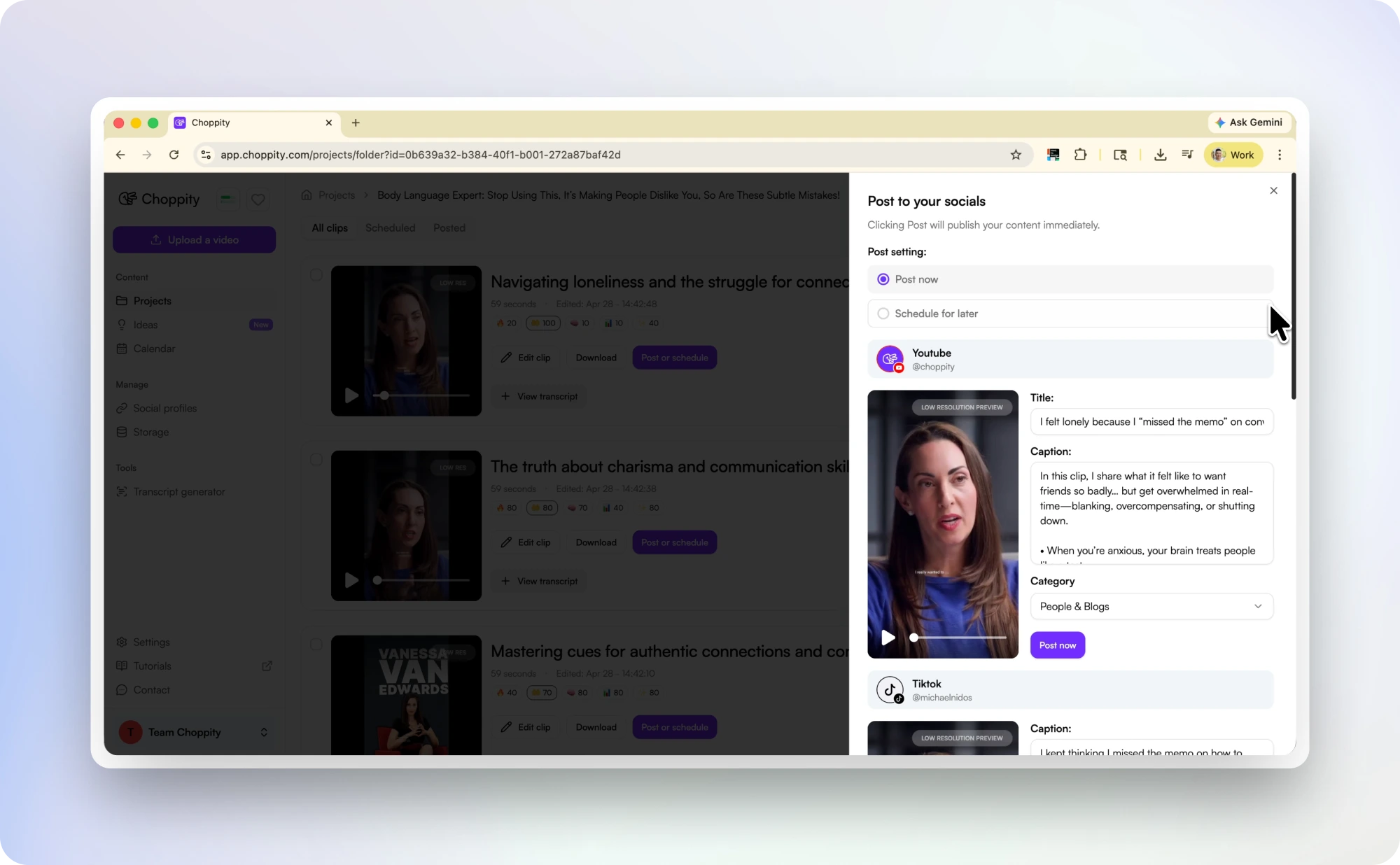
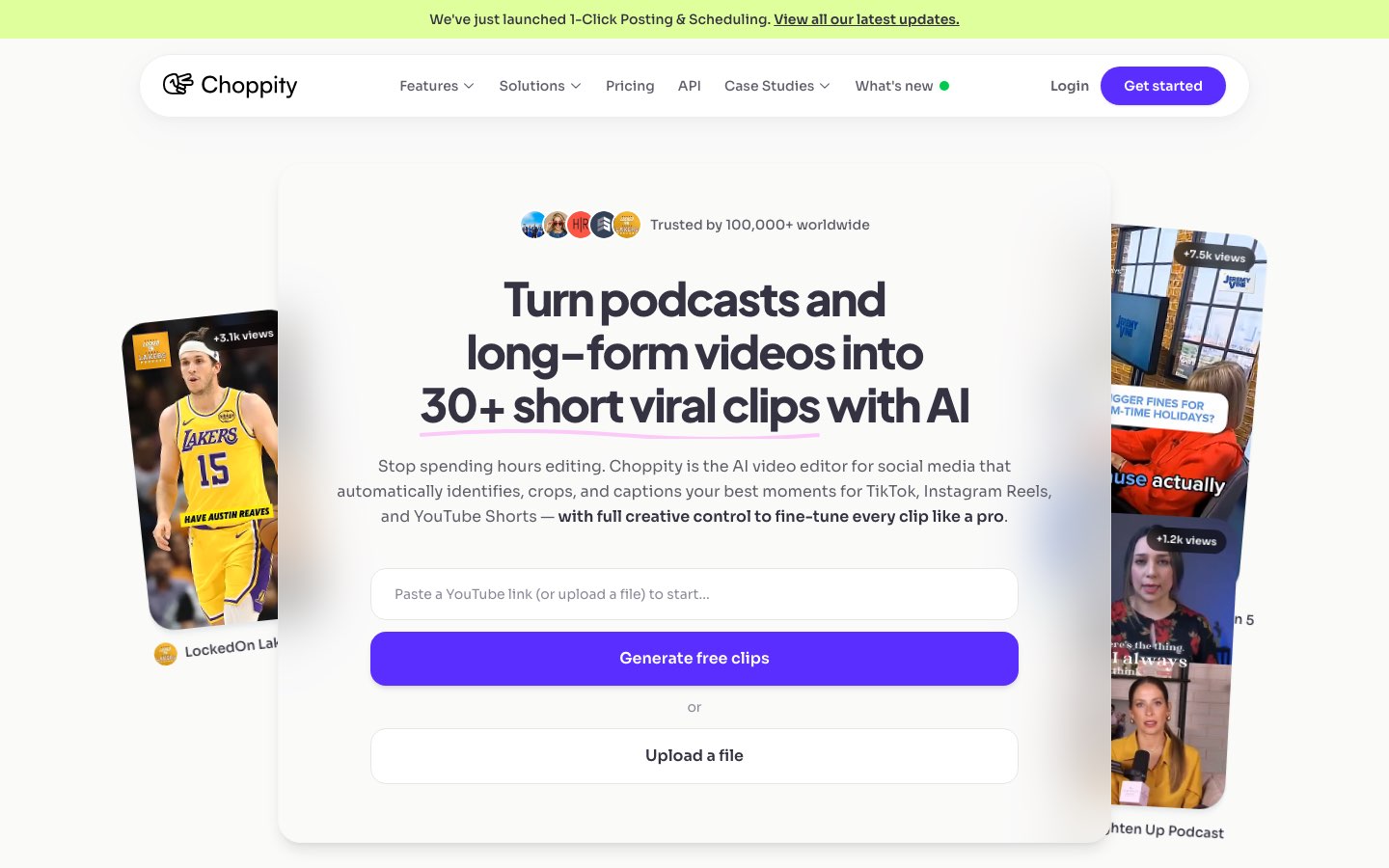
Choppity is built for episode-to-social workflows: AI moment detection, animated captions, multi-speaker reframing, and direct scheduling in one place. For small teams, reducing tool switching is usually the difference between a strategy that sounds good and one that actually ships every week.
For a full alternatives breakdown, read our 11-tool podcast clip maker comparison. For podcaster-specific growth loops, see the podcaster solution page.
Related reading
- How to Repurpose a Podcast into Shorts
- Turn Podcast Episodes into Short Clips
- Best AI Podcast Clip Makers in 2026
Frequently Asked Questions
How many podcast clips should I post per week?
A practical target is 4-7 clips weekly from each episode. Start with consistency, then scale volume once your workflow is stable.
Do podcast clips work on LinkedIn?
Yes, especially insight-led clips with practical lessons. Keep the tone clear and professional, and pair each clip with context in the caption.
What's the best way to make podcast clips for social media?
Use AI-assisted clipping to identify strong moments from full episodes, then batch captioning and scheduling. This cuts production time and improves consistency.
Can I use the same clip on TikTok, Reels, and Shorts?
Yes. Reuse the core edit, then adjust hook text, caption style, and post copy per platform for better performance.
Are podcast audiograms still worth posting?
They are useful for audio-only promotions, but video clips with captions generally win for reach and retention on short-form social feeds.

Written by
Michael WongFounder & CEO · Founder of Choppity
Content creator for 12+ years with 215K+ YouTube subscribers and an active presence across YouTube, Instagram, LinkedIn, and X. As founder of Choppity, Michael has personally tested every major AI clip maker — giving him a unique perspective on what works and what doesn't for real creators.