If you publish a weekly podcast, you already have enough material to post daily on TikTok, Instagram Reels, and YouTube Shorts. The problem is time: manually finding clip-worthy moments in a 60-minute episode can take half a workday. This guide shows exactly how to repurpose podcast content into short clips without adding another editing bottleneck.
We'll walk through a practical podcast-to-shorts workflow used by growing shows in 2026, including the fastest way to move from one long episode to a week of short-form content. If you want to run this process now, start with the Podcast Clip Generator.
TL;DR — Repurpose one podcast into a week of shorts
- Upload one full episode (audio or video)
- Use AI to find the strongest 20-40 moments
- Apply captions + vertical formatting in one pass
- Schedule 5-7 clips across TikTok, Reels, and Shorts
Why repurpose podcast content into shorts?
Most potential listeners will never discover your full episode first. They discover your show through short clips in feed-first platforms. Repurposing podcast content into shorts lets you distribute your best moments where attention already lives, then pull interested viewers back to full episodes.
It also compounds your output. Instead of one weekly episode and silence between drops, you get a steady stream of content from the same recording session. For small teams, this is one of the highest-leverage growth loops available.
Manual editing vs AI podcast clipping
Both approaches can work, but they have very different costs and throughput.
| Workflow | Manual clipping | AI-assisted clipping |
|---|---|---|
| Time per 60-min episode | 4-6 hours | 15-45 minutes |
| Typical output | 3-8 clips | 20-40 clip candidates |
| Best for | Highly custom edits with lots of hand-tuning | Teams that need consistent weekly publishing |
| Turnaround reliability | Varies by editor bandwidth each week | Predictable weekly volume from each episode |
| Cross-platform readiness | Usually requires extra formatting per platform | Optimized faster for Shorts, Reels, and TikTok |
Step-by-step: how to turn a podcast into shorts in 15 minutes
1) Upload your episode
Upload your source episode (MP4, MOV, MP3, WAV, or M4A) or paste a YouTube link. If your show is audio-only, you'll still be able to publish clips with captions and a branded background.
2) Let AI find clip-worthy moments
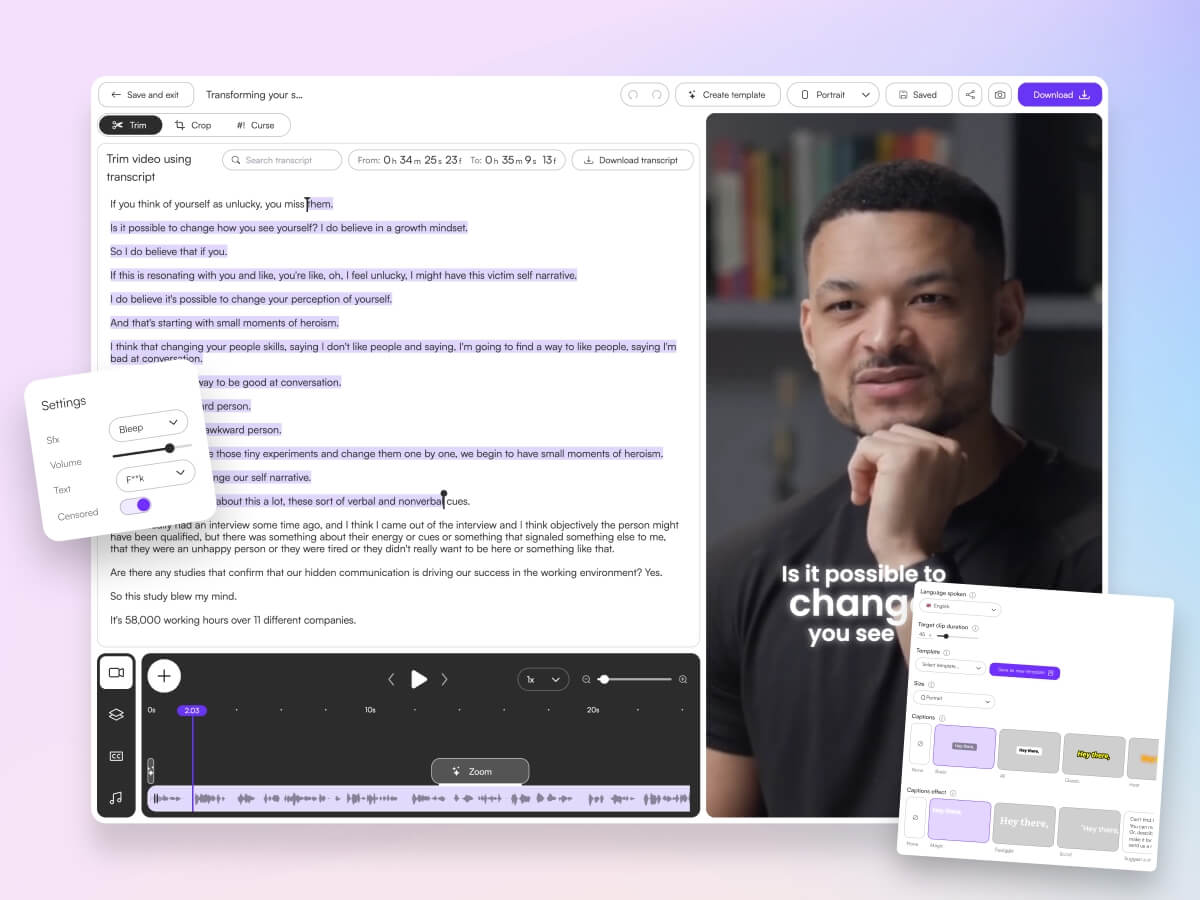
Use AI to identify hooks, contrarian takes, story payoffs, and complete thoughts. This is where most time savings come from: instead of scrubbing manually, you review ranked suggestions.
3) Apply captions and format for vertical feeds
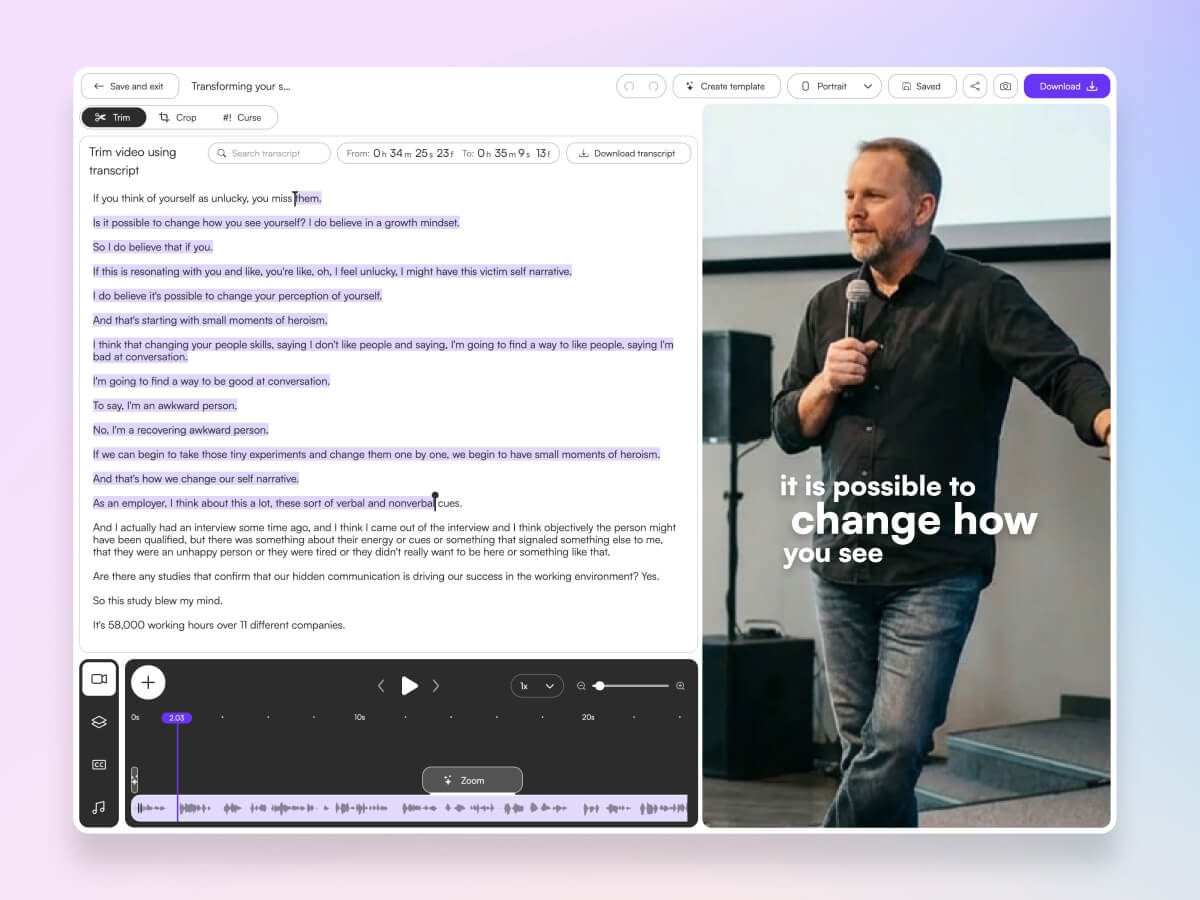
Add animated captions, set your brand style, and confirm each clip is formatted for 9:16. Keep clips to one clear idea each and avoid mid-sentence starts.
4) Export or schedule directly
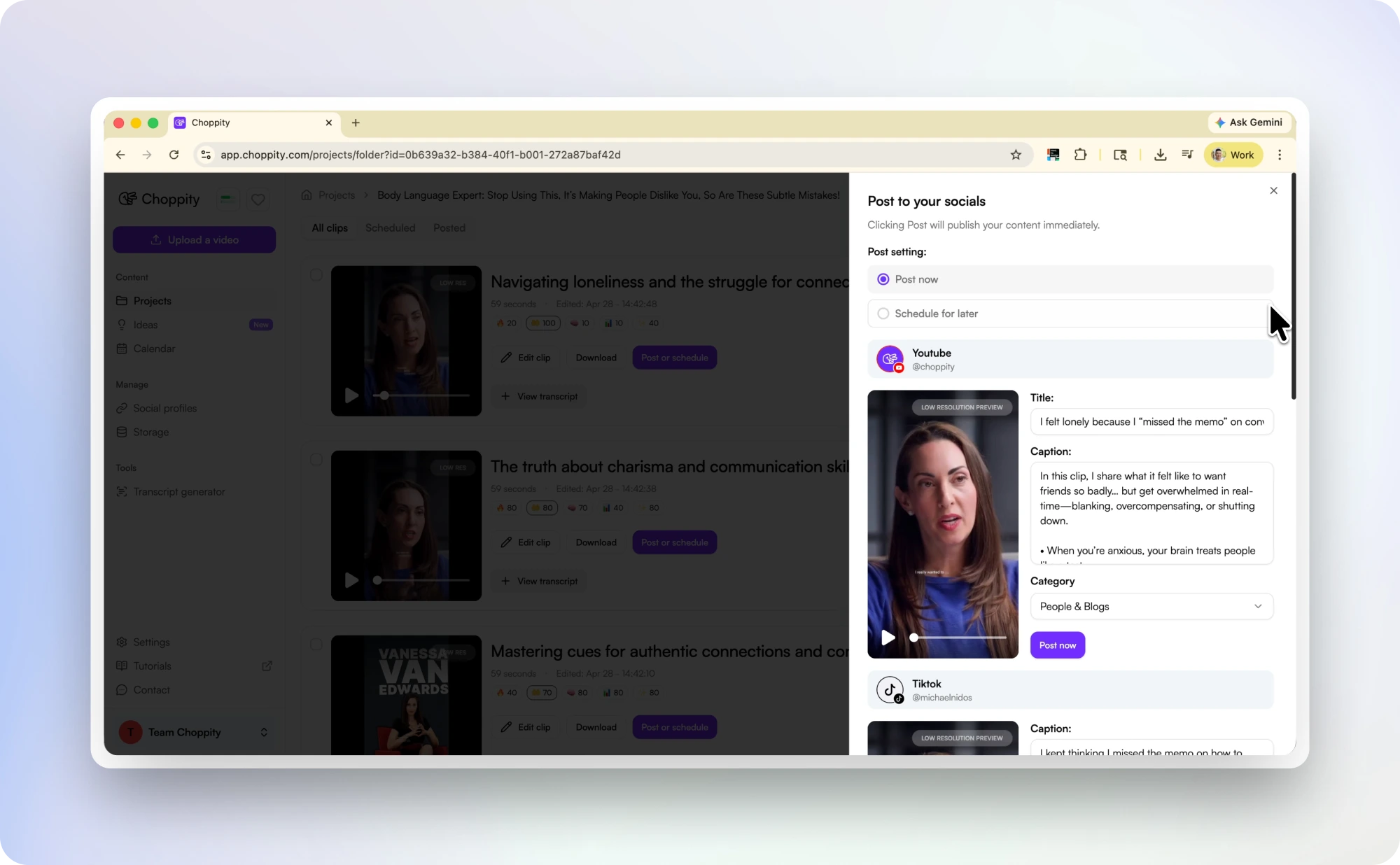
Publish immediately, or batch schedule for the week. A practical cadence is 5-7 clips per episode spread across TikTok, Instagram Reels, and YouTube Shorts.
If your source content is mostly YouTube uploads, use our dedicated video to Shorts converter workflow.
Why Choppity Is Our #1 Pick for Podcaster Clips
Choppity's podcast clip maker is built for conversational content: it detects complete moments, handles multi-speaker episodes, and combines clipping, captioning, and posting in one workflow. That means fewer tool handoffs and faster weekly execution.
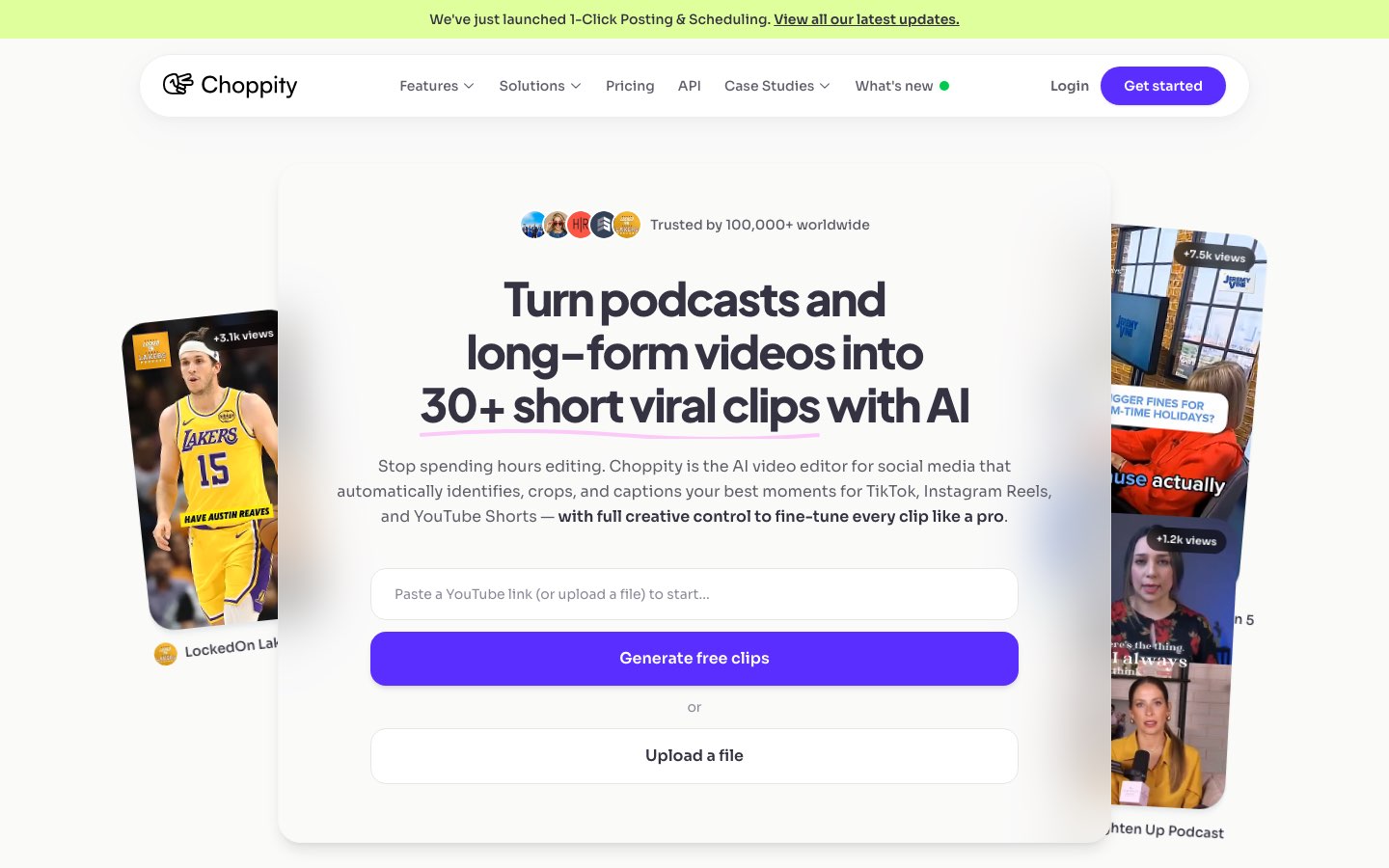
If you're comparing options, read our full AI podcast clip generator comparison. For podcast-specific growth strategy, also see our podcaster solution page.
Best practices for podcast clips on each platform
TikTok
Lead with the strongest line in the first second. Keep clips short (20-45 seconds), use high-contrast captions, and prioritize emotional hooks or surprising claims.
Instagram Reels
For podcast clips on Instagram, design for silent autoplay: readable captions, centered framing, and a clear visual focal point in the first frame. Keep your cover frame legible for profile-grid context.
YouTube Shorts
Choose title text that mirrors search intent where possible (for example, "podcast to shorts workflow"). Keep the clip focused on one takeaway and avoid context-heavy inside jokes.
Use insight-led clips: practical advice, lessons learned, or operator stories. A slower pace can still work if the value is clear and captions are crisp.
Common mistakes when repurposing a podcast
- Starting clips before the setup — viewers need immediate context.
- Publishing without captions — most feeds start muted.
- Cropping speakers incorrectly in interview episodes.
- Posting inconsistently after generating clips.
- Trying to make every clip go viral instead of building a repeatable cadence.
From one episode to a 7-clip content week
Simple schedule:
- Monday: bold opinion clip
- Tuesday: practical framework clip
- Wednesday: story + lesson clip
- Thursday: contrarian take clip
- Friday: quick-win tip clip
- Weekend: 1-2 bonus clips from guest Q&A
That single process turns one episode into a predictable social engine and increases the number of opportunities people have to discover your show.
Related reading
- Podcast Clips for Social Media: Complete Guide
- Best AI Podcast Clip Generators (11 tools compared)
- How to Turn Podcast Episodes into Short Clips
Frequently Asked Questions
How do I repurpose podcast content for social media?
Start with one full episode, extract short clips around complete ideas, add captions, and publish across TikTok, Reels, and Shorts on a weekly schedule. The fastest way is using AI to identify moments first, then reviewing and polishing only the top candidates.
How many podcast shorts should I post per week?
Most shows see good consistency with 4-7 clips per week from each new episode. Volume matters less than repeatability; aim for a cadence your team can sustain every week.
Can I repurpose audio-only podcasts into shorts?
Yes. You can create short-form clips with animated captions plus a waveform, branded background, or static artwork. Audio-only workflows can still perform if the hook and caption readability are strong.
What's the best way to turn a podcast into shorts quickly?
Use AI-assisted clipping to generate ranked moments from the full transcript, then quickly approve, style, and schedule your top clips. This removes most of the manual scrubbing time.
Should I post the same podcast clip on all platforms?
You can reuse the same core clip, but tailor hooks, captions, and cover text per platform. The same message can perform differently on TikTok, Reels, Shorts, and LinkedIn.

Written by
Michael WongFounder & CEO · Founder of Choppity
Content creator for 12+ years with 215K+ YouTube subscribers and an active presence across YouTube, Instagram, LinkedIn, and X. As founder of Choppity, Michael has personally tested every major AI clip maker — giving him a unique perspective on what works and what doesn't for real creators.