

Free Video Caption Generator - Add Animated Subtitles & Captions to Videos with AI
Upload your MP4 or MOV, pick a caption style and transitions, and our AI automatically adds animated subtitles to your video. Download the finished MP4 or post straight to socials. 100% free.
Need to generate clips from long videos or podcasts?
Try our free AI clip maker. 1 free hour of AI analysis credits.
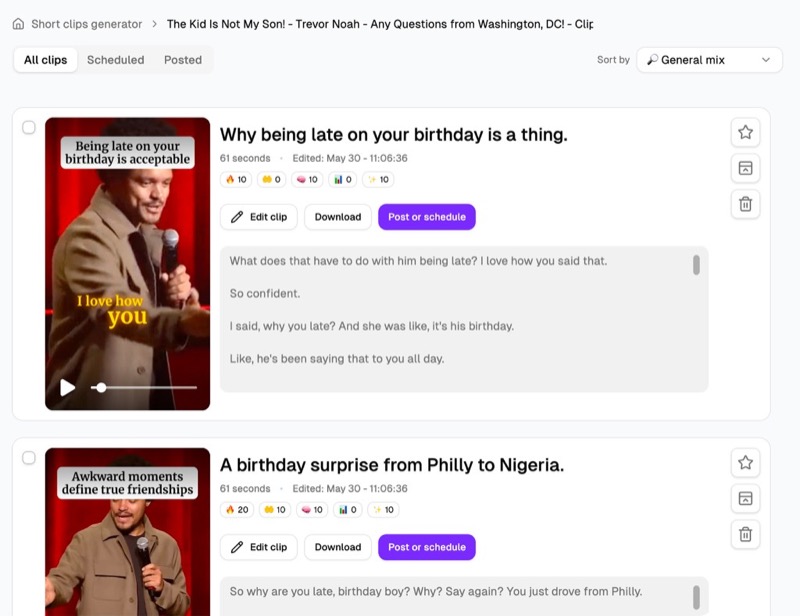
Processing…
This will only take a moment…
Loved and used by real creators, podcasters, brands and more
 LockedOn Lakers
 Jeremy Vine & Daytime on 5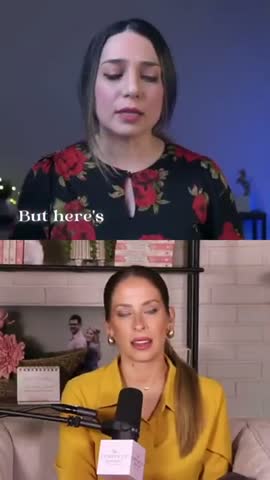
 Lighten Up Podcast
  Unscripted by Raygan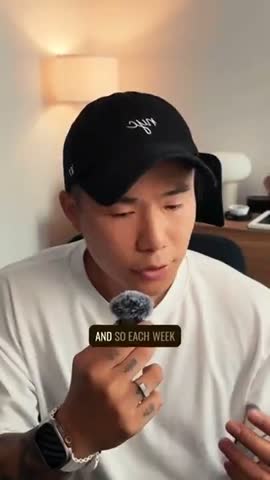
 Made by Mizko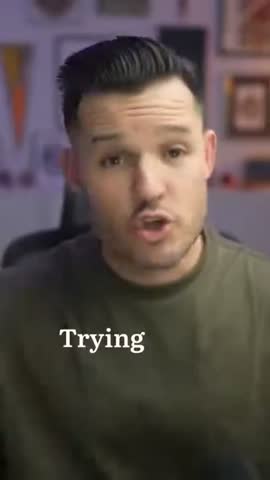
 Design Champs
  MotDollarMiljonen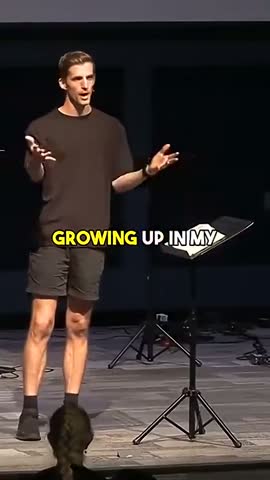
 Southside Presbyterian Church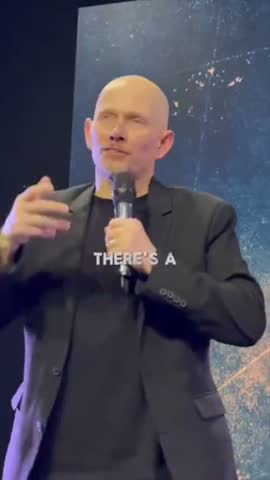
 Hope Rising Church Southside Presbyterian Church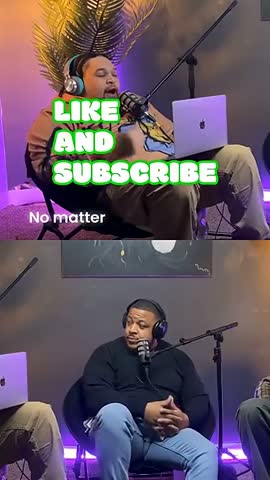
 Let The Streets Rejoice
 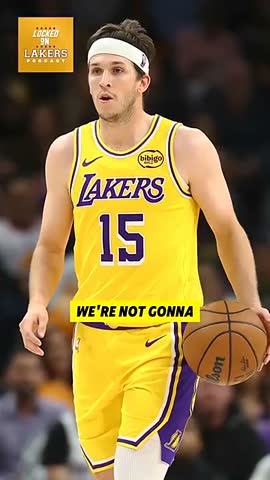 LockedOn Lakers Jeremy Vine & Daytime on 5 Lighten Up Podcast
 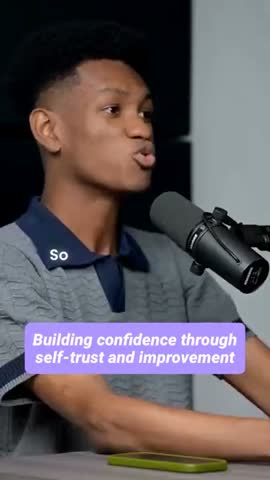 Unscripted by Raygan Made by Mizko Design Champs
 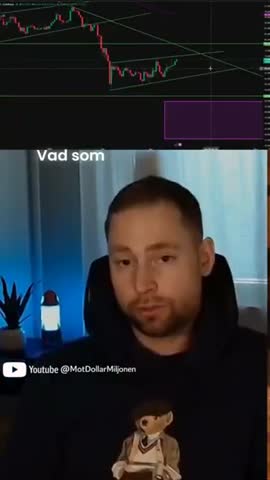 MotDollarMiljonen Southside Presbyterian Church Hope Rising Church
  Southside Presbyterian Church Let The Streets Rejoice LockedOn Lakers Jeremy Vine & Daytime on 5 Lighten Up Podcast Unscripted by Raygan Made by Mizko Design Champs MotDollarMiljonen Southside Presbyterian Church Hope Rising Church Southside Presbyterian Church Let The Streets Rejoice LockedOn Lakers Jeremy Vine & Daytime on 5 Lighten Up Podcast Unscripted by Raygan Made by Mizko Design Champs MotDollarMiljonen Southside Presbyterian Church Hope Rising Church Southside Presbyterian Church Let The Streets Rejoice
 Trusted by teams at



 MPS Society
 SonatypeMPS SocietySonatypeMPS SocietySonatypeMPS SocietySonatype
 How to use this tool
Upload your video
Drag and drop an MP4 or MOV file, or paste a URL from YouTube, TikTok, Vimeo, or Loom.
Pick caption style & transitions
Choose a caption style — minimal, word-by-word, karaoke, or Hormozi — and pick the transition animation.
AI adds captions automatically
Our speech-to-text AI transcribes the audio with 95%+ accuracy and burns time-synced captions straight into your video.
Download or post to socials
Download the finished captioned MP4 or post directly to TikTok, Instagram, YouTube, Facebook, and LinkedIn.
How it works
How to add captions to any video online — free
Our free video caption generator uses advanced AI speech recognition (the same models behind enterprise transcription tools) to auto-caption any video in minutes. Upload an MP4 or MOV, or paste a YouTube, TikTok, Instagram, LinkedIn, or Vimeo URL, and our system analyses the audio track, detects every speaker change, and generates word-perfect, time-coded captions automatically.
Then pick a caption style — minimal, word-by-word, karaoke, or Hormozi — and we burn the animated subtitles directly into your video. You get a finished, post-ready MP4: no SRT files to upload, no platform-by-platform CC settings to configure, no risk of captions getting stripped on re-upload. Download the file or post straight to TikTok, Instagram, YouTube, Facebook, and LinkedIn from inside Choppity. What used to take 4-6 hours per video hour now takes 3 minutes.
For TikTok, Reels & Shorts
Auto-captions for TikTok, Instagram Reels, YouTube Shorts & Facebook Reels
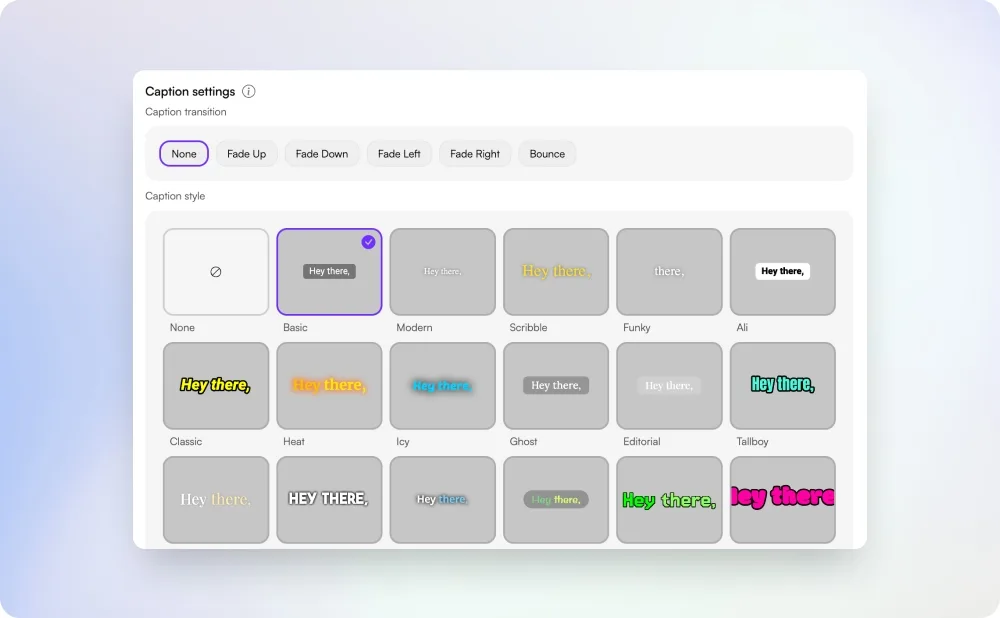
85% of TikTok, Reels, and Shorts viewers watch with sound off — captions aren't optional, they're the entire hook. Our AI caption generator outputs perfectly framed 9:16 captions sized for vertical video, with viral preset styles built in: word-by-word reveal (like MrBeast and Iman Gadzhi use), Hormozi-style emphasis with bold yellow keywords, karaoke-style highlight, and clean minimal subtitles.
The AI also handles the messy stuff that kills retention — filler-word removal ("um", "uh", "like"), automatic line breaks for readability on small screens, and emoji-friendly formatting. Drop in a long podcast or YouTube video, and Choppity's AI clip maker can even auto-clip the highlight moments and caption them in one pass — turning a 60-minute episode into a week of captioned shorts. Perfect for creators chasing retention curves on short-form.
For YouTube long-form & podcasts
Burned-in captions for YouTube, podcasts & long-form video
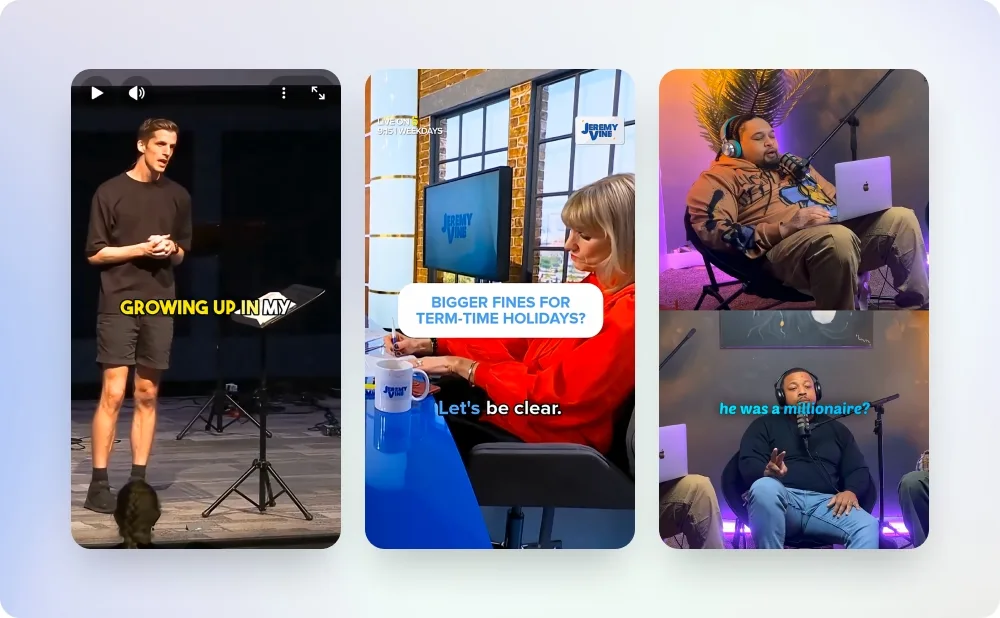
Long-form video — full YouTube uploads, podcast video, recorded webinars — gets a different caption treatment than short-form. The captions need to be visible by default (because most viewers never click the CC button), accurate enough to handle multiple speakers and technical jargon, and styled subtly enough to not distract from the talking head.
Upload your podcast or YouTube video and our AI handles all of it: multi-speaker transcription with 95%+ accuracy on names, jargon, and crosstalk; clean line breaks and punctuation that read naturally on screen; and a minimal, professional caption style that's burned directly into the video. The result is a finished MP4 with always-on captions — no CC toggle required, no risk of YouTube's notoriously inaccurate auto-captions overriding yours, and no manual cleanup. If you run a podcast on YouTube, every episode should ship with captions baked in — it lifts watch time by an average of 12% and makes your content searchable to viewers who watch with sound off.
Accessibility & compliance
Captions for accessibility, WCAG compliance & multi-language reach
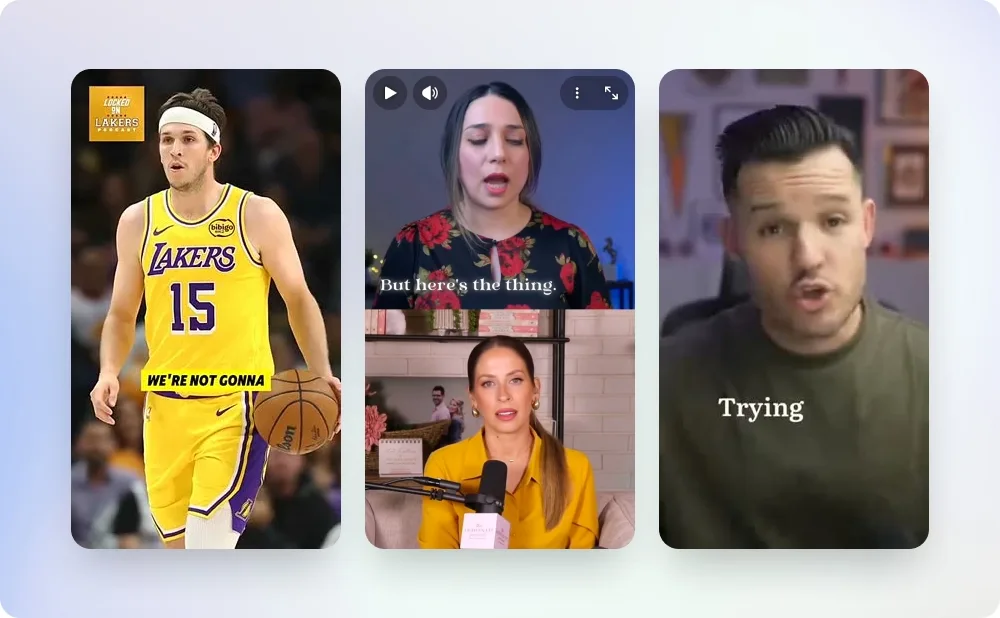
Captions aren't just an engagement tactic — they're an accessibility requirement. WCAG 2.1 Level AA (the standard most enterprise content teams target) and the ADA both require captions on prerecorded video. Our caption generator produces accurate, time-synced captions burned directly into your video with proper line breaks, punctuation, and optional speaker identification — meeting the visual requirements of WCAG 2.1 AA and ADA Title III without the operational overhead of separately uploaded subtitle tracks.
The same tool also unlocks international reach: generate captions in 40+ languages including Spanish, French, German, Portuguese, Japanese, Korean, Mandarin, Arabic, Hindi, and Italian. A single video can ship to global markets in an afternoon. For deaf and hard-of-hearing viewers, always-visible burned-in captions are the difference between your content being watchable and being skipped.
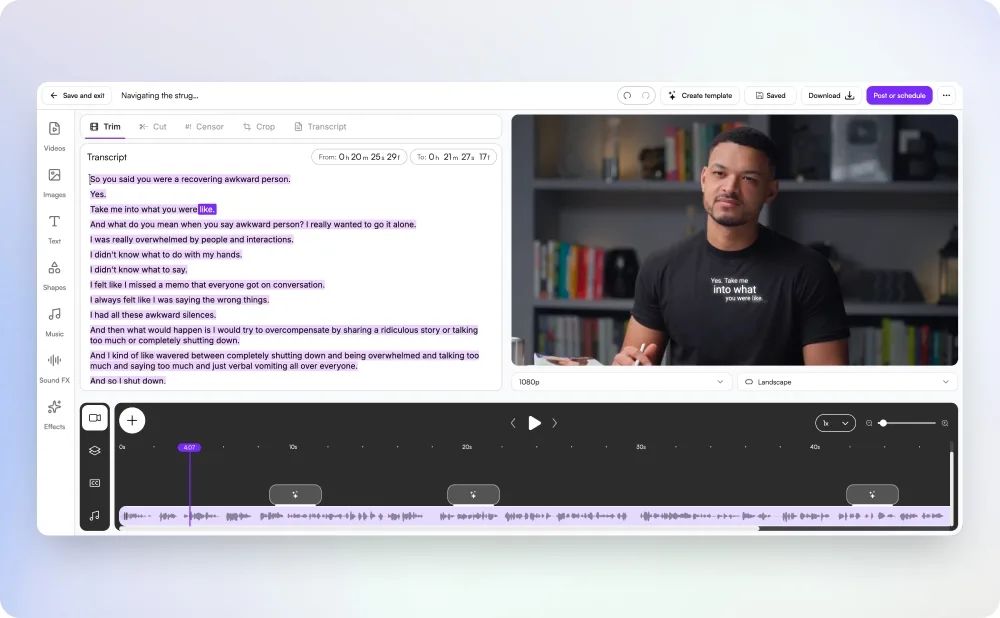
Caption styles
Caption styles: word-by-word, karaoke, Hormozi, minimal & custom
Caption styling drives retention. Generic white-on-black subtitles get scrolled past — animated, emphasis-driven captions hold attention. Inside the free generator you can pick from proven presets: word-by-word pop-on (for high-energy short-form), karaoke-style highlight that follows the spoken word (great for tutorials and music), Hormozi-style with bold yellow keyword emphasis (for business and selling), and clean minimal subtitles for documentary or corporate use.
All styles are fully customisable in Choppity's full editor — fonts, colours, stroke, shadow, position, animation timing — so your captions match your brand. Export presets cover every aspect ratio: 9:16 vertical for shorts, 1:1 square for feed posts, 16:9 widescreen for YouTube, and 4:5 portrait for Instagram. One upload, every format.
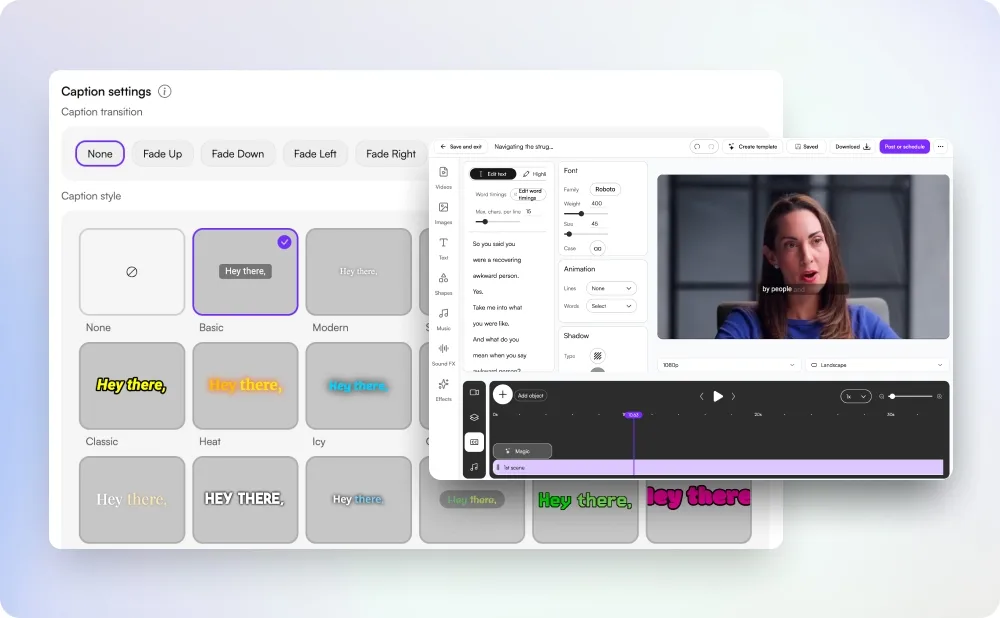
Accuracy
How accurate are free AI-generated captions?
Our AI achieves 95%+ word accuracy on clear audio in major languages — comparable to paid services like Rev or Otter, and significantly better than YouTube's auto-captions. The system handles accents, multiple speakers, technical vocabulary, and punctuation correctly out of the box.
For messy audio (background noise, overlapping speakers, low bitrate), accuracy can drop to 85-90% — still usable as a starting point that you edit in seconds rather than typing from scratch. Every caption is also fully editable: tweak wording, fix names, adjust timing, or restyle on the fly before you export.
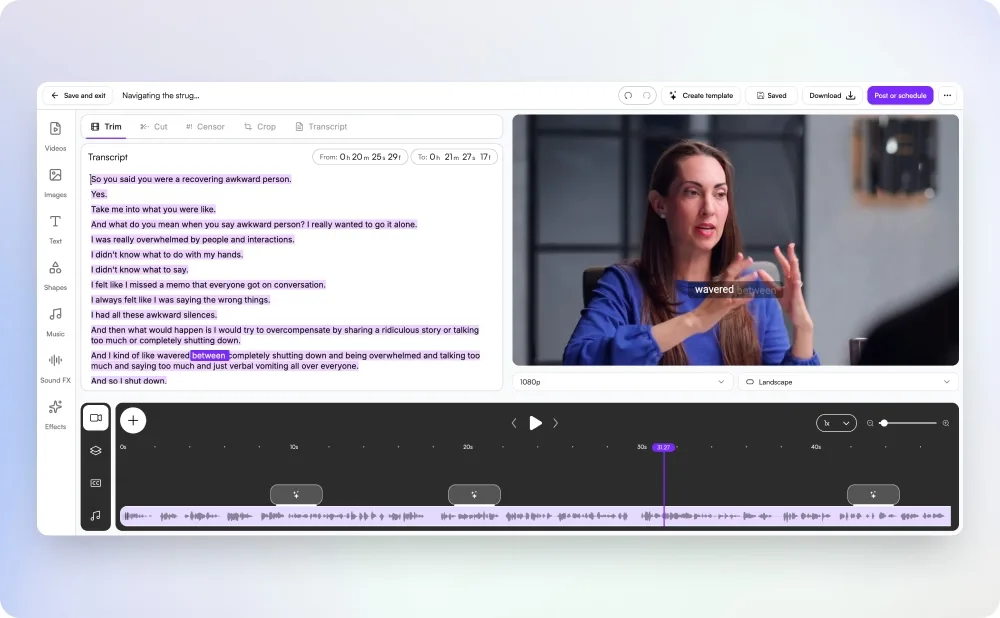
Specialised caption & subtitle tools
All powered by the same AI engine. Pick the one tailored to your platform or use case.
Add Subtitles to Video
Burn animated subtitles into any video, ready to download or post.
Animated Subtitle Generator
Bounce, fade, slide, typewriter, and pop animation styles.
Hormozi Caption Style Generator
Bold yellow word emphasis — the viral business-content look.
Instagram Reels Captions
Auto-captions sized and styled for Instagram Reels.
Facebook Reel Captions
Auto-captions for Facebook Reels in the right 9:16 format.
Automated Captions feature →
See how captions fit into the full Choppity workflow.
Try our AI video editing platform
At Choppity we help content creators turn long videos into viral short clips. We use AI to automatically identify highlights, add animated captions, and optimize content for each social platform.
Try it for freeThese podcasters, creators, content teams and founders said yes, look what happened
Here's what happened when you stop trying tools or dabble with video editors and start using Choppity.
"Want cleaner podcasts without spending hours editing? We found an AI tool that automatically censors swear words, audio bleeps AND caption cleanup! Choppity. Game changer."
AwesomeCast
Tech Podcast
"We've been using Choppity for the last 6 months for the AutoTrader tech podcast. We've seen a massive increase in our views and subscribers — the auto-captioned shorts do the heavy lifting on social."

Callum B.
Product Lead, AutoTrader
"Since we've started using Choppity, our socials have seen a 4x increase in overall views. The captioned clips fly on TikTok and Reels — viewers actually finish them."

Vaibhav
Founder, SmartLead.ai
"Having ALL the clips automatically clipped, styled and captioned has been the biggest lever to growing my businesses. The captions alone would have cost me a full-time editor."
Michael W.
YouTuber & Designer
Free Video Caption Generator FAQs
Common questions about this tool and how it works
Is this video caption generator really free?
Yes — completely free for up to 1 hour of video content. You can auto-caption your videos and download fully captioned MP4s without paying a cent. Choppity's full platform (which unlocks longer videos, auto-clipping, brand kits, scheduling, and team features) is a paid upgrade, but this caption tool itself is permanently free up to the 1-hour limit.
What's the difference between captions and subtitles?
Technically: captions assume the viewer can't hear (so they include "[laughter]", "[music playing]", and speaker IDs), while subtitles assume the viewer can hear but doesn't speak the language. In practice, the terms are used interchangeably online. Our generator can output either — toggle accessibility cues on or off depending on your audience.
Are captions burned into the video or exported as a separate SRT file?
Burned in. Choppity bakes the captions directly into your finished MP4 so they're visible by default on every platform — no SRT upload step, no platform-specific CC settings to configure, no risk of captions getting stripped on re-share. This also means your captions are styled exactly the way you designed them, every time, on every device.
Does it auto-caption TikTok, Reels, and YouTube Shorts?
Absolutely. Paste a URL or upload your 9:16 video and the AI generates captions sized for vertical short-form. Pick a viral style preset (word-by-word, karaoke, Hormozi-style) and download a fully captioned MP4 ready to post.
What video formats and platforms work with this caption tool?
Upload MP4, MOV, WebM, MKV, AVI, M4V, or paste URLs from YouTube, TikTok, Instagram, Facebook, LinkedIn, Vimeo, Loom, or Twitter/X. The free tier handles videos up to 10GB. The output works on every social platform and every video editor.
How accurate are the AI-generated captions?
95%+ on clear audio — better than YouTube's auto-captions and on par with paid transcription services like Rev or Otter. Multiple speakers, accents, technical jargon, and proper punctuation all work out of the box. You can also edit any caption manually before exporting.
How many languages are supported?
Over 40, including English, Spanish, French, German, Portuguese, Italian, Dutch, Japanese, Korean, Mandarin Chinese, Arabic, Hindi, Russian, Polish, Turkish, and Vietnamese. The AI auto-detects the spoken language, or you can set it manually.
Will the captions show on TikTok, Reels, Shorts, YouTube and LinkedIn?
Yes — because the captions are burned directly into your MP4, they appear by default on every platform: TikTok, Instagram Reels, YouTube Shorts and long-form, Facebook Reels, LinkedIn video, and X. Viewers don't need to enable closed captions and you don't need to manage separate CC files per platform.
Are these captions WCAG / ADA compliant for accessibility?
Yes. Our captions are time-synced, properly punctuated, and include optional speaker labels — meeting the visual requirements of WCAG 2.1 Level AA for prerecorded captions. Because they're burned into the video they're always visible, which is often a stricter accessibility outcome than a CC toggle that viewers have to enable themselves.
How long does it take to caption a video?
Most videos under 30 minutes are processed in 2-5 minutes. A 60-minute podcast typically takes 6-10 minutes. Processing happens in the cloud — close the tab and come back, your captions will be waiting.
Do I need to sign up to use the free caption generator?
You can preview the AI captions instantly without creating an account. To download the finished captioned MP4 (or post it directly to socials from inside Choppity), a free account is required — no credit card needed. The free tier covers up to 1 hour of video content with no watermarks.
How does this compare to Kapwing, Veed, Rev, or Descript?
Kapwing and Veed have tight caps on free usage and a watermark on free exports. Rev is paid-only ($1.50/min for AI, more for human). Descript is a full editor at $15+/month. Choppity gives you a full hour of video on the free plan with no watermark and the same 95%+ accuracy — plus unlike the others, the full Choppity platform also auto-clips your long videos into short-form, so captioning is one step in a much bigger workflow.
Learn more about captions & subtitles
Guides, tutorials, and platform deep-dives from the Choppity blog.
Best Video Transcribers in 2026
How AI caption generators compare on accuracy, price, and speed.
Best Video-to-Text Converters
Side-by-side review of the top AI tools for turning video into text.
How to Transcribe a Video to Text
Step-by-step guide from upload to publishable transcript.
How to Get a YouTube Transcript
Pull captions out of any YouTube video in 30 seconds.
AI Video Repurposing Playbook
How creators turn one long video into a week of captioned shorts.
Turn Long Videos into Viral Shorts
Captions are step 2 — here's the full short-form workflow.
More free tools
Animated Subtitles Generator (Free Animated Captions Tool)
Create stunning animated subtitles for your videos instantly. Our free animated subtitles generator adds eye-catching motion effects.
Try freeAdd Subtitles to Video for Free
Add subtitles to video online free with our AI subtitle generator. Upload any video and get accurate subtitles in seconds.
Try freeFacebook Reel Caption Generator (Add Captions Facebook Reel - Free Tool)
Add captions to your Facebook Reels instantly with our free AI tool. Upload any video and get perfectly formatted captions in minutes.
Try freeFree Facebook Video to Transcript Generator
Convert any Facebook video to text instantly. Upload your video or paste a link to get an accurate transcript. Free.
Try freeHormozi Caption Style Generator - Free Alex Hormozi Subtitles
Generate Alex Hormozi-style animated captions for your videos instantly. Free tool. Get viral Hormozi caption style now!
Try freeInstagram Reels Caption Generator - Free AI Tool
Generate captions for Instagram Reels instantly with our free AI tool. Add subtitles to Reels in seconds.
Try free