
AI Podcast Clip Generator & Clip Maker — Turn Episodes into 30+ Viral Shorts
Free AI podcast clip maker and podcast clip generator. Turn any episode into 30+ captioned shorts for TikTok, Reels, and YouTube Shorts. Upload audio or video with no watermark.
Processing…
This will only take a moment…
Loved and used by real creators, podcasters, brands and more
 LockedOn Lakers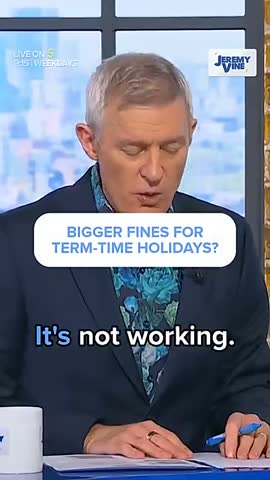
 Jeremy Vine & Daytime on 5
 Lighten Up Podcast
  Unscripted by Raygan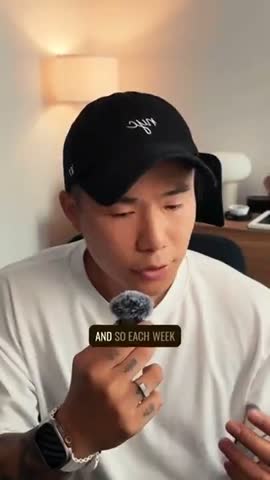
 Made by Mizko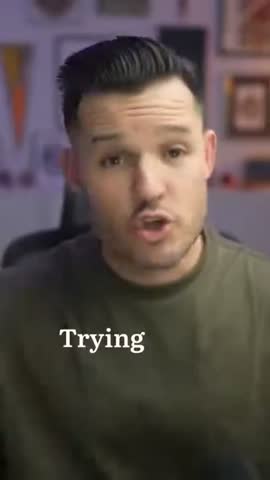
 Design Champs
  MotDollarMiljonen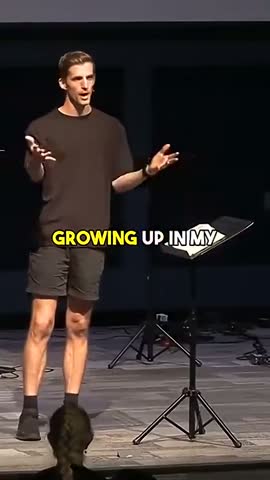
 Southside Presbyterian Church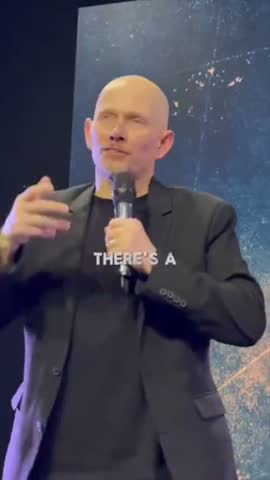
 Hope Rising Church Southside Presbyterian Church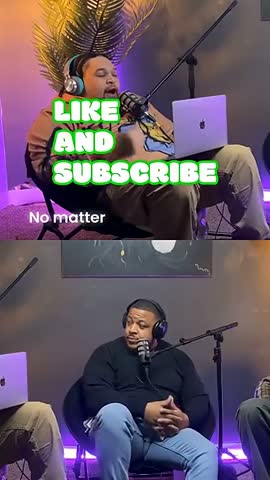
 Let The Streets Rejoice
 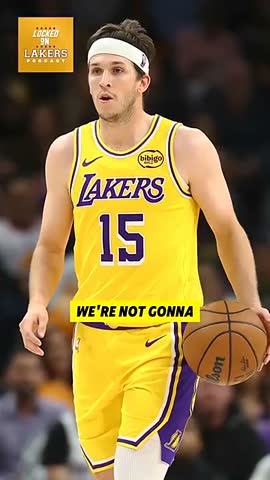 LockedOn Lakers Jeremy Vine & Daytime on 5 Lighten Up Podcast
 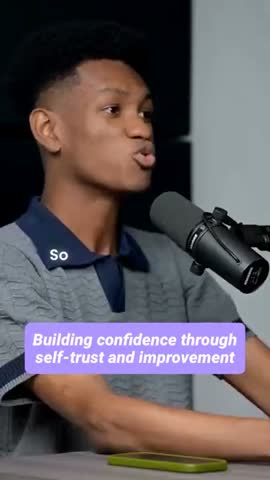 Unscripted by Raygan Made by Mizko Design Champs
 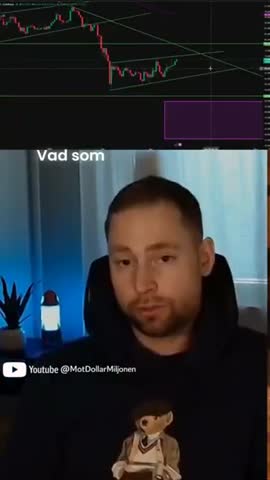 MotDollarMiljonen Southside Presbyterian Church Hope Rising Church
 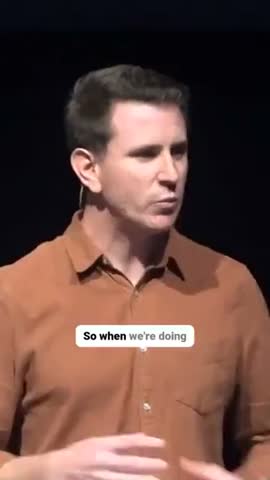 Southside Presbyterian Church Let The Streets Rejoice LockedOn Lakers Jeremy Vine & Daytime on 5 Lighten Up Podcast Unscripted by Raygan Made by Mizko Design Champs MotDollarMiljonen Southside Presbyterian Church Hope Rising Church Southside Presbyterian Church Let The Streets Rejoice LockedOn Lakers Jeremy Vine & Daytime on 5 Lighten Up Podcast Unscripted by Raygan Made by Mizko Design Champs MotDollarMiljonen Southside Presbyterian Church Hope Rising Church Southside Presbyterian Church Let The Streets Rejoice
 Trusted by teams at



 MPS Society
 SonatypeMPS SocietySonatypeMPS SocietySonatypeMPS SocietySonatype
 How to use this tool
Paste a podcast or YouTube URL
Drop in a YouTube, Spotify, or RSS link, or upload your audio/video file directly. Works with interview shows, solo episodes, panel discussions, and live recordings up to 10GB.
AI scans for clip-worthy moments
Our AI transcribes the full episode at 95%+ accuracy, then scores every segment for viral potential — strong hooks, quotable insights, emotional peaks, contrarian takes, and complete story arcs.
Pick a caption style and customise
Review AI-selected clips ranked by viral score. Pick a caption preset (Hormozi, MrBeast, karaoke, minimal), tweak framing with auto speaker tracking, and edit any clip in the timeline.
Export, schedule, or post direct
Download captioned vertical MP4s, or publish/schedule straight to TikTok, YouTube Shorts, Instagram Reels, Facebook Reels, and LinkedIn from inside Choppity. No watermarks on the free tier.
How it works
How AI podcast clipping turns one episode into 20-40 short clips
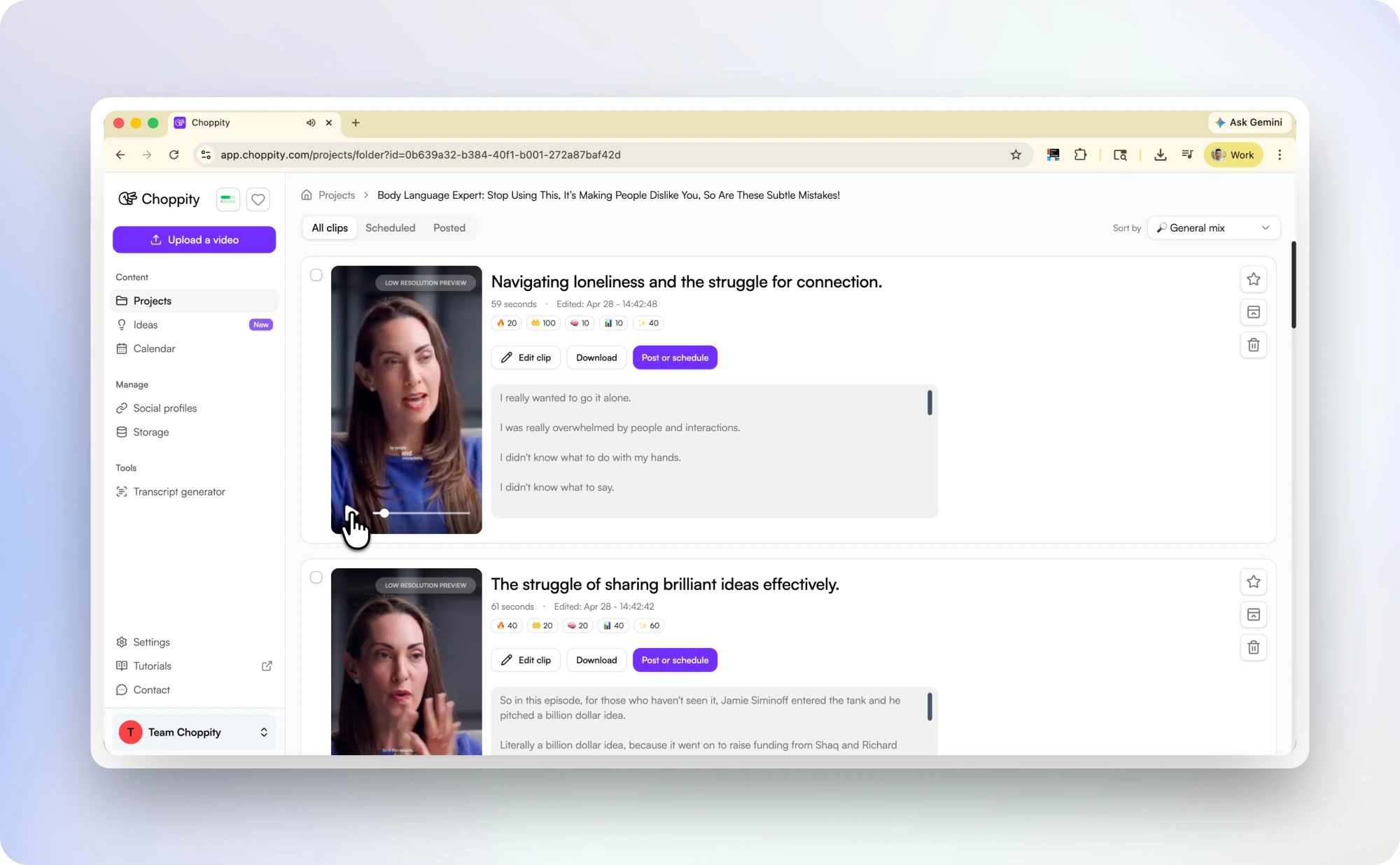
Upload any podcast episode and our AI generates a full transcript, then analyses every sentence for clip potential. It identifies moments that work as standalone short-form content: bold claims, surprising data, personal stories, audience-relevant quotes, heated exchanges, and laugh-out-loud reactions.
Each clip is automatically trimmed to a complete thought (so you never get a clip that cuts off mid-sentence), reframed to 9:16 vertical with AI speaker tracking that keeps whoever is talking centred, and styled with animated word-by-word captions burned directly into the video. A single 60-minute episode typically produces 20-40 ready-to-post clips. What used to take 4-6 hours of manual scrubbing per episode now takes under 10 minutes.
For interview podcasts
Multi-speaker, multi-guest episodes — handled automatically
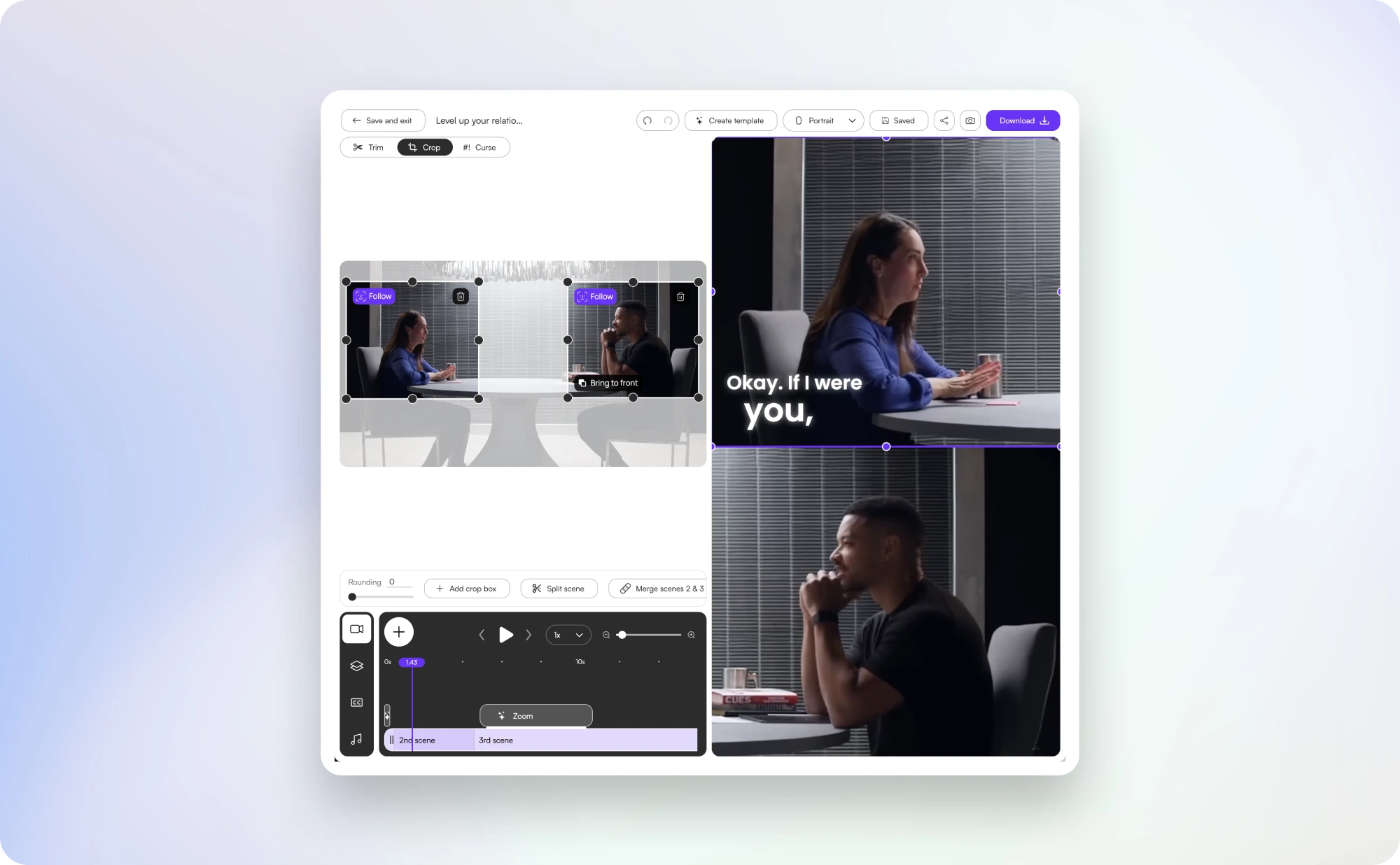
Interview podcasts are where AI clipping pays off the most. The format is information-dense, the best moments are scattered across an hour of conversation, and finding them manually is a slog.
Our AI is purpose-trained on conversational dynamics: it detects host/guest hand-offs, identifies complete back-and-forth exchanges (so a question and its answer ship as one clip), and applies different caption colours per speaker so viewers can follow along on mute. The AI also flags the moments that consistently outperform on social — the contrarian take, the surprising stat, the personal story with a clear payoff — and ranks them by viral potential.
This is the workflow that podcasts like Diary of a CEO, My First Million, and All-In use to turn a single episode into a week of social posts. With Choppity you get the same machinery — purpose-built for the long-to-short pipeline — without an editor on payroll.
Caption styles
Caption styles built for podcast retention
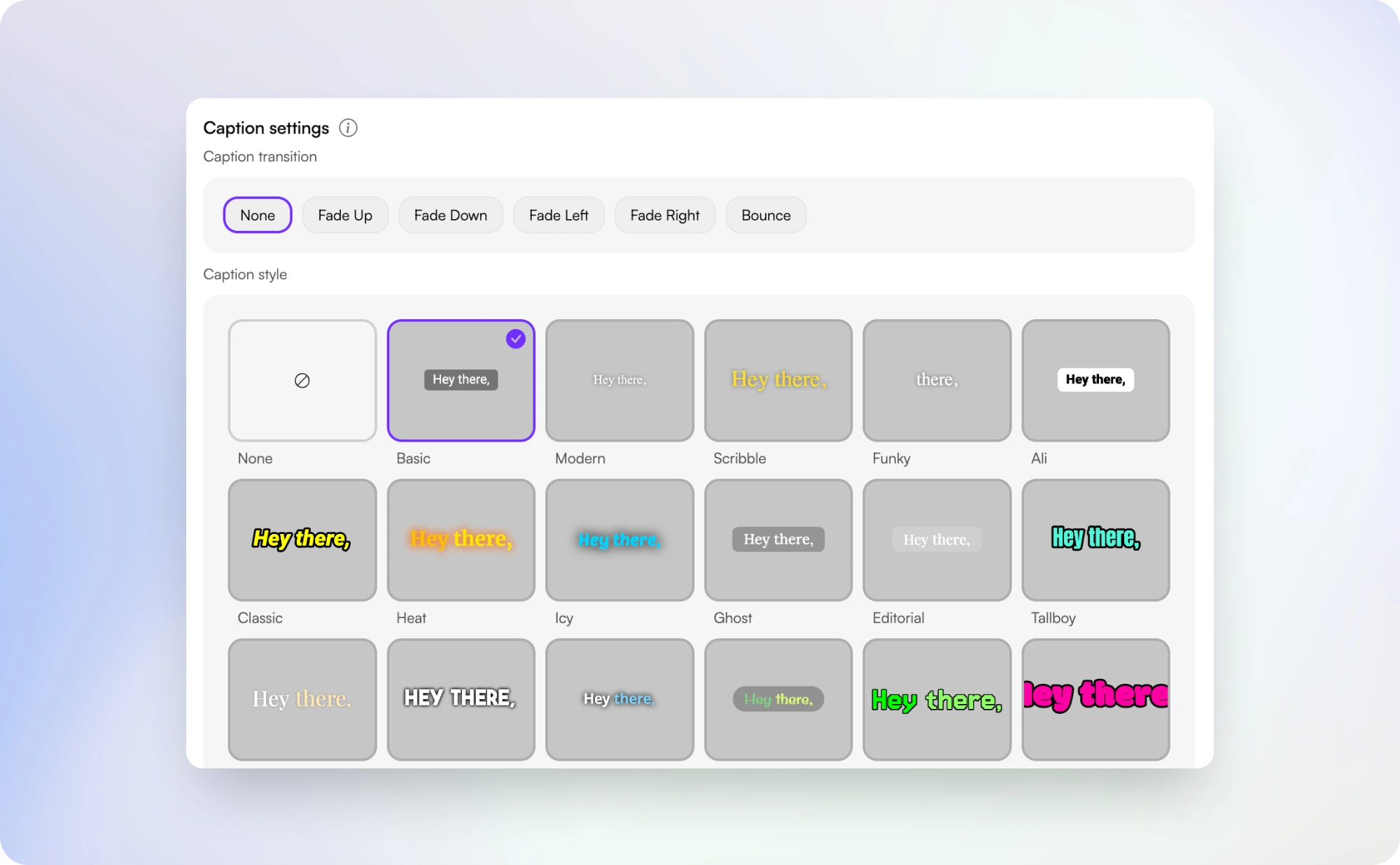
Captions drive retention on muted feeds, but generic white-on-black subtitles get scrolled past. Choppity's animated burned-in captions are specifically tuned for podcast clips: word-by-word pop-on for high-energy moments, karaoke-style highlight that follows the spoken word, Hormozi-style with bold yellow keyword emphasis for business and selling content, and clean minimal subtitles for documentary or interview shows.
Every preset is fully customisable — fonts, colours, stroke, shadow, position, animation timing — so your clips match your show's brand. Multi-speaker episodes can use speaker-specific colours so viewers track who's talking without needing the audio. Compared to generic clipping tools, Choppity's caption presets are purpose-built for the podcast → shorts use case, which means they look right out of the box without a designer in the loop. See more in our free video caption generator.
Distribution
Direct posting & scheduling to TikTok, Reels, Shorts, LinkedIn & Facebook
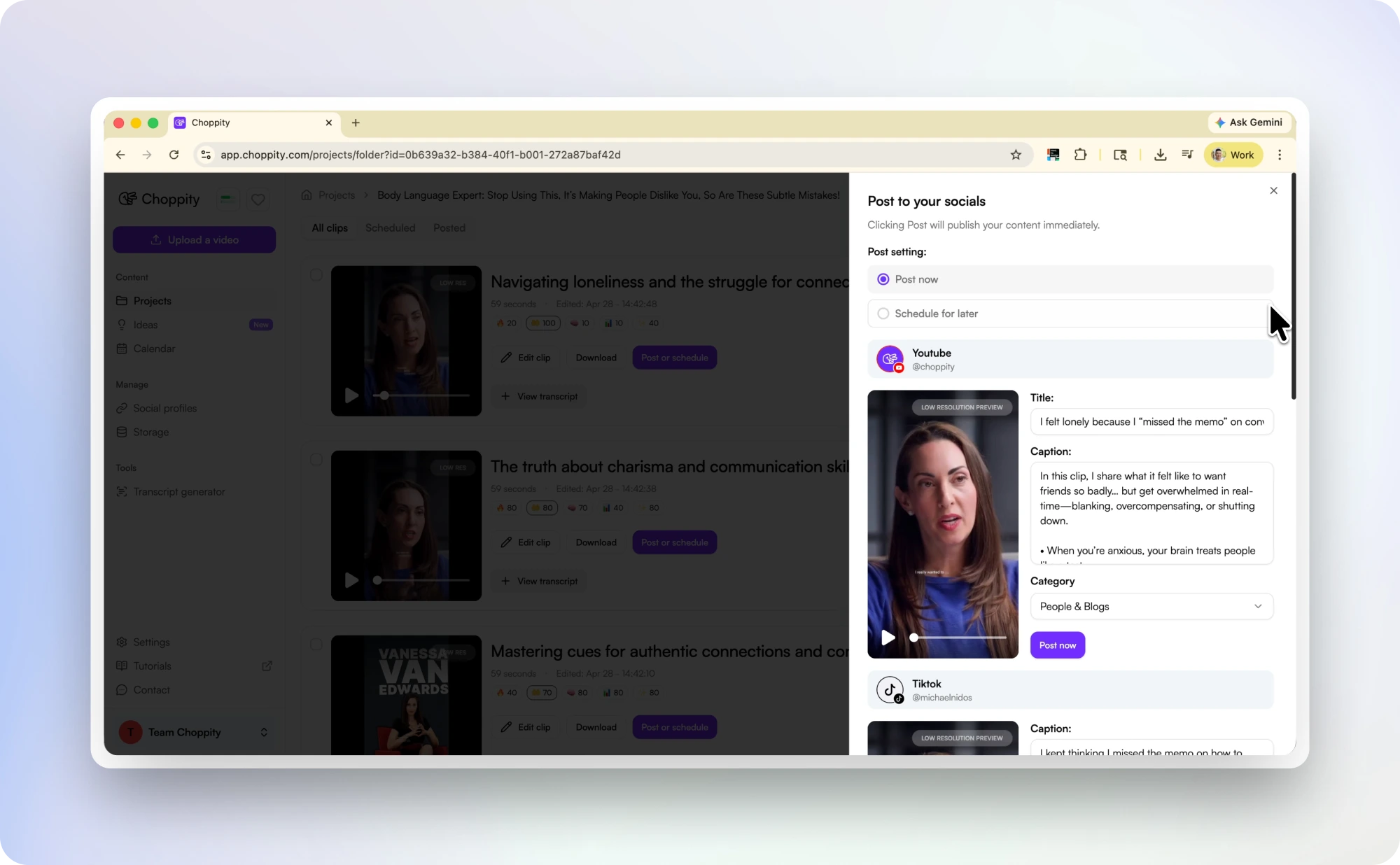
The bottleneck for most podcasters isn't generating clips — it's actually posting them across every platform on a consistent schedule. Choppity solves that by closing the loop inside one tool: clip the episode, customise the captions, and publish or schedule directly to TikTok, YouTube Shorts, Instagram Reels, Facebook Reels, and LinkedIn from the same workspace.
A typical workflow looks like this: upload Tuesday's episode → AI generates 30 clips → pick the top 7 → schedule one per day for the week → done in 15 minutes. Compared to downloading clips from another tool and manually re-uploading them across 5 platforms, this saves 60-90 minutes per episode and keeps your social cadence consistent. Combined with our social media video scheduler, you can plan an entire content month from a handful of episodes.
Podcast shorts
Podcast to Shorts — from one episode to a week of content
If you're trying to turn podcast episodes into Shorts, Reels, and TikTok clips consistently, speed and volume matter more than one-off edits. Choppity is built for this workflow: upload one full episode, let AI detect complete clip-worthy moments, then export or schedule a full week of vertical content in one session.
Each clip is reframed to 9:16 with speaker-aware tracking and animated captions so your content works on mute in feed-first platforms. This is the fastest way to go from long-form podcast episode to daily short-form posting cadence without adding another editor to your workflow. For YouTube-first workflows, use our YouTube to Shorts converter.
Audiograms
Podcast audiograms vs AI video clips — which should you post?
Podcast audiograms (waveform + static artwork) are useful for quick audio teasers, especially on slower feeds. But for TikTok, Instagram Reels, and YouTube Shorts, video-first podcast clips with animated captions usually outperform audiograms on watch time and completion rate.
Choppity supports both workflows: turn audio-only episodes into social-ready clips with captions and branded backgrounds, or use full video episodes with speaker tracking and dynamic reframing. In practice, most teams use audiograms as support content and prioritize captioned video clips as the primary growth format. If your priority is subtitle quality, explore our free video caption generator.
Compare
Choppity vs Opus, Vizard, Munch, Sendshort & Veed
There's a small handful of AI podcast clipping tools competing for podcaster mindshare. Here's a balanced look at how each one stacks up on the things that matter most: free tier, caption quality, podcast-specific AI, and direct distribution. Where Choppity wins: 1 hour of free content with no watermarks, animated burned-in captions baked into the workflow, direct posting and scheduling to all major platforms from inside the app, and AI specifically trained on podcast conversation dynamics rather than general-purpose video. For full breakdowns, see our Opus Clip alternative for podcasts, Vizard alternative, and VEED alternative pages.
| Tool | Strengths | Trade-offs | Free tier | Paid from |
|---|---|---|---|---|
|
Recommended
Choppity | Animated burned-in captions baked in, AI trained on podcast dynamics, multi-speaker colour coding, direct posting & scheduling to TikTok / Reels / Shorts / LinkedIn / Facebook, audio-only support | Uploads capped at 10 GB / 120 minutes per file | 1 hour/month, no watermark | $19/mo |
| OpusClip | Most-recognised brand, large template library, well-known viral-score model | Watermark on free tier, deeper caption customisation locked behind paid plans, queues during peak hours | Watermarked | $19/mo |
| Vizard.ai | Multi-language transcription, built-in social scheduling | More complex onboarding, watermark on free tier, general-purpose AI needs cleanup on multi-speaker episodes | Watermarked | $30/mo |
| Munch | Marketing analytics, trend tagging, AI-generated hashtags & copy | Higher pricing, fewer caption presets, no audio-only workflow | Limited | $49/mo |
| Sendshort | Affordable entry point, simple workflow | Smaller team means slower releases, fewer presets, limited podcast host integrations | Limited | $19/mo |
| Veed.io | Full video editor capabilities if you also need general-purpose editing | Not purpose-built for podcast → shorts, watermark on free, weaker AI moment detection than dedicated clippers | Watermarked | $25/mo |
Pricing reflects publicly listed entry-tier plans as of April 2026 and may change. Comparison reflects our reading of each tool — your mileage may vary depending on use case.
More clipping tools
Manual trims, AI clip finders, captions, and scheduling — pick the right tool for your workflow.
AI Clip Maker
Use the main AI clipping tool for any long video — webinars, lectures, vlogs, and more.
YouTube Clip Generator
Paste a YouTube URL and AI finds 30+ viral clips automatically.
YouTube to Shorts Converter
Turn long YouTube videos into vertical Shorts automatically.
Free Video Caption Generator
Add animated burned-in captions to any video.
Podcast Transcript Generator
Generate accurate transcripts of full podcast episodes.
Social Media Video Scheduler
Schedule clips to TikTok, Reels, Shorts, and more.
Try our AI video editing platform
At Choppity we help content creators turn long videos into viral short clips. We use AI to automatically identify highlights, add animated captions, and optimize content for each social platform.
Try it for freeHear it from a real podcaster using Choppity
An unscripted look at how an active podcaster integrated Choppity into their weekly workflow.
"A few weeks ago we started using Choppity. It identifies the moments in a 60-minute episode that are actually captivating, handles captions, formats for different platforms, reframes automatically, and you can post or schedule directly from there. Suddenly the bottleneck wasn't editing anymore."

These podcasters, creators, content teams and founders said yes, look what happened
Here's what happened when you stop trying tools or dabble with video editors and start using Choppity.
"We've been using Choppity for the last 6 months or so for the AutoTrader tech podcast. We've seen a massive increase in our views and subscribers! Couldn't have done it without Choppity."

Callum B.
Product Lead, AutoTrader
"Want cleaner podcasts without spending hours editing? We found an AI tool that automatically censors swear words and cleans up captions! Choppity. Game changer."
AwesomeCast
Tech Podcast
"In the past I've tried to get my YouTube video editor to create mass amounts of short-form content, but they struggled. Economically it didn't make sense and the quality wasn't great. Choppity has been an INCREDIBLE asset in scaling up my short-form video reach."
Michael W.
YouTuber & Designer
"Since we've started using Choppity, our socials have seen a 4x increase in overall views across our channels. Love the non-stop product updates as well."

Vaibhav
Founder, SmartLead.ai
AI Podcast Clip Generator & Clip Maker — Turn Episodes into 30+ Viral Shorts FAQs
Common questions about this tool and how it works
What is a podcast clip generator?
A podcast clip generator uses AI to analyse a long podcast episode and automatically extract the best 30–90 second segments for TikTok, Instagram Reels, and YouTube Shorts. Choppity transcribes the episode, scores every moment for hooks and quotable insights, adds animated captions, reframes to vertical, and exports ready-to-post MP4s — typically 30+ clips from a 60-minute episode.
What is the best AI podcast clip generator in 2026?
Choppity is the best AI podcast clip generator for podcasters who need multi-speaker detection, animated burned-in captions, audio-only support, and direct social scheduling in one tool. It beats Opus Clip on podcast conversation dynamics, offers a more generous free tier, and includes built-in scheduling without a third-party tool.
What is a podcast clip maker?
"Podcast clip maker" and "podcast clip generator" mean the same thing — AI that turns long episodes into short social clips. Choppity handles both audio-only podcasts (MP3/WAV with waveform backgrounds) and video podcasts with face tracking and speaker-colour captions.
How do I turn a podcast into shorts?
Upload your episode (audio or video), let AI find clip-worthy moments, choose a caption style, then export or schedule clips directly to TikTok, YouTube Shorts, and Instagram Reels. Choppity typically generates 20-40 short clips from a 60-minute episode in under 10 minutes.
What is the best way to make podcast clips?
The fastest workflow is AI-assisted: transcribe the full episode, rank strong moments by hook quality, auto-cut complete thoughts, burn in animated captions, and publish on a weekly schedule. Doing this in one tool is usually 4-6x faster than manual scrubbing and editing.
How do I make podcast shorts from an audio-only episode?
Upload your MP3, WAV, or M4A episode, then use captions plus a branded background or waveform visual to create vertical shorts for TikTok, Reels, and YouTube Shorts. You do not need a camera recording to publish short-form podcast clips consistently.
What's the difference between a podcast audiogram and a podcast clip?
A podcast audiogram is usually a static visual with a waveform and audio snippet. A podcast clip is a video-first short with speaker framing, motion, and animated captions. Audiograms are useful for quick teasers, but captioned video clips generally perform better in short-form social feeds.
How many clips does the AI podcast clip generator produce per episode?
A typical 60-minute episode produces 20-40 clips ranked by viral potential. Shorter episodes (20-30 minutes) yield 8-15 clips. A 90-minute interview can produce 40-60. The exact count depends on content density and how many strong moments the AI finds — denser, more conversational episodes produce more clip candidates than slow-paced solo monologues.
Is the AI podcast clip generator really free?
Yes - completely free for up to 1 hour of video content. You can auto-clip your episodes and download captioned MP4s with no watermarks. Choppity's full platform (which unlocks longer episodes, bulk processing, brand kits, scheduling, and team features) is a paid upgrade, but this clip generator itself is permanently free up to the 1-hour limit.
Does it work with audio-only podcasts?
Yes. Upload MP3, WAV, or M4A files and the AI generates clips with animated captions over a customisable background — animated waveforms, episode artwork, branded backgrounds, or still imagery. The same word-by-word caption styling and viral-moment detection works whether your podcast has video or not.
How well does it handle multi-guest interview episodes?
Multi-speaker is where Choppity's AI is strongest. It auto-detects each speaker, applies speaker-specific caption colours so viewers can follow along on mute, and groups complete back-and-forth exchanges into single clips (so a question and its full answer ship as one clip rather than getting cut in half). Tested heavily on 2-4 person interview formats.
How accurate are the AI captions?
95%+ word accuracy on clear audio - on par with paid services like Rev or Otter, and meaningfully better than YouTube's auto-captions. Multiple speakers, accents, names, and technical jargon are all handled out of the box. Every caption is also fully editable before export.
How does this compare to OpusClip, Vizard, Munch, or Sendshort?
Honest answer: each tool has trade-offs. OpusClip has the biggest brand and template library but watermarks the free tier. Vizard does multi-language well but isn't podcast-specific. Munch leans marketing analytics but is pricier. Sendshort is affordable but smaller. Choppity differentiates on three things: a free tier that covers a full hour of content with no watermarks, animated burned-in captions baked into the workflow (no SRT step), and direct posting/scheduling to all major platforms from inside the app. See the comparison section above for the full breakdown.
What caption styles are available for podcast clips?
Choose from proven podcast presets: word-by-word pop-on (high-energy short-form), karaoke-style highlight that follows the spoken word, Hormozi-style bold yellow keyword emphasis (for business/selling content), and minimal subtitles (for documentary or interview shows). Every preset is fully customisable - fonts, colours, stroke, shadow, position, animation timing - so your clips match your show's brand.
Does it remove filler words like "um" and "uh"?
Yes. Optional filler-word removal cleans up "um", "uh", "like", "you know", and similar verbal tics from the captions and (optionally) the video itself, with smooth audio cuts so the result sounds natural. This is the difference between a clip that holds attention and one that loses viewers in the first 3 seconds.
Can I edit the AI-generated clips before exporting?
Yes. Every clip is fully editable in the timeline: extend or shorten the cut, adjust caption timing, edit caption text, change the caption style, restyle speaker colours, swap the background, or remove segments entirely. You can also use text-based editing - delete words from the transcript and they're cut from the video automatically.
How many languages are supported?
Over 40, including English, Spanish, French, German, Portuguese, Italian, Japanese, Korean, Mandarin, Arabic, Hindi, Russian, Polish, Turkish, and Vietnamese. The AI auto-detects the spoken language, or you can set it manually for mixed-language episodes.
Can I make podcast clips for Instagram, TikTok, and Reels?
Yes. Choppity creates vertical podcast clips that are optimized for Instagram Reels, TikTok, and YouTube Shorts with animated captions and speaker tracking. You can then publish immediately or schedule directly to each platform from inside the app.
Can I schedule podcast clips directly to social media?
Yes. Publish or schedule clips directly to TikTok, YouTube Shorts, Instagram Reels, Facebook Reels, and LinkedIn from inside Choppity. No need to download and re-upload across 5 different apps. Most podcasters use this to schedule a full week of content from one episode in around 15 minutes.
Does it work with Spotify, Apple Podcasts, and other podcast platforms?
Yes - upload the source video/audio file directly, or paste a YouTube link if your show publishes there. While we don't pull directly from Spotify or Apple's catalogues (their RSS doesn't expose downloadable audio in most cases), nearly all podcast hosts give you the original episode file - drop that in and the workflow is identical. Once clipped, you can post directly to social platforms from inside Choppity.
Learn more about captions & subtitles
Guides, tutorials, and platform deep-dives from the Choppity blog.
All Podcast Tools
Clip generator, transcripts, titles, and naming — one hub for podcasters.
11 Best AI Podcast Clip Makers in 2026
A side-by-side comparison of the leading AI podcast clipping tools.
How to Repurpose a Podcast into Shorts
Step-by-step workflow for turning one episode into a week of social clips.
Podcast Clips for Social Media (2026 Guide)
Platform playbook for TikTok, Reels, Shorts, and LinkedIn podcast clips.
11 Best YouTube Clip Makers in 2026
How the leading YouTube clip tools compare for creators and agencies.
11 Best Sermon Clip Makers for Churches 2026
How the leading sermon clip tools compare for church media teams.
How to Turn Podcast Episodes into Short Clips
Legacy step-by-step guide for repurposing a single episode into 20+ shorts.
How to Grow Your Podcast on Spotify in 2026
Proven strategies for growing on Spotify, with short-form video at the centre.
How to Grow a Podcast on YouTube
Why a separate Shorts channel and clip strategy outperforms posting full episodes.
8 Best AI Clip Generators for Long Videos
Broader comparison of AI clipping tools across podcasts, YouTube, and webinars.
How to Start a Podcast on Spotify (2026 Edition)
Full launch guide - from RSS setup to your first viral clip on socials.
More free tools
Animated Subtitles Generator (Free Animated Captions Tool)
Create stunning animated subtitles for your videos instantly. Our free animated subtitles generator adds eye-catching motion effects.
Try freeAdd Subtitles to Video for Free
Add subtitles to video online free with our AI subtitle generator. Upload any video and get accurate subtitles in seconds.
Try freeFacebook Reel Caption Generator (Add Captions Facebook Reel - Free Tool)
Add captions to your Facebook Reels instantly with our free AI tool. Upload any video and get perfectly formatted captions in minutes.
Try freeFree Facebook Video to Transcript Generator
Convert any Facebook video to text instantly. Upload your video or paste a link to get an accurate transcript. Free.
Try freeFree Video Caption Generator - Add Animated Subtitles & Captions to Videos with AI
Upload your MP4 or MOV, pick a caption style and transitions, and our AI automatically adds animated subtitles to your video. Download the finished MP4 or post straight to socials. 100% free.
Try freeHormozi Caption Style Generator - Free Alex Hormozi Subtitles
Generate Alex Hormozi-style animated captions for your videos instantly. Free tool. Get viral Hormozi caption style now!
Try free