



Find the moments worth sharing
Use AI suggestions as a starting point for reactions, commentary and discussions. You decide which clips deserve a place on your channel.
Explore moment findingGTA VI gameplay clipper
Paste your stream or upload your gameplay. Choppity finds the moments worth sharing, crops them to vertical and adds captions for Shorts, TikTok and Reels.
Free to start · No credit card required
Made with Choppity
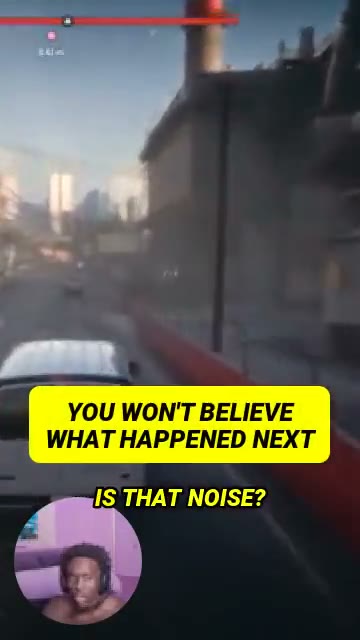
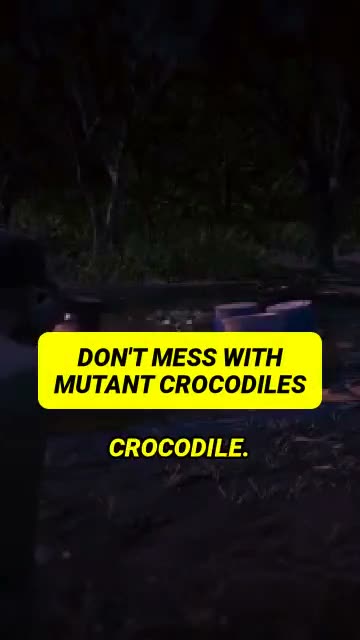
Gameplay and stream highlights from jackfrags and Kai Cenat, clipped with Choppity. See hooks, captions, vertical framing and facecam layouts in action. Press play to watch each short preview.
Original footage: Kai Cenat
Original footage: Kai Cenat
Original gameplay and commentary by jackfrags and Kai Cenat. Short previews edited with Choppity.
Watch jackfrags’ original video on YouTubeThe workflow
Learn how to clip GTA6 videos into captioned, vertical shorts in four steps.
Upload your gameplay or pastea video link to start clippingGTA6 streams you can share.
Get AI clip suggestions.Pick the reactions, surprisesand moments worth posting.
Trim your GTA6 clips,check captions and adjustthe vertical gameplay crop.
Export your GTA6 clips forYouTube Shorts, TikTokand Instagram Reels.
Keep creative control
Speed matters, but the finished clip matters more. Choose a workflow that lets you review the moment, fix the captions and keep the action in frame.
Try it with your footageUse AI suggestions as a starting point for reactions, commentary and discussions. You decide which clips deserve a place on your channel.
Explore moment findingCorrect game names and slang, style your subtitles and tighten the transcript before exporting.
Explore automated captionsReframe landscape recordings for mobile. Review fast gameplay manually so the key action and HUD are not cropped out.
Explore video reframingWatch and follow along
Learn the editing workflow, then explore how clipping can fit into a creator business.
GTA 6 clipping tutorial
See the clipping workflow before you start. Follow the video, then try it with your own recording.
Build a clipping business
Explore ideas for turning a repeatable editing workflow into a service or creator channel. Earnings are not guaranteed.
Build a repeatable service
A clipper can reduce editing work. Turning that work into income takes a clear offer, original value and a way to reach customers or viewers.
Offer a defined package of clips from a creator’s recordings. Agree on footage permissions, clip count, revisions and delivery dates. Build a small portfolio that shows your judgment and editing style.
Create clips around your own analysis, reactions or explanations. Give viewers a reason to follow you beyond the footage itself. Use retention and returning viewers to refine your format.
As your audience grows, explore suitable sponsors or affiliate programs. Choose offers that fit your viewers and clearly disclose commercial relationships.
There is no guaranteed income from GTA6 clips. Get permission to use other creators’ footage and check current publisher, platform and monetization requirements before publishing or selling a service.
Build your clipping workflowA few things to know
A GTA6 clipper is a tool or editor that turns longer GTA 6 videos into short highlights. Choppity helps you find moments, trim footage, add captions and adjust the layout before exporting clips for social media.
Open Choppity, upload your recording or paste a supported video link, and generate clips. Review the suggestions, trim each moment, correct captions and check the crop before downloading. Use footage you own or have permission to use.
The best GTA6 clipper depends on what you record. Look for quick imports, editable clip suggestions, readable captions and control over framing. Choppity brings these steps into one workflow. Test it with a representative recording, especially if your videos have little speech or fast-moving gameplay.
Possible routes include editing clips for creators, building an original commentary channel, or working with relevant sponsors and affiliate programs. Agree on footage permissions and client deliverables first. Income depends on demand, content quality, audience and the rules of each platform or program; using a clipper does not guarantee earnings.
Yes. You can edit and reframe clips for vertical social feeds. Review the crop so gameplay and important interface elements stay visible, and keep captions clear of platform controls before you export.
Choppity edits videos and recordings you provide; it is not an in-game recording utility. AI suggestions need editorial review. Speech-led reactions, commentary and discussions are useful starting points, while silent action scenes may need more manual selection and framing.
Choppity is free to start. Open the clip maker to see the available allowance, or check the pricing page for current plan limits and export options.
Planning a regular clipping workflow? Compare Choppity plans and usage limits.
Your next clip starts with one video
Bring a recording. Find your story. Create a clip worth watching.
Start clipping for freeFree to start · No credit card required
Choppity is an independent video editing tool and is not affiliated with or endorsed by Rockstar Games or Take-Two Interactive. GTA and Grand Theft Auto are trademarks of their respective owners.