

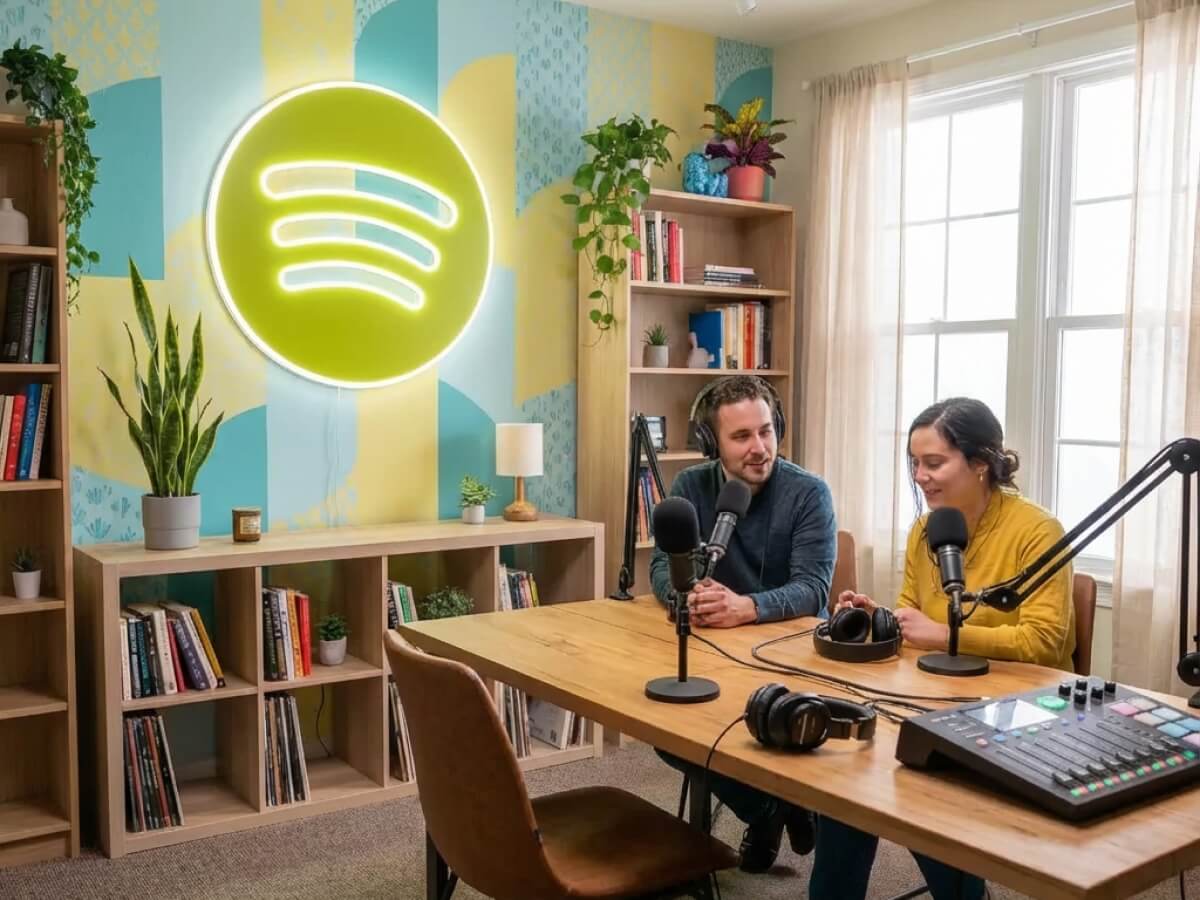
Starting a podcast on Spotify in 2026 is free, fast, and more beginner-friendly than ever — but only if you understand one key fact: Spotify does not host your audio files directly. Instead, you publish episodes to a podcast hosting platform that generates an RSS feed, and Spotify pulls new episodes from that feed through Spotify for Podcasters (the free distribution and analytics hub, formerly known as Anchor). If you're brand new to podcasting, our beginner's guide to starting a podcast covers the fundamentals you'll need before platform-specific setup.
Spotify is the largest audio streaming platform in the world and now accounts for a huge share of total podcast listening, rivaling Apple Podcasts. Shows like The Joe Rogan Experience, Call Her Daddy, and Huberman Lab have proven the platform can launch a podcast into a full-time career. This guide walks through every step — from choosing a topic to submitting your RSS feed — so you can publish your first episode on Spotify this week.
What you'll walk away with
- A publishable show concept: Clear topic, format, and target listener
- Working recording setup: Mic, headphones, and free recording software
- A live RSS feed: Hosted on a platform that supports Spotify
- A submitted Spotify show: Live in Spotify for Podcasters with analytics enabled
- A launch plan: First three episodes ready and a promotion strategy
Can You Upload a Podcast Directly to Spotify?
No — you cannot upload MP3 files directly to Spotify the way you upload a song to SoundCloud. Spotify for Podcasters ingests an RSS feed that lives on your podcast host (Buzzsprout, Podbean, Transistor, Captivate, RSS.com, and others). When you publish a new episode to your host, the host updates your RSS feed, and Spotify automatically picks up the new episode within a few hours.
The one exception is if you use Spotify for Podcasters (Anchor) itself as your host. In that case, you can upload audio directly inside the Spotify for Podcasters dashboard and it will generate the RSS feed for you. Many creators still prefer a third-party host because migrating away from Spotify later is easier when you own your own feed.
Two paths to Spotify
- Third-party host (recommended): Publish episodes to Buzzsprout, Transistor, or similar, then submit that RSS feed to Spotify once
- Spotify for Podcasters as host: Upload directly in the dashboard; no RSS management, but harder to migrate later
What You Need Before You Start
Before touching the Spotify for Podcasters dashboard, get the creative and technical foundations right. Publishing is the easy part; content that someone actually wants to listen to is the real work.
Pre-launch checklist
- Show concept: A clear niche, target listener, and episode format (solo, co-host, interview, or narrative)
- Show name: Memorable, searchable, and not too close to existing shows
- Cover art: 3000x3000 pixel square, readable at thumbnail size
- Recording gear: At minimum a USB microphone and closed-back headphones
- Editing software: GarageBand, Audacity, Descript, or any DAW
- Podcast host: Account set up with a registered RSS feed
- At least 3 episodes ready: Two published and one scheduled at launch
Step-by-Step: How to Start a Podcast on Spotify in 2026
Step 1 – Pick Your Topic, Format, and Show Name
Spotify's audience skews younger and more international than Apple Podcasts, and the platform promotes shows across genres from true crime to business to wellness. Pick a niche that's specific enough to stand out and broad enough to have an audience. Steven Bartlett's Diary of a CEO works because it's a specific promise (long-form interviews with founders and experts) wrapped in a strong host brand. Alex Cooper's Call Her Daddy works because it owns a very specific lane in lifestyle and relationships.
Your show name should be easy to search and say out loud. Use a podcast name generator if you're stuck. Check Spotify search before you commit — if three other shows already have a similar name, listeners will confuse yours with theirs.
Format options
- Solo commentary: Fastest to produce, requires strong opinions and a clear voice
- Co-hosted: Natural chemistry (think SmartLess or My First Million), but scheduling gets harder
- Interview: Easier content creation, requires guest outreach and booking
- Narrative/serialized: Highest production effort, strongest listener retention when done well
Step 2 – Get Your Recording Gear
You don't need a studio to publish a professional-sounding Spotify podcast. Most new shows that get featured on Spotify were recorded in a home office or bedroom with a USB microphone. For a complete walkthrough see our best podcast equipment for beginners guide and our best podcast microphones roundup.
Minimum viable setup
- USB microphone: A dynamic USB mic handles untreated rooms well; a condenser USB mic captures more detail if your space is quiet
- Closed-back headphones: Prevents audio bleed and lets you catch issues live
- Pop filter: Reduces plosive sounds on P and B consonants
- Quiet room: Soft furnishings, no HVAC hum, windows closed
- Recording software: GarageBand (Mac), Audacity (free), or Riverside/Zencastr for remote guests
Step 3 – Record and Edit Your First Episode
Record a three-minute test and listen back on headphones before committing to a full episode. Check for background noise, mouth clicks, inconsistent volume, and room echo. Fix the setup before recording 60 minutes of content you'll have to throw out.
For remote interviews, use Riverside, Zencastr, or SquadCast — these tools record each speaker locally in uncompressed quality, which is far better than recording a Zoom call. Most offer a free tier that's fine for starting out.
Editing essentials
- Trim the start and end: Jump straight into value in the first 30 seconds
- Cut long pauses and filler: "um", "you know", and dead air over 2 seconds
- Level audio: Aim for peaks around -3 dB to -6 dB
- Add intro/outro music: Keep music 6–10 dB below your voice
- Export as MP3: 128 kbps stereo is Spotify's recommended minimum
Step 4 – Choose a Podcast Hosting Platform
Your host stores the audio files, generates the RSS feed, and distributes to Spotify, Apple, Amazon, and every other directory. Pick based on analytics depth, pricing at the episode counts you'll actually hit, and monetization features you care about.
Popular podcast hosts in 2026
- Spotify for Podcasters (Anchor): Free forever, unlimited episodes, direct Spotify integration; tradeoff is less detailed analytics and harder migration
- Buzzsprout: Beginner-friendly, excellent support, transparent pricing tiers
- Transistor: Flat pricing for unlimited shows on one account, great for networks
- Captivate: Strong growth and monetization tools baked in
- RSS.com: Simple, affordable, IAB-certified analytics
- Podbean: Patron and premium subscription options
Step 5 – Submit Your RSS Feed to Spotify for Podcasters
Once your host has generated an RSS feed and you have at least one published episode, you're ready to submit. The process takes about ten minutes.
Submission steps
- Create a Spotify account: Use an email you'll keep long-term — switching later is painful
- Go to podcasters.spotify.com: Sign in and click "Add your podcast"
- Paste your RSS feed URL: Copy it from your host's dashboard
- Verify ownership: Spotify emails a code to the address in your RSS feed's owner field
- Fill in category and language: Pick the primary category most relevant to your show
- Submit for review: Approval usually happens within a few hours to 48 hours
Once approved, every new episode you publish on your host automatically appears on Spotify within a few hours. No need to resubmit.
Step 6 – Optimize Your Spotify Show Page
A podcast on Spotify is a product page — listeners decide whether to hit follow in the first few seconds of scanning it. Three elements do almost all the work: your cover art, your title, and the first two lines of your show description.
Show page optimization
- Cover art: Readable at 55x55 pixel thumbnail size; avoid thin fonts and busy backgrounds
- Show title: Include the primary keyword someone would search; avoid quirky formatting that hurts search
- Show description: Front-load the hook in the first 100 characters — Spotify truncates
- Episode titles: Lead with the topic, not the episode number (e.g., "How to Price Your First Product – Ep 12" not "Ep 12: A Chat with Sam")
- Episode descriptions: Include timestamps, guest bio, and links in the first 300 characters
Step 7 – Publish, Promote, and Grow
Launch with three episodes live on day one rather than just one. A new listener who discovers your show is far more likely to follow if they can binge a few episodes. After launch, publish on a consistent schedule — weekly is the sweet spot for most new shows. Consistency matters more than frequency.
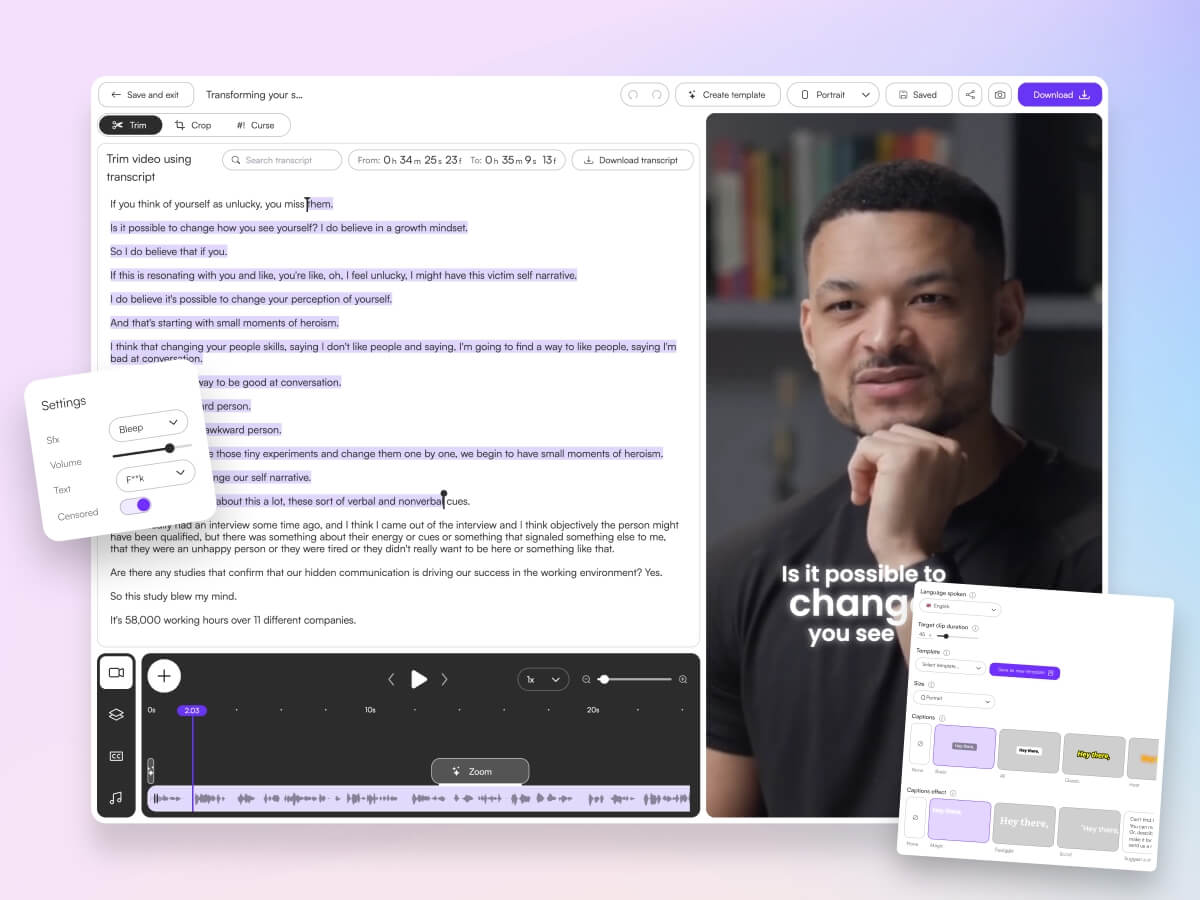
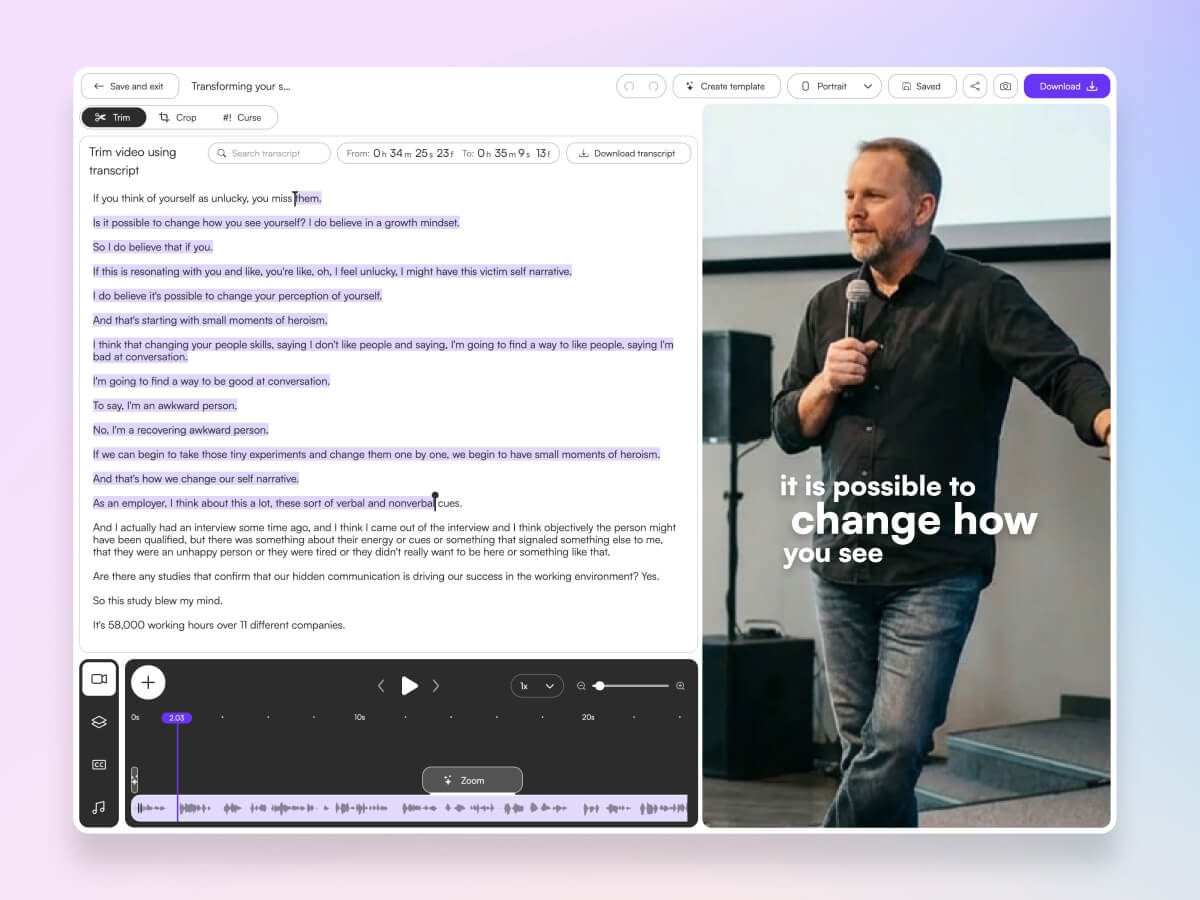
Promotion is where most new Spotify podcasters give up. The platform itself drives some listens through related-show recommendations, but in 2026 the biggest growth channel for new podcasts is short-form video clips on TikTok, Instagram Reels, and YouTube Shorts. Cutting 30–60 second clips from each episode and posting daily on socials is how shows like Diary of a CEO and My First Million scaled. Tools like Choppity automatically turn a single episode into 30+ shareable short clips, so you can run a full social strategy without hiring an editor. For the full playbook, see our guide on how to grow a podcast on Spotify.
Spotify for Podcasters Features You Should Actually Use
Spotify for Podcasters includes free tools most new creators ignore. Using even two or three of these increases engagement and algorithmic visibility inside Spotify.
High-leverage Spotify features
- Q&A prompts: Ask a question at the end of an episode; replies show up in the dashboard
- Polls: Lightweight interaction that boosts the episode's engagement score
- Video podcasts: Upload a video file alongside audio and your show displays as a video podcast on Spotify
- Spotify Clips: Short, shareable clips generated inside Spotify that link back to your show
- Chapters: Timestamps that let listeners jump around — improves retention
- Analytics: Follower growth, episode performance, demographics, and listener retention curves
How Much Does It Cost to Start a Podcast on Spotify?
Submitting to Spotify is free forever. Your real costs are hosting, optional gear, and time.
Realistic budget ranges
- Free tier: Spotify for Podcasters hosting, free Audacity editing, existing headphones and a USB mic you already own — $0/month
- Starter setup: $70–100 USB mic, $30 pop filter and stand, $12–19/month third-party host — under $200 upfront plus $15/month
- Pro setup: $300–500 XLR mic and interface, paid host tier, paid remote recording tool, Descript subscription — $800–1,200 upfront plus $40–80/month
Common Mistakes New Spotify Podcasters Make
Most Spotify podcasts fail at the same three or four steps. Avoiding these gets you ahead of 80% of new shows.
Mistakes to avoid
- Launching with one episode: Gives a new listener nothing to binge
- Inconsistent publishing: Gaps of more than two weeks crater algorithmic recommendations
- Weak cover art: Art that's unreadable at thumbnail size
- Bad audio quality: Room echo and plosives cause listeners to tap away in the first 30 seconds
- Ignoring off-platform promotion: No short clips, no social, no email — hoping Spotify discovery alone will work
- Vanity show names: Inside jokes and abstract names that never rank in Spotify search
- Skipping the first 30 seconds: Long intros with music and theme songs before content starts — listeners bounce
Frequently Asked Questions
How long does it take for a new podcast to show up on Spotify?
Once you submit your RSS feed to Spotify for Podcasters and verify ownership, approval usually takes a few hours to 48 hours. After approval, new episodes automatically appear within a few hours of publishing to your host.
Do I need a video version of my podcast for Spotify?
No, audio-only podcasts still perform great on Spotify. That said, video podcasts now show up with a video player inside the Spotify app and tend to get more recommendation surface area. If you already record on webcam for YouTube or for clips, there's no reason not to upload the video version too.
Is Spotify for Podcasters the same as Anchor?
Yes. Spotify acquired Anchor in 2019 and rebranded the product as Spotify for Podcasters. If you had an Anchor account previously, it was migrated automatically. All hosting, distribution, and monetization features are now under the Spotify for Podcasters name.
Can I monetize my podcast on Spotify from day one?
Spotify's built-in Podcast Subscriptions and ads programs typically require meeting minimum listener thresholds before you can turn them on. You can monetize through sponsorships, affiliate links, your own products, and Patreon from episode one — you don't need to wait for Spotify's programs to unlock.
Do I need to submit separately to Apple Podcasts and other platforms?
Yes, each major directory (Apple Podcasts, Amazon Music, iHeartRadio, YouTube Music) has its own one-time submission. Your RSS feed is the same for all of them. Submit once per platform and every future episode distributes automatically.
How many episodes should I publish before launching?
Record at least three episodes before your public launch. Publish two on launch day and schedule the third for the following week. This gives early listeners something to binge and signals to Spotify that you're an active creator.
What podcast length works best on Spotify?
There's no universal answer — Joe Rogan's 3-hour episodes and The Daily's 20-minute episodes both dominate. Match the length to your content and audience. New solo creators often do best in the 25–45 minute range, which is long enough for a full topic and short enough to fit into a commute.
Final Thoughts
Starting a podcast on Spotify in 2026 comes down to five things: pick a clear niche, get decent audio quality, publish a steady feed, optimize your show page, and promote off-platform with short clips. Most new podcasters over-invest in gear and under-invest in content and distribution — flip that ratio and you'll be ahead of the majority of shows.
Once your show is live on Spotify, the next challenge is growth. Our companion guide on how to grow a podcast on Spotify covers the specific tactics that move shows from a few hundred listeners per episode into the thousands. Publish the first episode, get it live on Spotify, then come back for the growth playbook.

Written by
Michael WongFounder & CEO · Founder of Choppity
Content creator for 12+ years with 215K+ YouTube subscribers and an active presence across YouTube, Instagram, LinkedIn, and X. As founder of Choppity, Michael has personally tested every major AI clip maker — giving him a unique perspective on what works and what doesn't for real creators.