You publish a 30-minute YouTube video every week-but how much of that content actually gets seen? For most creators, the answer is: a fraction. The real growth lever in 2026 is short-form. YouTube Shorts, TikTok, and Instagram Reels are where discovery happens-and AI video clip makers let you turn one long video into dozens of Shorts without spending hours in a timeline editor.
We tested 11 of the leading YouTube video clip makers to find the best tool for creators, agencies, and brands who want to maximize reach from every upload. Our top pick, Choppity's AI clip maker, turns one long video into dozens of captioned Shorts automatically.
TL;DR — Why Choppity wins for YouTube creators
- ✅ Fastest processing — 60-minute videos done in minutes
- ✅ Custom AI criteria — tell it what kind of moments to find before it runs
- ✅ Animated captions, face tracking, multi-platform export
- ✅ Built-in social scheduling + cross-platform analytics
- ✅ Ideas Board & Content Calendar for full team workflows
- ✅ From $20/mo — no separate tools needed
Our Testing Methodology
We evaluated each tool on this list using long-form YouTube content and tracked four metrics that matter most for YouTube creators.
Metrics we tracked
- Processing time: How long did the tool take to analyze a full video and generate clips?
- AI accuracy: Did it actually find the hook-the key insight, the reaction moment, the punchline-or just the loudest moments?
- Caption quality: Grammar accuracy, styling options, and multi-language support
- Export resolution: Watermark-free output? HD or 4K? Direct social media publishing?
Hands-on testing revealed enormous differences between tools. Some found genuinely viral-worthy moments in seconds; others clipped random mid-sentence fragments. The results informed every ranking below.
Why Choppity Is Our #1 Pick for YouTube Video Clips
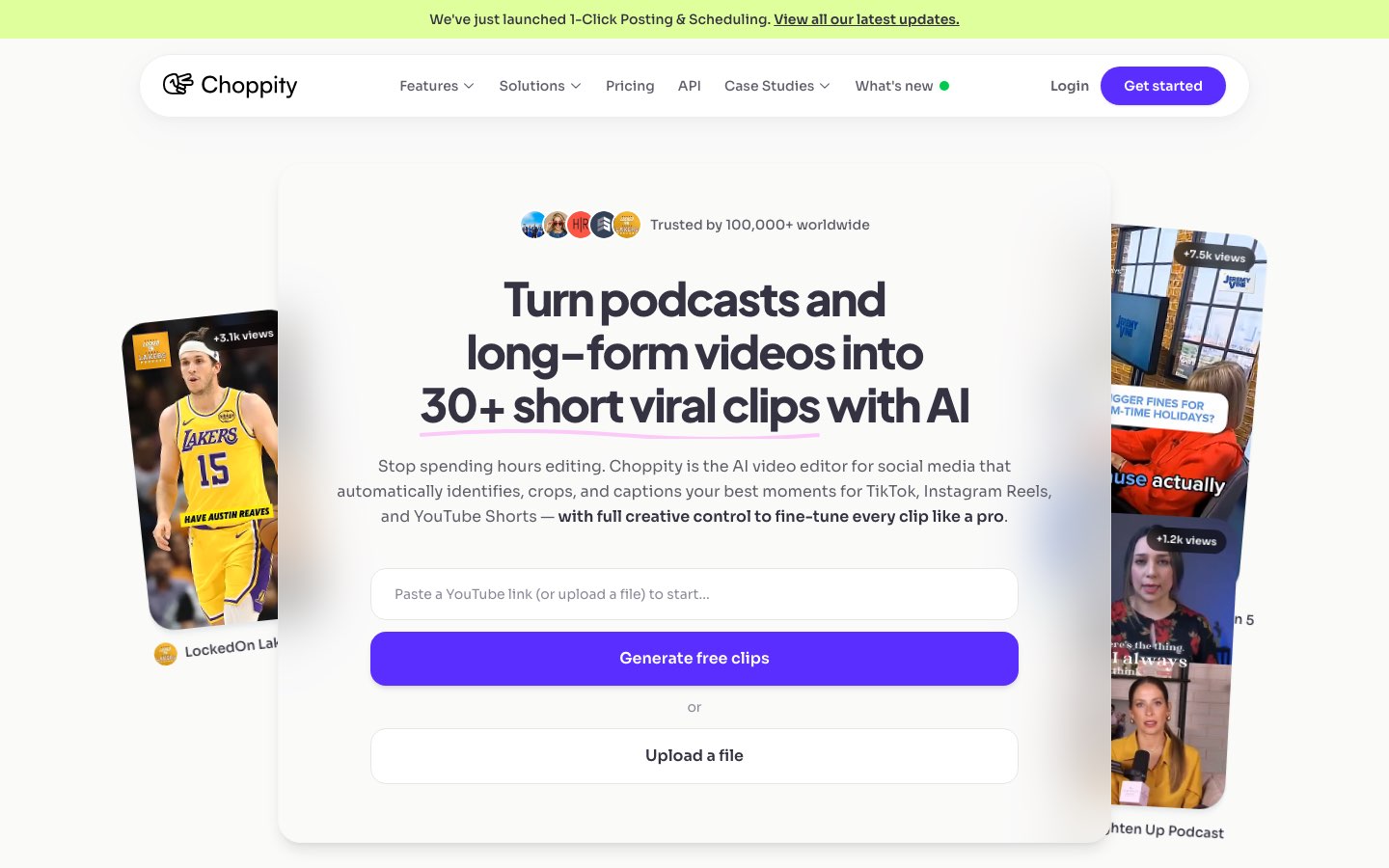
Choppity emerged as our top choice because it combines lightning-fast processing with AI that actually understands YouTube video conversations — not just surface-level audio spikes or jump cuts.
The "Aha!" Moment
Most YouTube clip tools give you a grid of suggestions ranked by generic "virality" scores. Choppity's custom AI criteria let you instruct the analysis before it runs: "find key insights," "highlight reaction moments," or "pull the strongest hooks." The AI filters the entire video to match — then you refine in a transcript-native editor where trimming, cutting filler words, and censoring profanity happen from the text, not a fiddly timeline.
How does Choppity work?
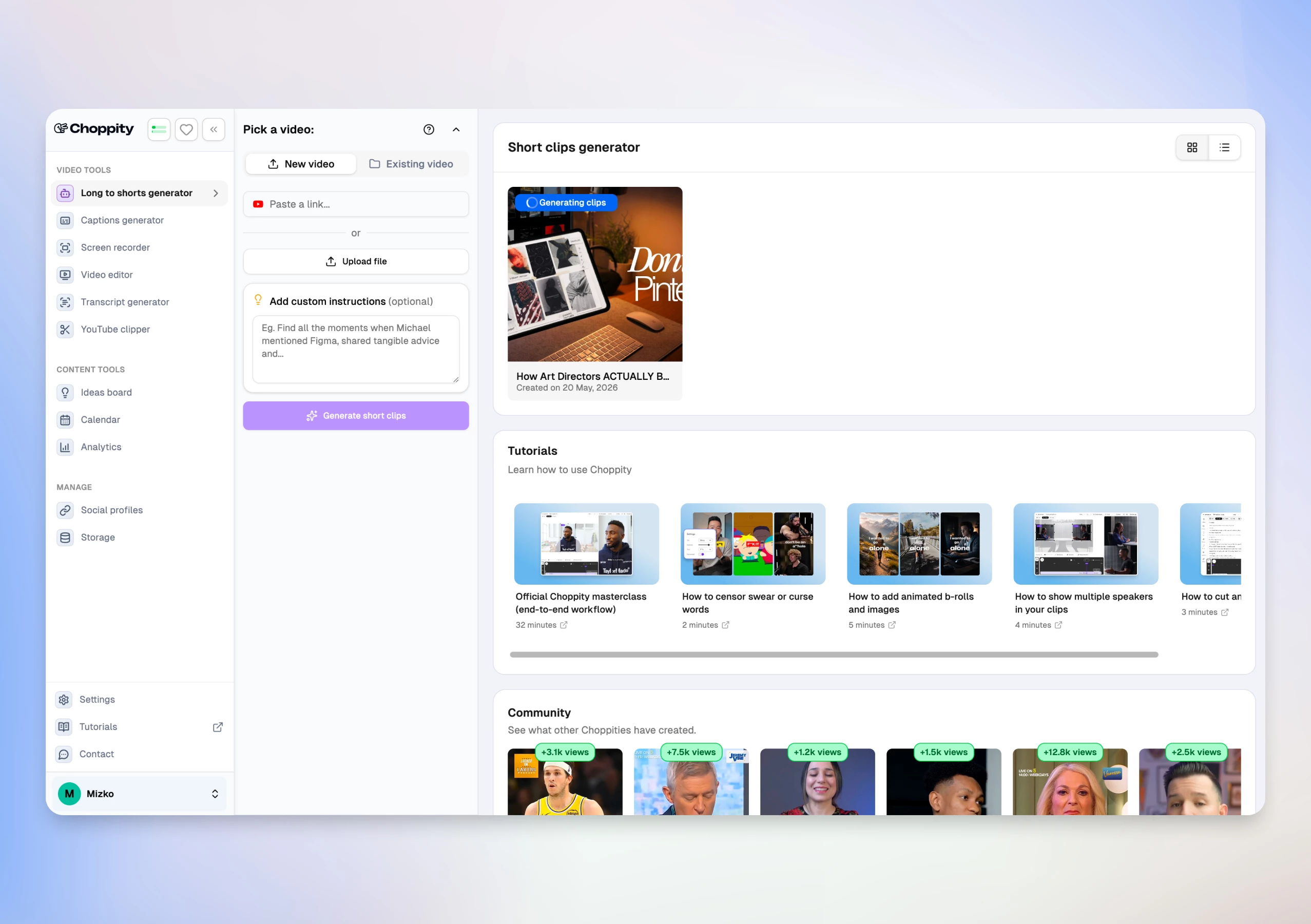
From long YouTube video to scheduled shorts in 3 steps:
- Upload your video or paste a YouTube link (up to 120 minutes)
- Set custom AI criteria, clip duration (15–180s), caption style, and magic reframe template
- Review AI clips, edit in the browser, then post or schedule to TikTok, Instagram, YouTube, and LinkedIn
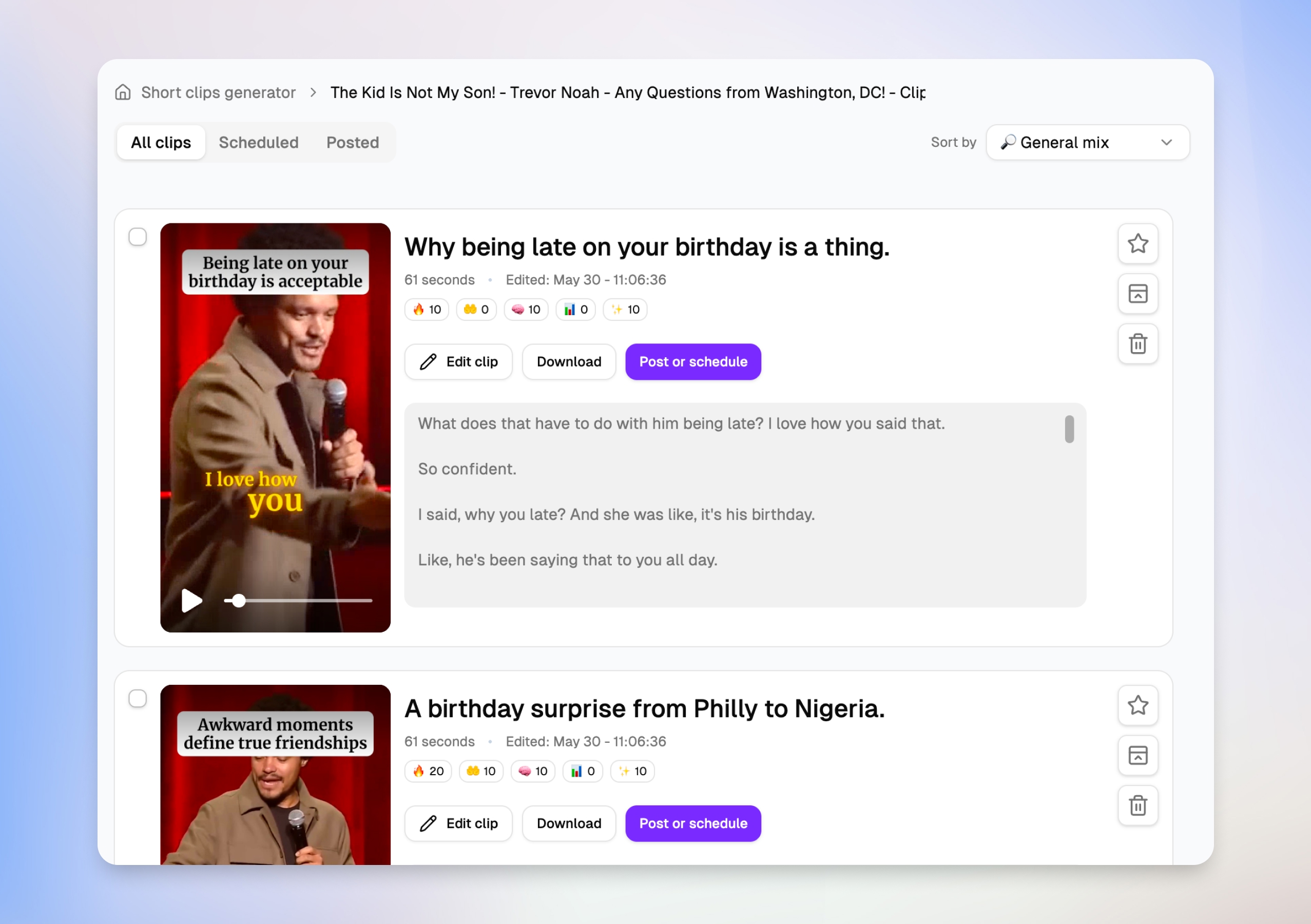
Find your best moments in minutes
After you upload a long-form video, Choppity surfaces dozens of clip suggestions — each with a title, duration, engagement scores, and a transcript preview. You can scan what each short will actually say before opening the editor, then favorite, schedule, or jump straight to Edit clip without downloading anything.
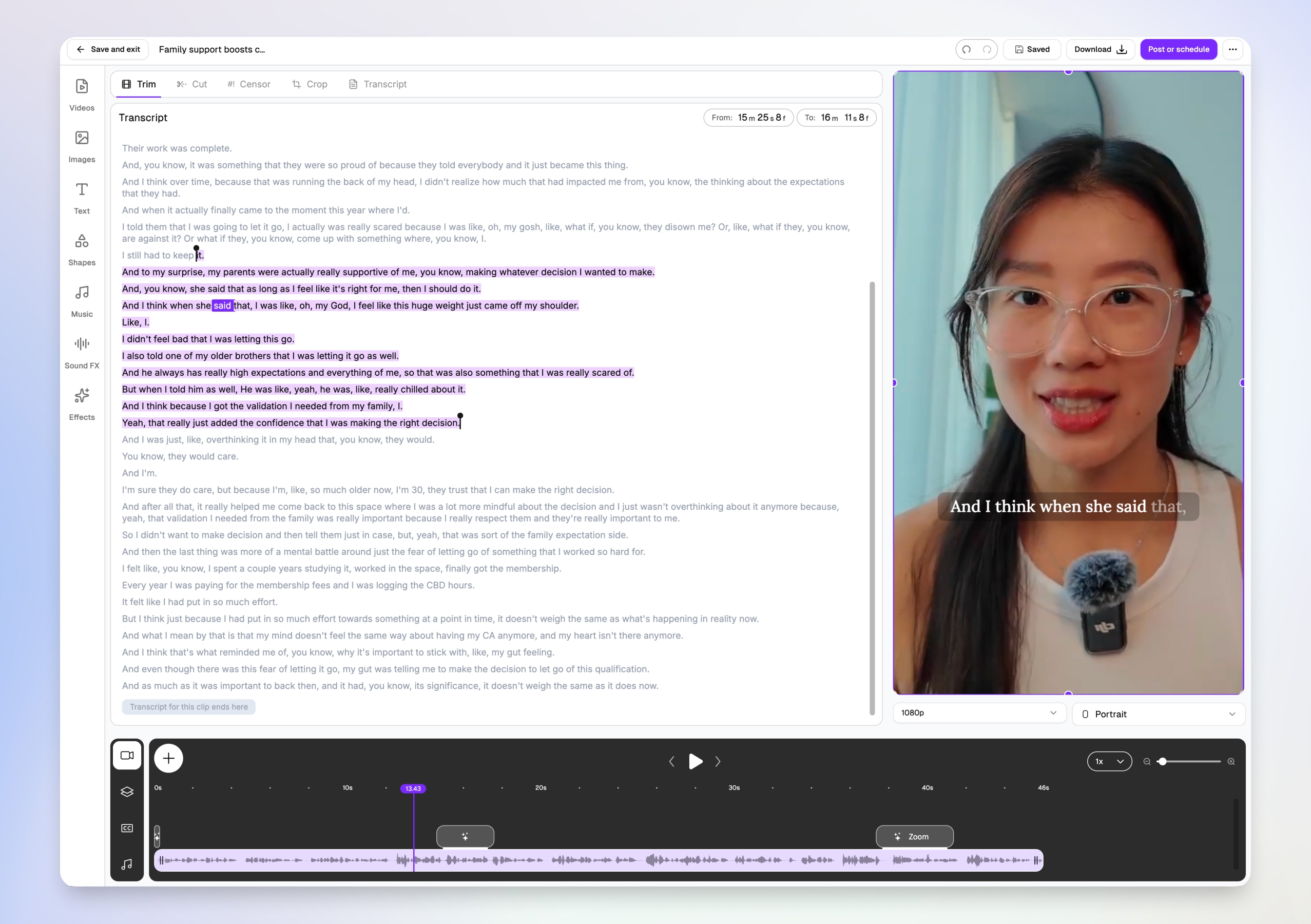
Edit video by transcript, not timeline
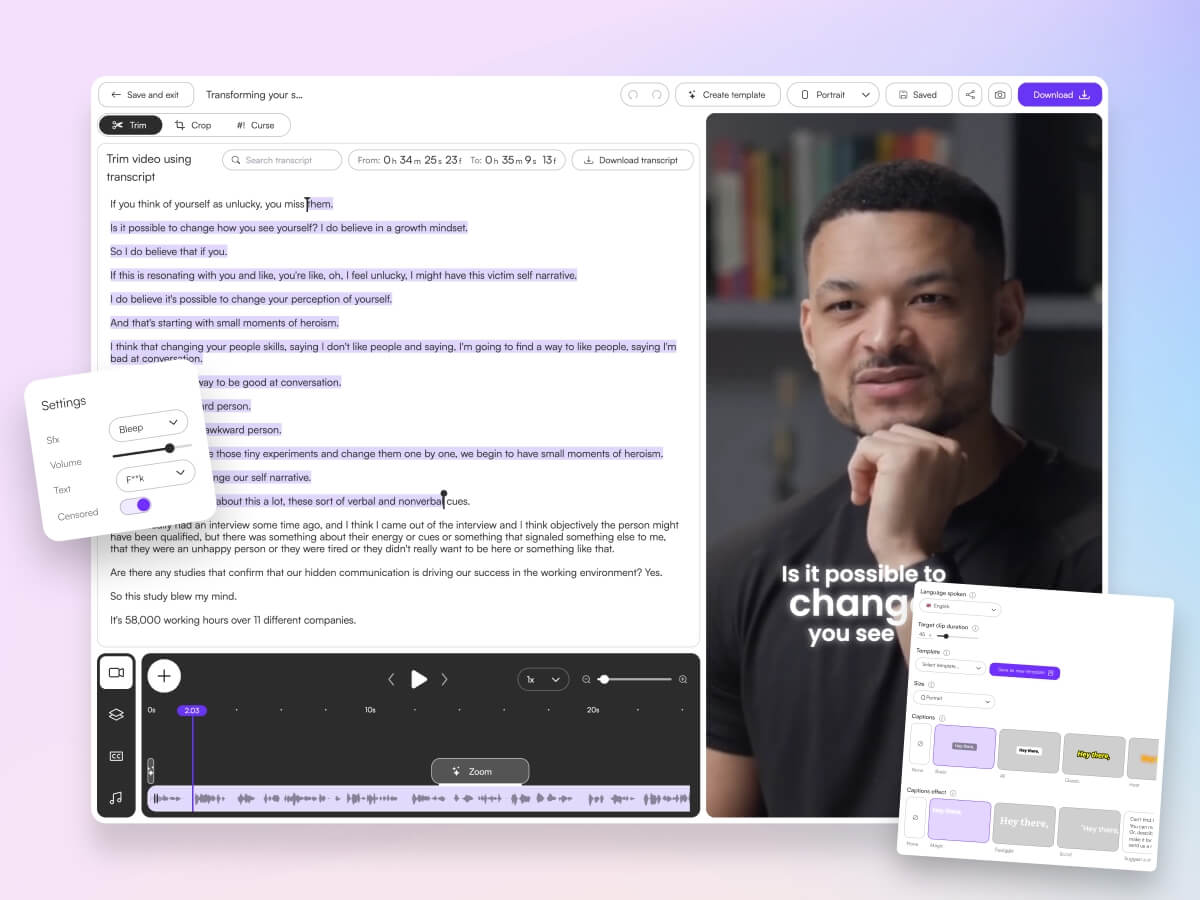
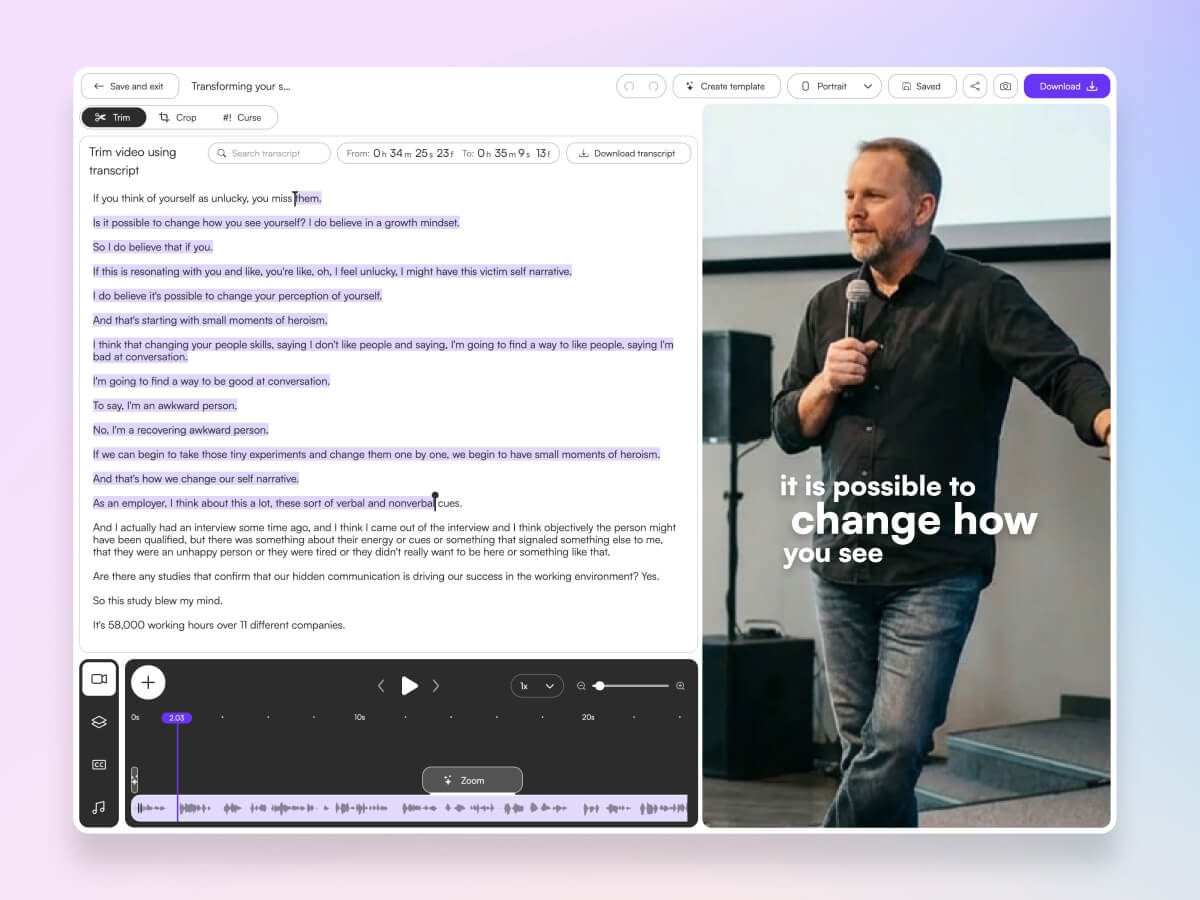
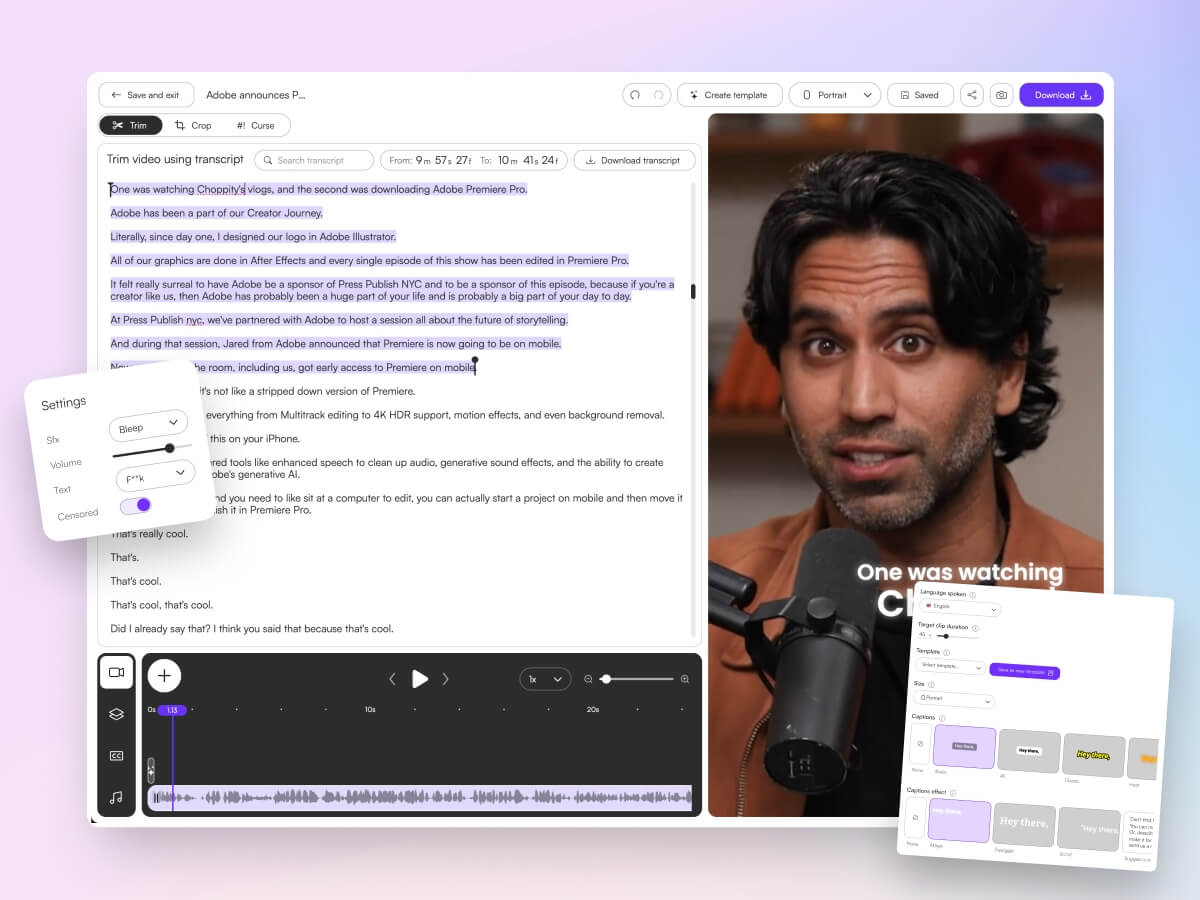
You don't need Premiere skills. Choppity's transcript-native editor lets you trim, cut, and censor by highlighting text — the video updates automatically. Word-level karaoke captions sync to the speaker in real time, and you can add B-roll, music, and effects from the same browser tab.
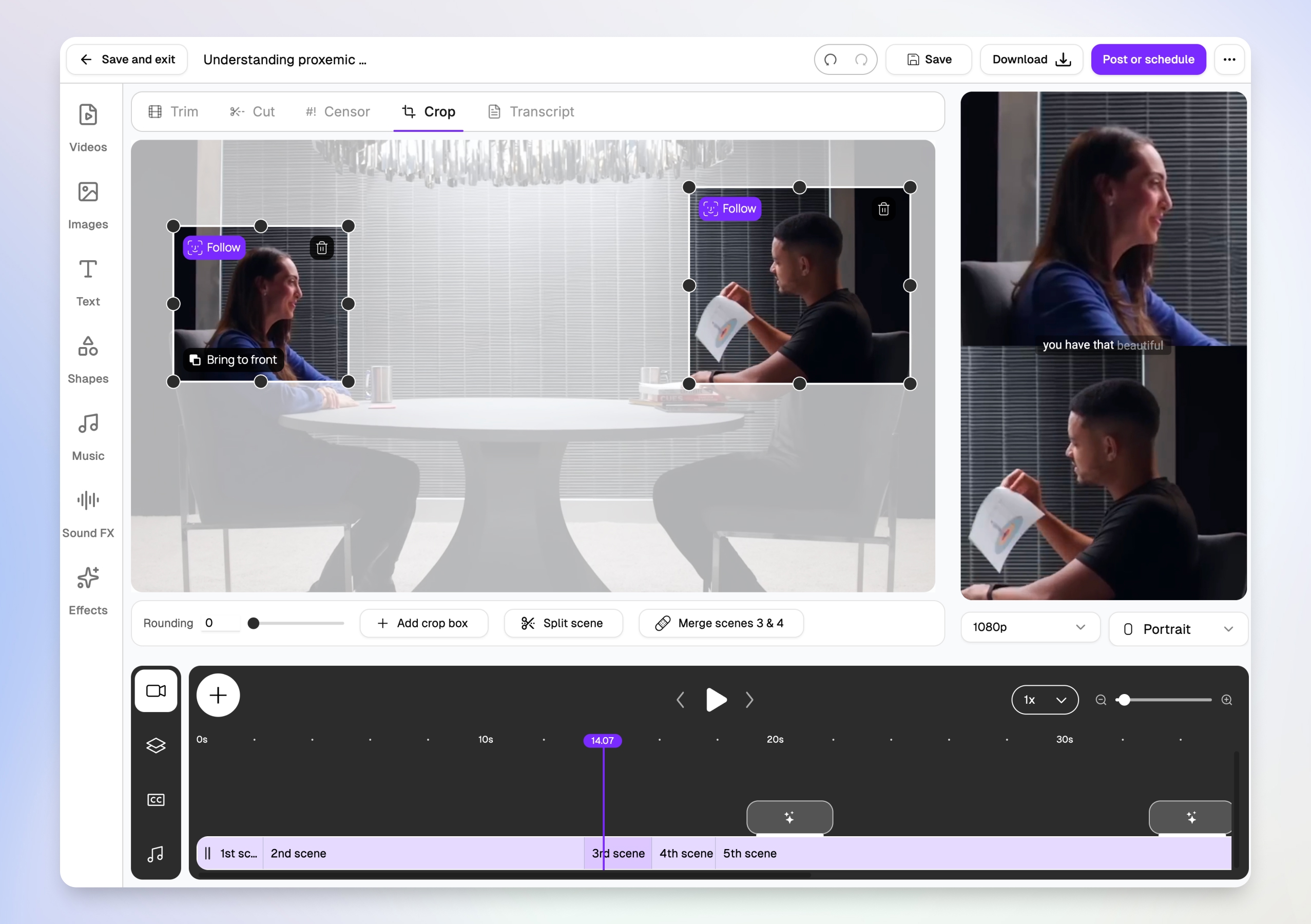
Multi-speaker face tracking for interviews
Two-person interviews are brutal to crop manually. Choppity's magic reframe follows each speaker with Follow tracking boxes, then outputs stacked split-screen layouts for TikTok, Reels, and Shorts — so both speakers stay visible in vertical 9:16 without hours of keyframing.
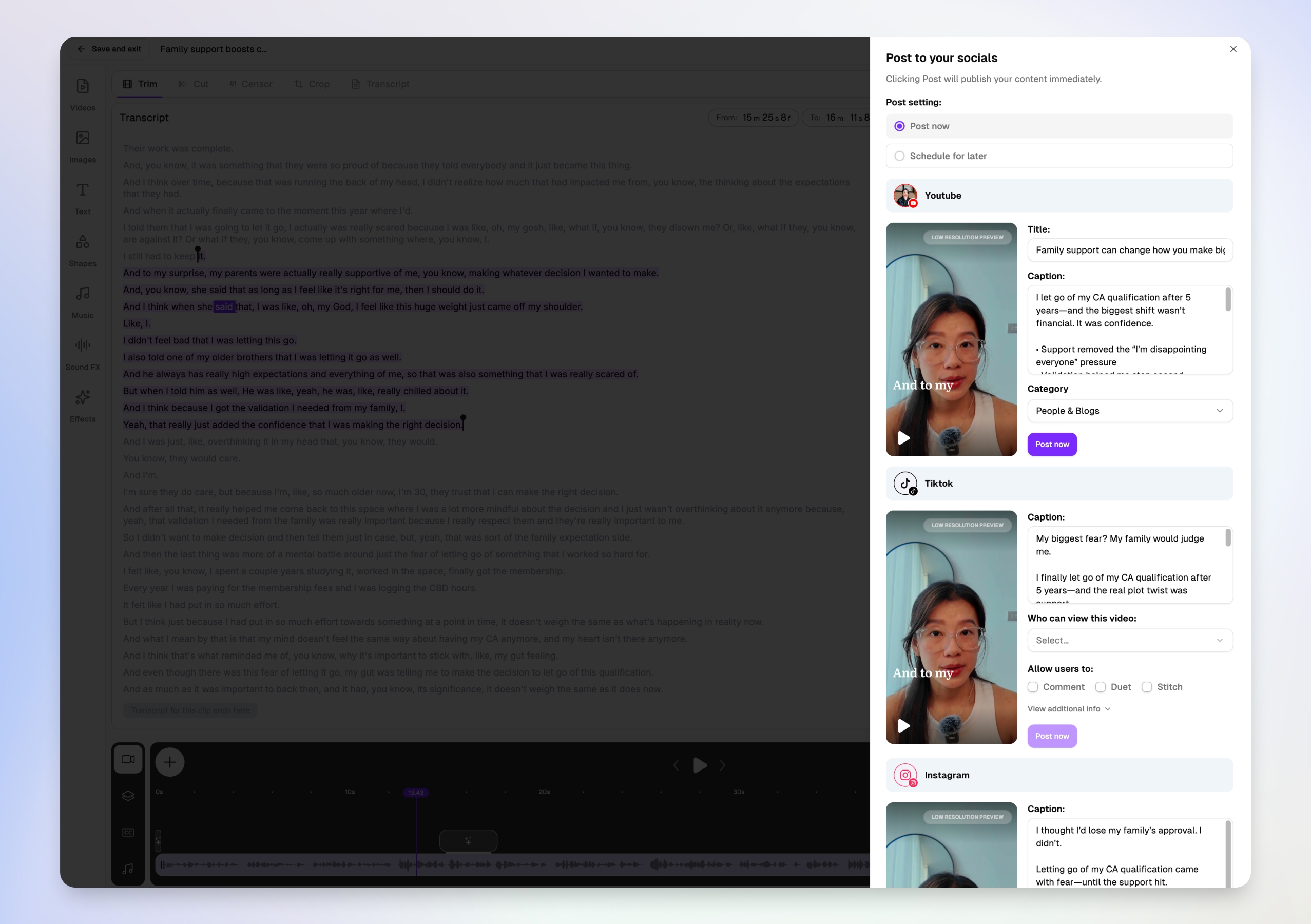
Post or schedule to every platform from one modal
Downloading MP4s and re-uploading to five apps is where video repurposing dies. Choppity's Post to your socials modal lets you write platform-specific titles and captions for YouTube Shorts, TikTok, and Instagram in one view — then post now or schedule for later without leaving the editor.
More than a clip maker — full create → publish → measure loop
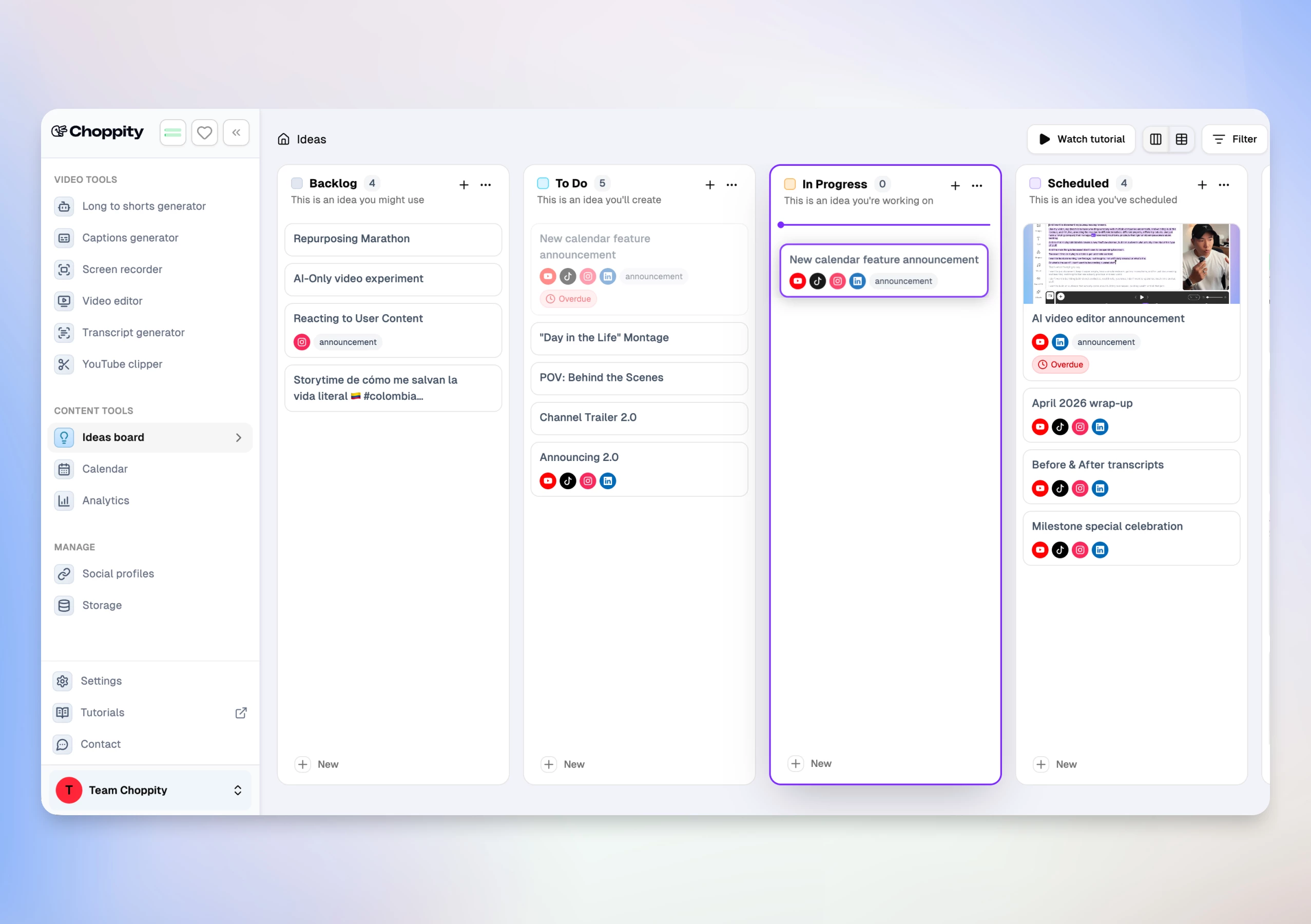
Competitors like Opus Clip and Vizard excel at one step. Choppity covers the cycle YouTube creators otherwise stitch together with 3–4 subscriptions:
- Transcript-native editor — trim, cut, semantic search ("find the part where…"), profanity censor, B-roll, music, and 20+ caption styles with CFX effects
- Native posting & scheduling — per-platform captions, scheduled posts, and reconnect flows for expired OAuth
- Analytics dashboard — impressions, likes, comments, shares across posted clips
- Ideas Board + Calendar — Kanban from video idea → clip → published post, integrated with clip folders
Real Use Case
A YouTube creator uploaded one 60-minute interview and received 18 clip suggestions in under 12 minutes. After setting custom criteria for "highlight key insights," they scheduled a week of Shorts and Reels posts without leaving Choppity — a workflow that took 5+ hours across Opus Clip + CapCut + manual uploads in our parallel test.
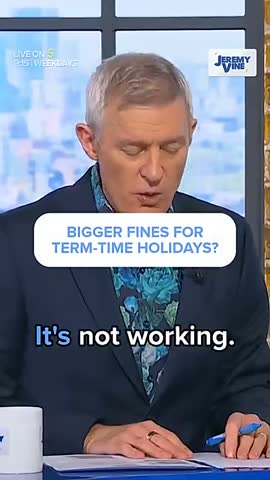
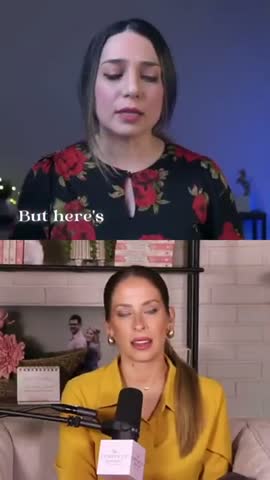
Here are real podcast clips created with Choppity:
Pros
- Fastest end-to-end workflow — analysis, edit, post, and analytics in one product
- Custom AI criteria with natural-language clip selection instructions
- Clip picker with engagement scores and transcript previews — decide what to post before you edit
- Multi-speaker face tracking with stacked split-screen layouts for interviews
- Transcript-native editing (trim, cut, censor, semantic search) — rare in clip-only tools
- Magic reframe with Follow tracking for 9:16, 1:1, and 16:9 output
- Per-platform titles and captions in one post-or-schedule modal (YouTube, TikTok, Instagram)
- 20+ caption presets plus CFX dynamic effects and word-level karaoke
- 97-language transcription and caption pipeline
- Native posting to YouTube, TikTok, Instagram, and LinkedIn
- Cross-platform analytics and Ideas Board for team planning
- Profanity filter and filler-word cleanup in the Cut workspace
Cons
- Free tier is preview-only — no downloads or full AI features until Starter ($20/mo)
- Maximum upload 120 minutes / 10 GB (sufficient for most YouTube uploads)
Opus Clip
Opus Clip is a one-click AI clipping tool that analyzes long-form video and generates multiple short clips automatically. It includes a "virality score" that predicts which clips are most likely to perform on social media.

Pros
- Zero-effort clip generation-upload and wait
- Fast processing for standard-length videos
- Virality scoring helps prioritize which clips to post first
Cons
- Minimal editing control after clips are generated
- AI optimizes for viral hooks, which may miss nuanced moments that matter to your audience
- Less context-aware than Choppity for dialogue-heavy content
Descript
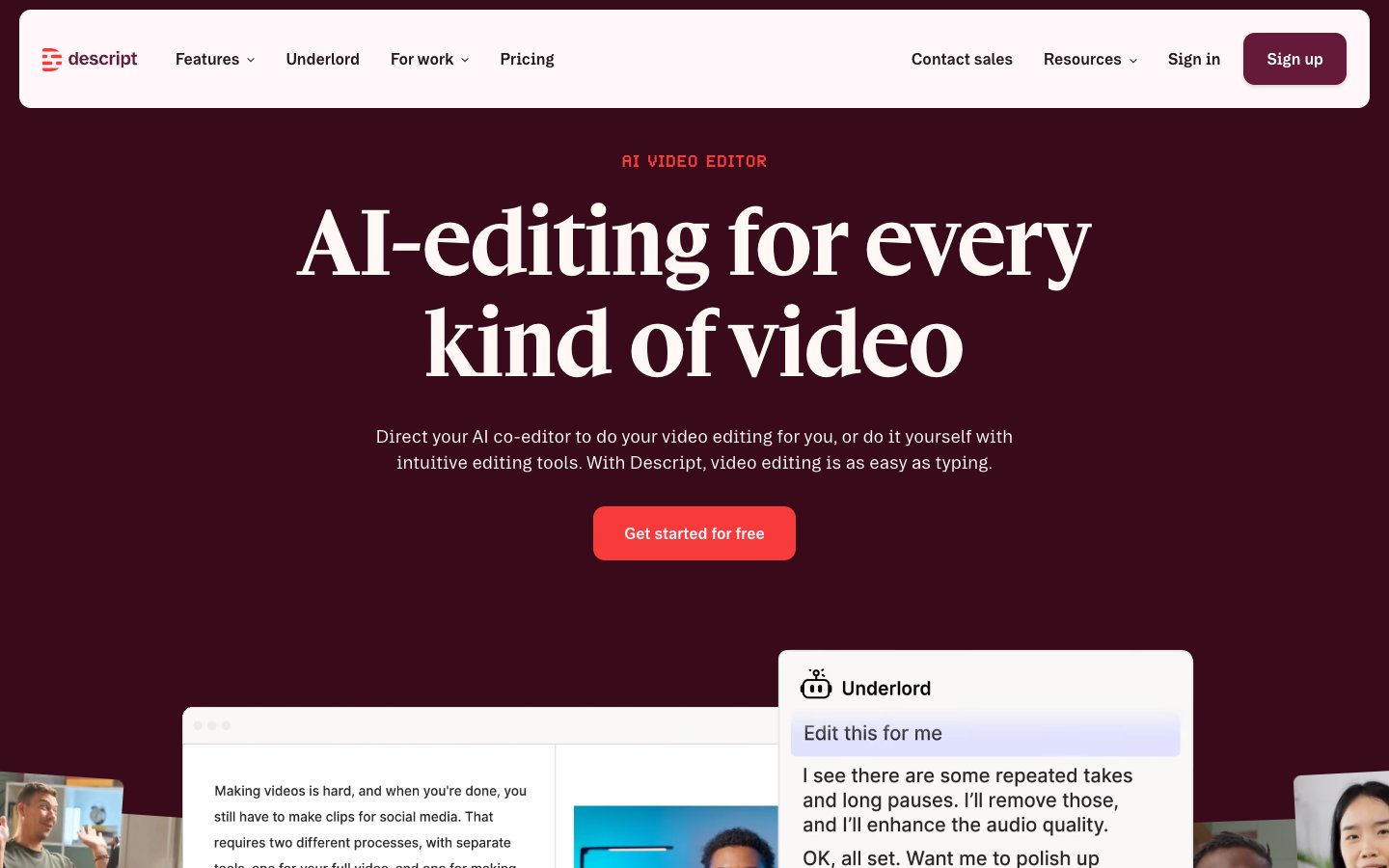
Descript pioneered the "edit video by editing text" approach. You get a full transcript and can delete, rearrange, or trim content by modifying the text. It also includes filler word removal and Studio Sound for audio cleanup.
Pros
- Powerful transcript-based editing-intuitive for text-oriented creators
- Filler word removal cleans up casual delivery
- Full editing suite for podcast and video production
Cons
- No AI highlight detection-you still need to find the moments manually
- Steeper learning curve than dedicated clip makers
- More of a production suite than a quick-clip tool
Vizard
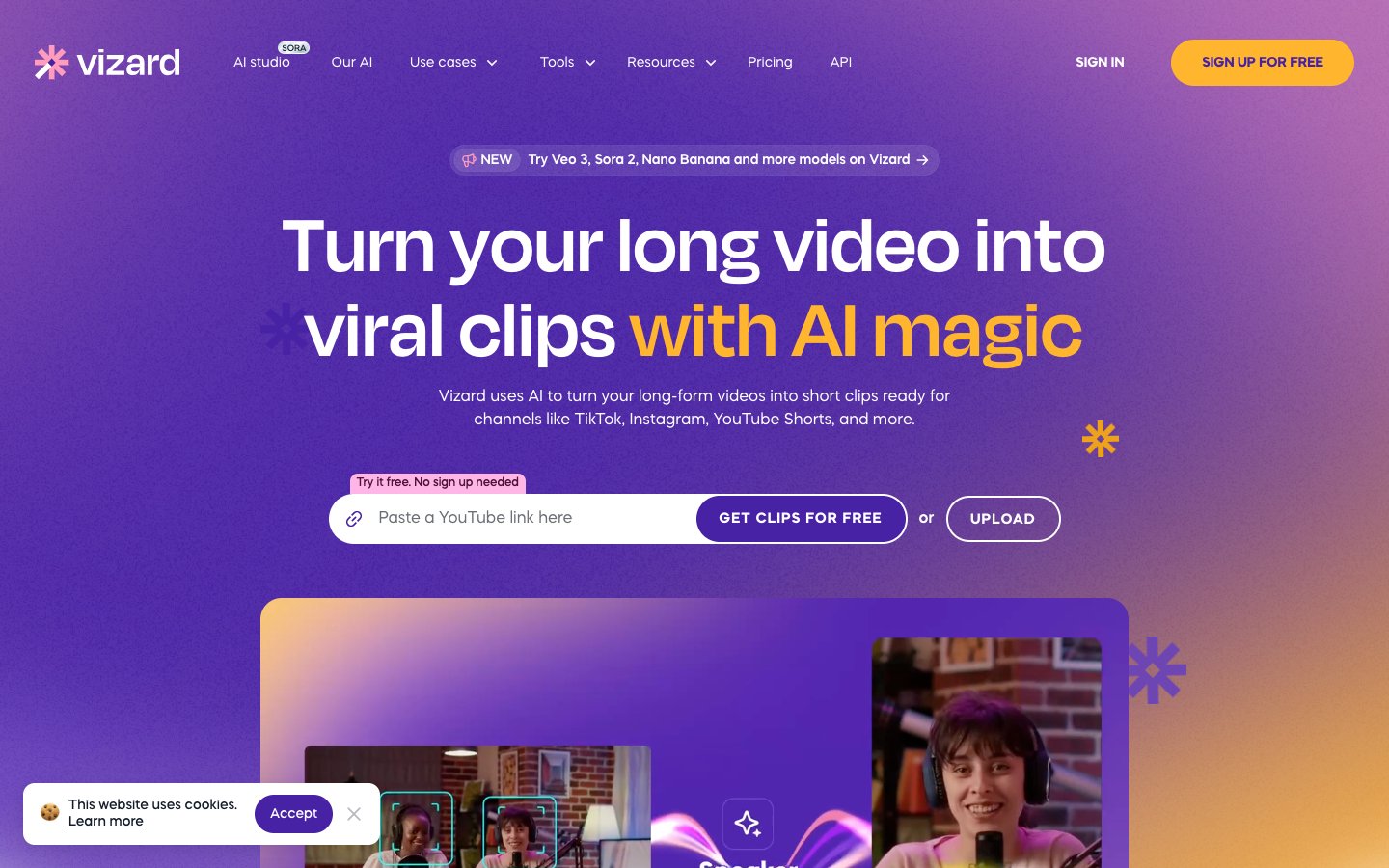
Vizard is a browser-based AI clip generator. Upload a video, and the AI identifies potential short clips with auto-reframing and captions. No software installation required-everything runs in the browser.
Pros
- No installation-runs entirely in the browser
- Simple interface that anyone can use
- Auto-reframing and basic caption generation included
Cons
- Less control and customization than Choppity
- Generic AI detection-not optimized for specific content types
- Caption styling options are limited compared to dedicated tools
Vidyo.ai
Vidyo.ai focuses on AI-driven repurposing from long-form to short-form video. It uses templates to generate clips with captions and formatting, making it a straightforward option for basic repurposing.

Pros
- Simple, template-driven workflow
- Quick generation of multiple clips from a single video
- Affordable pricing for solo creators
Cons
- Basic caption and formatting options compared to Choppity or Submagic
- Template rigidity limits creative customization
- AI detection accuracy is lower for nuanced content
Submagic
Submagic specializes in animated captions and visual overlays. If you already have trimmed clips and want to add viral-style animated captions, Submagic's template library is one of the strongest in the market.

Pros
- Best-in-class caption animation templates
- Strong visual styling options (emoji overlays, dynamic text effects)
- Easy to use for caption-focused workflows
Cons
- No AI highlight detection-you need pre-trimmed clips
- Limited input duration (not designed for full-length videos)
- Primarily a caption tool, not a full clip maker
Riverside
Riverside is primarily a recording platform with high-quality local audio and video capture. Its "Magic Clips" feature adds AI-powered clip generation on top of the recording workflow.

Pros
- High-quality local recording-great for remote interviews and podcasts
- Combined recording + clipping eliminates tool-switching
- Good transcription accuracy
Cons
- Clipping is secondary to recording-less sophisticated than dedicated clip makers
- Higher price point for the full feature set
- Magic Clips AI detection is less context-aware than Choppity
CapCut
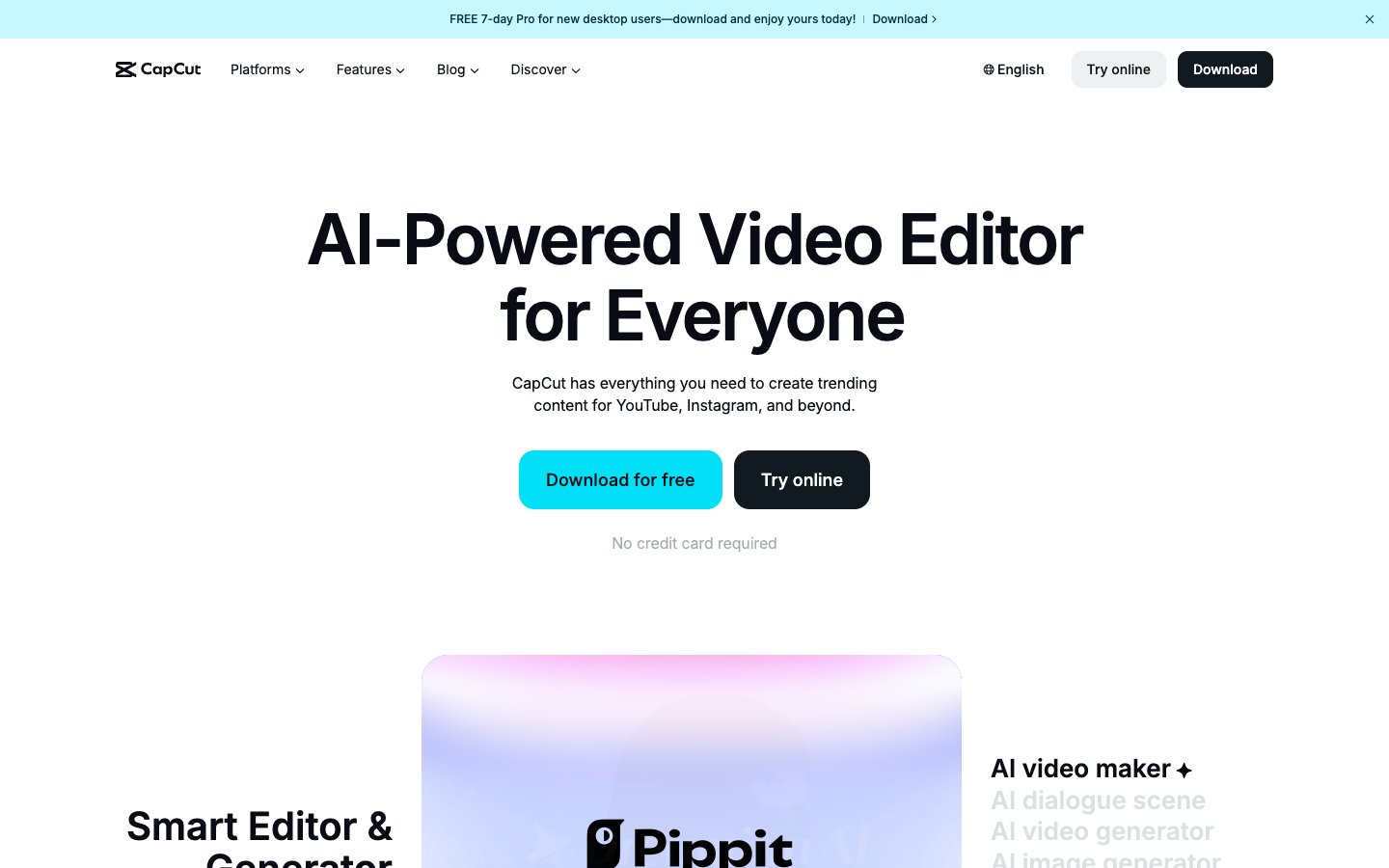
CapCut is a free video editor (by ByteDance, the company behind TikTok) with AI-powered captions, templates, and direct TikTok integration. It's a capable editor, but it requires manual clip selection-there's no AI to find highlights for you.
Pros
- Completely free with a rich template library
- AI-powered auto-captions included
- Seamless TikTok publishing integration
Cons
- No AI highlight detection-fully manual clip selection
- Time-intensive workflow compared to AI clip makers
- Requires some video editing familiarity
Repurpose.io
Repurpose.io is not a clip creation tool-it's an auto-distribution platform. Once you've created clips (with Choppity or another tool), Repurpose.io can automatically publish them across YouTube, TikTok, Instagram, Facebook, LinkedIn, and more.

Pros
- Automates multi-platform publishing-post once, distribute everywhere
- Connects to all major social platforms
- Schedule-based posting for consistent social media presence
Cons
- Does not create or edit clips-requires a separate tool
- Additional cost on top of your clip maker subscription
- Setup requires connecting multiple social accounts
Kapwing
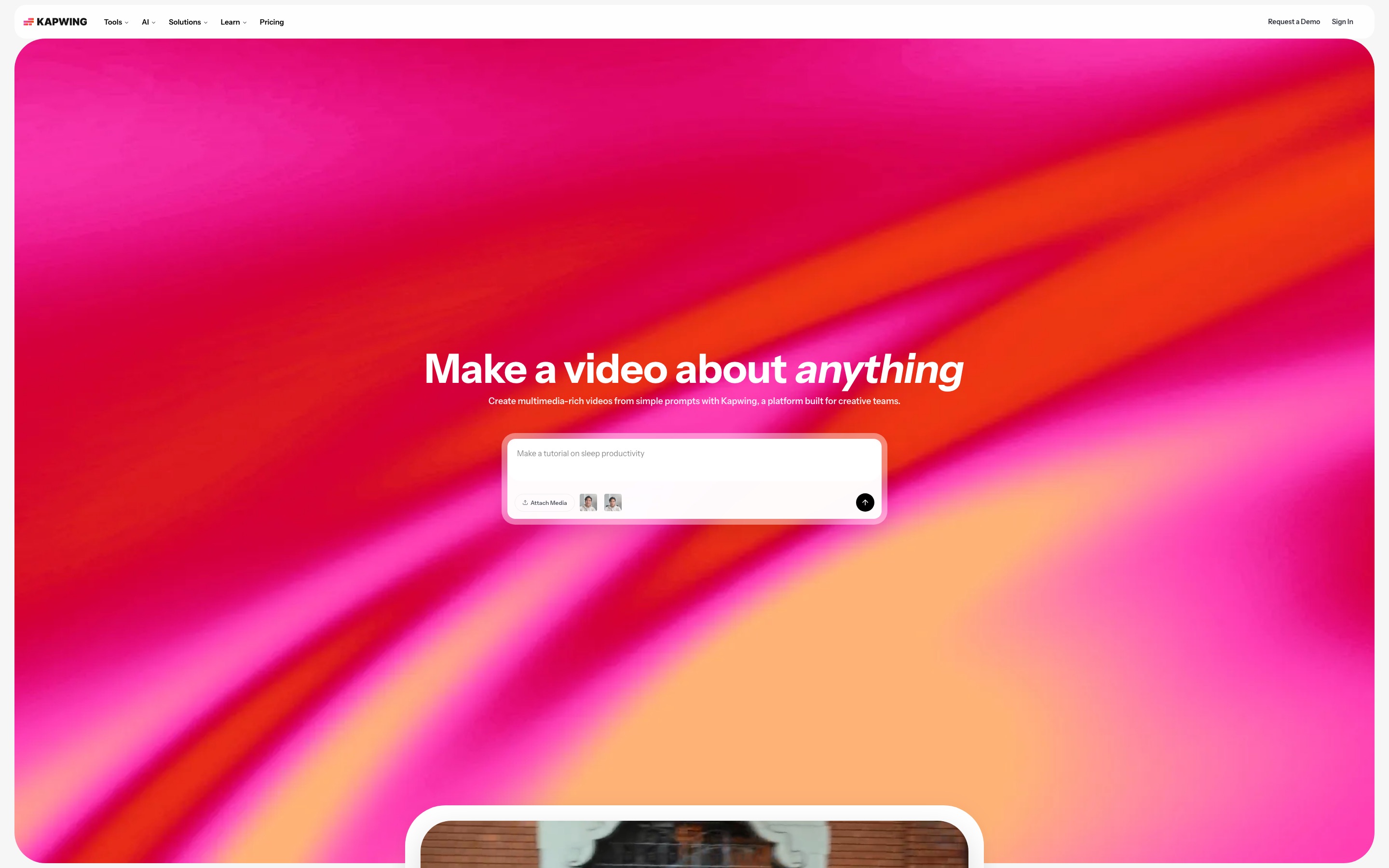
Kapwing is a browser-based video editor with a dedicated AI clip maker that has grown into one of the most-used free options. It automatically detects engaging moments from YouTube videos and supports filler word removal, audiogram creation, and 100+ language translation — all without installing anything.
Pros
- Completely free to start — no credit card required
- AI detects highlight moments and assembles clips automatically
- Filler word and silence removal built in
- Auto speaker focus keeps the active speaker centered
- Translate audio and subtitles into 100+ languages
- Brand kit templates for consistent visual identity
- Collaborative workspaces for teams
Cons
- Free exports include a watermark (removed on Pro plan)
- Best suited for videos up to 2 hours — longer content needs pre-splitting
- AI clip detection is less context-aware than Choppity for nuanced conversations
- Full feature set requires a paid plan for team or professional use
Castmagic
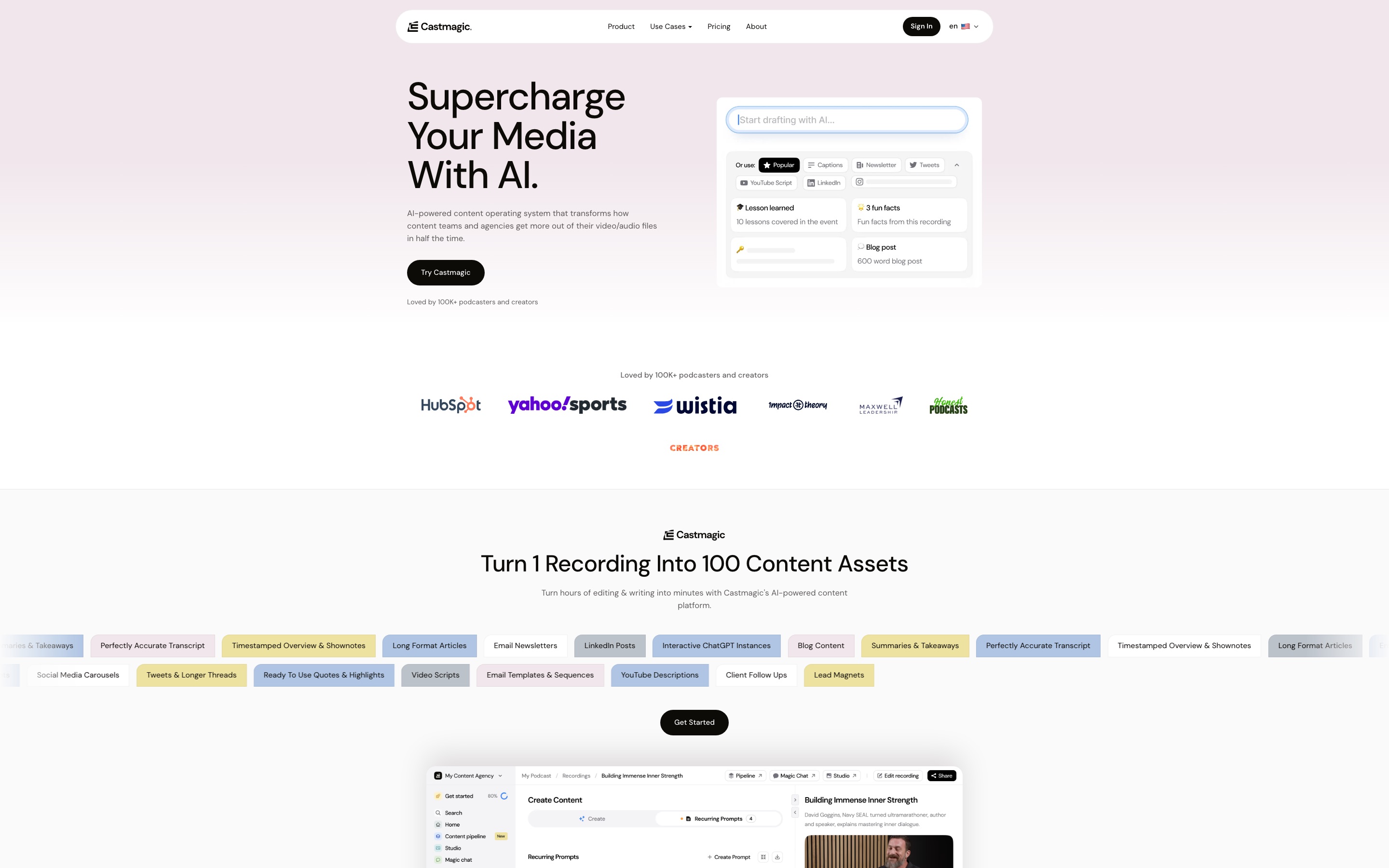
Castmagic takes a different angle — it’s less about generating video clips and more about turning YouTube video content into a full written content ecosystem: show notes, blog posts, social captions, timestamps, and highlight quotes. Think of it as a content repurposing hub rather than a pure clip maker.
Pros
- Generates show notes, newsletters, social captions, and blog content from one upload
- Magic Chat lets you “query” your video transcript like a chatbot
- Strong multi-language transcription
- Good for creators who want written assets alongside clips
Cons
- Not a video clip maker — focused on text/written content repurposing
- No animated captions, face tracking, or vertical video reframing
- Requires a separate tool if you want finished MP4 clips for social media
- Higher starting price compared to dedicated clip makers
Head-to-Head Comparison
| Tool | AI Clip Detection | Auto-Captions | Face Tracking | Direct Social Export | Free Tier | Paid from | Best for |
|---|---|---|---|---|---|---|---|
| Choppity | Excellent | Yes | Yes | Yes | Yes (no downloads, no AI) | from $20/mo | Best overall — AI clips, captions, scheduling, analytics in one platform |
| Opus Clip | Good | Yes | Yes | Yes | Yes (watermark) | $15/mo | Hands-off viral scoring |
| Kapwing | Good | Yes | Yes | Yes | Yes (watermark) | $16/mo | Free browser-based editing with 100+ language translation |
| Descript | Manual | Yes | No | No | Limited | $15/mo | Text-based editing, filler word removal |
| Castmagic | Text only | Transcript | No | No | No | $29/mo | Show notes, newsletters, social copy from video |
| Vizard | Good | Yes | Yes | Yes | Limited | $30/mo | Browser-based, interview-style videos |
| Submagic | Poor | Yes | Basic | Yes | Limited | $17/mo | Animated captions on pre-trimmed clips |
| Riverside | Basic | Yes | No | No | Limited | $15/mo | All-in-one recording + clip generation |
| CapCut | None | Manual | Manual | Yes | Yes (free) | Free | Completely free, manual editing |
| Repurpose.io | None | No | No | Advanced | No | $25/mo | Auto-distributing finished clips across platforms |
| Vidyo.ai | Basic | Yes | No | Yes | Limited | $29/mo | Template-driven repurposing for beginners |
Pricing as of 2026. Free tiers include restrictions — see each tool’s site for current details.
Pricing Comparison (2026)
Price is one of the most common reasons people switch tools. Here’s what you’ll actually pay once you’re ready to publish clips without a watermark:
| Tool | Free Tier? | Paid from | Annual discount | What you get on paid |
|---|---|---|---|---|
| Choppity | Yes — test the AI, no downloads | $20/mo | Yes (∼50% off, billed annually) | AI clips, captions, scheduling, analytics, Ideas Board, Creator packs for extra capacity |
| Opus Clip | Yes — watermark | $15/mo | Yes | Viral scoring, unlimited uploads, branding |
| Kapwing | Yes — watermark | $16/mo | Yes | No watermark, longer exports, team collab |
| Descript | Yes — limited | $15/mo | Yes | Filler word removal, overdub, screen recording |
| Castmagic | No | $29/mo | Yes | Show notes, transcripts, AI social copy |
| Submagic | Yes — watermark | $20/mo | Yes | AI captions, clip detection, templates |
| Vizard | Limited | $30/mo | Yes | Unlimited exports, multi-language, team collab |
| Riverside | Yes | $15/mo | Yes | 4K recording, unlimited guests, AI clips |
| CapCut | Yes (fully free) | Free | N/A | Full editor, no watermark — manual only |
| Repurpose.io | No | $25/mo | Yes | Auto-distribution, RSS feed publishing |
Pricing as of June 10, 2026. All plans billed monthly unless otherwise stated.
Key takeaway: Choppity’s $20/mo Starter plan and ∼30% annual discount make it the best value when you factor in what’s included — AI clips, captions, social scheduling, and analytics. Most competitors charge separately for scheduling or analytics, meaning your effective cost with Choppity is lower than it first appears.
How to Choose a YouTube Video Clip Maker
Not every creator has the same needs. A solo YouTuber has different requirements than a media agency managing 10 channels. Here's what to evaluate.
Face-Tracking Technology
YouTube videos are typically shot in 16:9 landscape. When you crop that to 9:16 for Shorts, the speaker can easily end up off-center or cut off. AI face tracking automatically keeps the subject centered in the frame, regardless of movement. Choppity's native facial recognition handles this automatically-a feature most competitors lack.
Caption Quality and Retention
Over 85% of social media video is watched on mute. If your clips don't have captions, most people will scroll past. Caption accuracy matters-names, technical terms, and brand references need to be transcribed correctly. Look for tools with high accuracy rates and the ability to edit captions before publishing. Multi-language support is also valuable for creators with global audiences-Choppity supports 97 languages.
Multi-Platform Aspect Ratios
Different platforms require different formats. Your clip maker should handle this automatically:
Key aspect ratios for YouTube creators
- 9:16 (vertical): YouTube Shorts, TikTok, Instagram Reels
- 1:1 (square): Instagram feed posts, Facebook feed
- 4:5 (tall rectangle): Facebook and Instagram-higher engagement than 1:1
- 16:9 (landscape): YouTube long-form, website embeds
Handling Long Videos
This is where many tools fall short. Most AI clip makers are designed for 10-to-30-minute input. YouTube videos often run 30 to 90+ minutes. Some tools require pre-trimming before uploading-which defeats the purpose of automation. Choppity handles full-length video input natively, analyzing the entire recording and finding highlights across the full duration without pre-trimming.
Frequently Asked Questions
What is an AI YouTube clip maker?
An AI YouTube clip maker is a tool that automatically analyzes a long YouTube video and extracts the most shareable 30–90 second segments for short-form platforms. The AI scans the transcript and audio for hooks, key insights, reactions, and punchlines — then formats each clip with captions and the correct aspect ratio for YouTube Shorts, TikTok, or Instagram Reels. Tools like Choppity go further, letting you set custom criteria before the AI runs so it only surfaces the moments that matter most to your audience.
What is the best AI YouTube clip maker in 2026?
Based on our hands-on comparison of every tool in this roundup, Choppity is the best AI YouTube clip maker in 2026. It combines the fastest processing speeds, custom AI criteria for context-aware clip detection, highly customisable animated captions, and direct social publishing — all in one platform. Kapwing is the best free alternative if you’re just getting started.
How do I turn a YouTube video into short clips automatically?
Paste your YouTube video link (or upload a file) into an AI clip maker like Choppity. The AI transcribes the video and surfaces the most impactful 30–90 second segments automatically. You review the suggested clips, adjust captions if needed, and export or schedule directly to YouTube Shorts, TikTok, Instagram Reels, and LinkedIn. A 60-minute video typically yields 10–20 clips and takes 10–20 minutes from upload to ready-to-post.
Is there a free AI YouTube clip maker?
Yes. Kapwing offers the strongest free tier — it detects clips automatically, removes filler words, and supports 100+ language translation with no credit card required (exports include a watermark on the free plan). Choppity and Opus Clip also have free tiers with watermarked exports. CapCut is completely free with no watermark, but requires fully manual clip selection — there’s no AI to find highlights for you.
Does Choppity have a free trial?
Choppity offers a free tier that allows you to test the platform’s AI clip detection and caption quality before committing to a paid plan. The free version lets you see exactly how your video highlights will look and perform before upgrading. AI clip generation and downloads unlock on paid plans from $20/mo.
Can AI clip makers replace a human editor?
AI YouTube clip makers work best as a force multiplier, not a complete replacement for human creativity. These tools excel at identifying potentially engaging moments and handling technical tasks like transcription and formatting, but human judgment is still valuable for understanding context, brand voice, and strategic content decisions. The most successful YouTube creators use AI to handle the time-consuming work while focusing their creative energy on the big picture.
What is the best AI for YouTube Shorts?
Choppity consistently performs best for creating YouTube Shorts because of its sophisticated understanding of conversational content and its optimised vertical video formatting. Its AI specifically looks for the types of moments that perform well as Shorts — surprising revelations, quotable insights, and key takeaways that make viewers want to watch the full video.
Can AI handle 60+ minute YouTube videos?
Most AI clip makers can technically process long videos, but processing times and accuracy vary dramatically. Choppity, Opus Clip, and Descript are specifically designed to handle full-length videos without compromising on AI accuracy or processing speed. Tools like Submagic and Kapwing have shorter input limits for some features and may require pre-trimming for very long videos. If your videos regularly run 45 minutes or longer, choose a tool built for long-form input.
Do I need video editing experience?
No. Modern AI clip makers like Choppity use transcript-based editing — you edit text, not timelines. If you can edit a document, you can create professional YouTube clips. CapCut and Descript have slightly steeper learning curves, but the AI-first tools on this list are designed specifically for creators without video editing backgrounds.
Choppity vs Opus Clip for YouTube — which is better?
For YouTube content specifically, Choppity outperforms Opus Clip in AI accuracy for conversational and interview-style videos, caption customisation, and transcript editing. Opus Clip’s virality scoring works well for entertainment content but can miss nuanced insights that matter to your audience. Choppity’s direct social publishing and custom pre-generation criteria also edge out Opus Clip for end-to-end workflow. Opus Clip is a solid choice if you want a fully hands-off experience and don’t need to edit clips after generation.
The Verdict
After testing all 11 tools with the same YouTube video, Choppity is the clear winner for creators and brands. It's the only tool that combines context-aware AI clipping (finding complete moments, not just loud ones), native face tracking, highly customizable captions, transcript-based editing, and multi-format export-all in a single platform.
The most effective YouTube growth strategy in 2026 combines long-form depth with short-form reach. One video per week can fuel daily Shorts across every platform. The creators who grow fastest are the ones who repurpose every video, every week — and AI makes that sustainable even as a solo creator.
For a full breakdown of every AI clip tool across content types, see our 8 Best AI Clip Generators comparison. If you repurpose podcast audio too, see our best AI podcast clip makers guide.
Repurposing sermon recordings for social media? See our dedicated guide to the best sermon clip makers for churches.





Written by
Michael WongFounder & CEO · Founder of Choppity
Content creator for 12+ years with 215K+ YouTube subscribers and an active presence across YouTube, Instagram, LinkedIn, and X. As founder of Choppity, Michael has personally tested every major AI clip maker — giving him a unique perspective on what works and what doesn't for real creators.