

01Meet nonlinear
A podcast about taking a different path
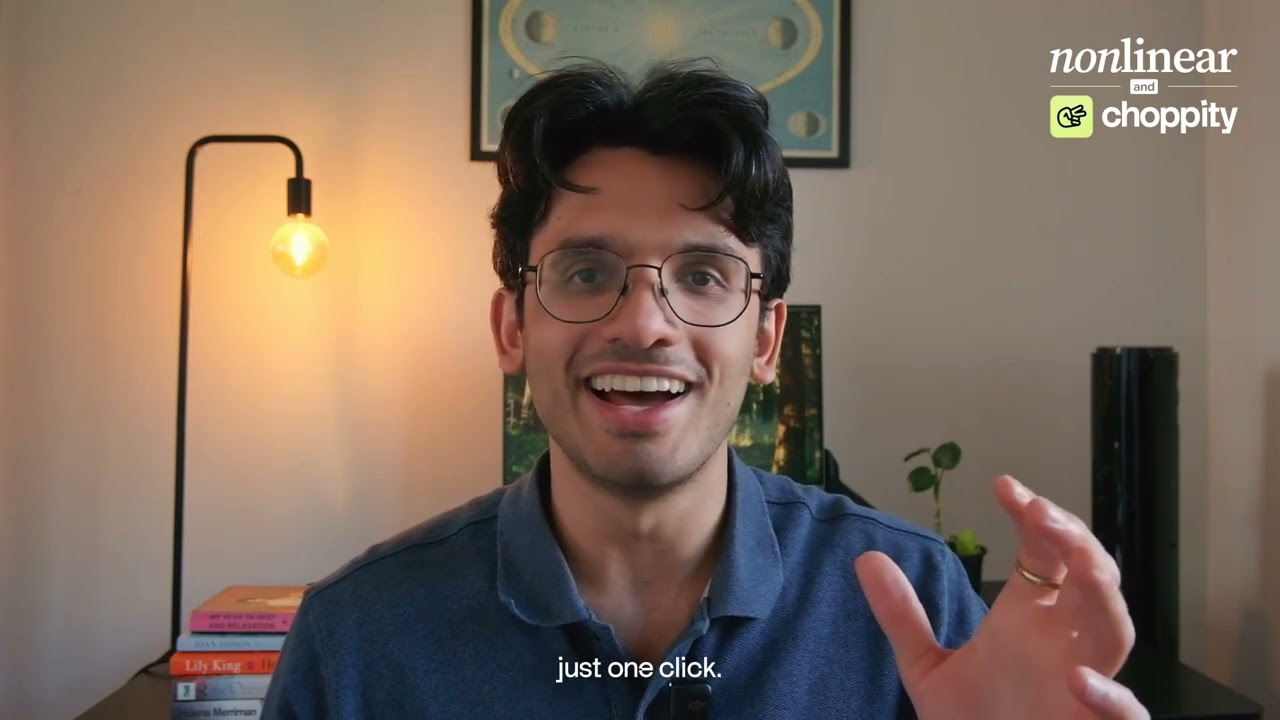
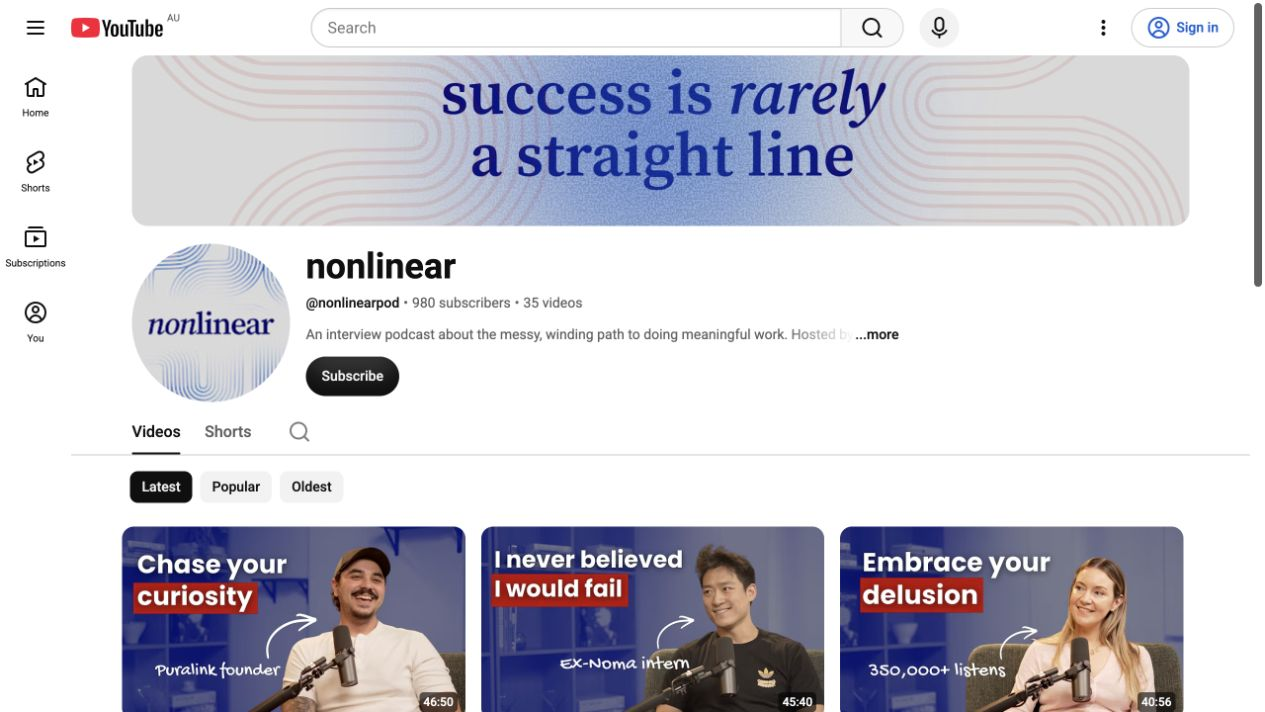
Saurav Risbud had followed a fairly linear route: study finance and business analytics, then join Bain as a management consultant. Three years in, he wanted to try something more entrepreneurial. He moved toward media and started nonlinear.
The show explores the careers that don’t follow a neat progression. Saurav interviews people who have found success on creative or unconventional paths, asking about the mindsets, motivations, and risks behind their decisions. His audience is ambitious professionals early or midway through their careers, wondering what a fulfilling working life could look like.
Making those conversations was work he wanted to invest in. Getting more people to discover them needed a process he could sustain alongside it.
 View full size
 02The time problem
Why manual podcast clipping kept falling off the to-do list
Before Choppity, Saurav recorded the full episode, edited it himself, and made a trailer for the beginning. He knew Shorts mattered, but he didn’t have a system for getting them out regularly.
He tried making a few bespoke clips. Each one meant more editing, more decisions about what made a good hook, and more time learning a craft he didn’t practise full time. The views and watch hours didn’t justify the effort for him. Shorts became the last thing on his priority list.
There wasn’t one dramatic breaking point. There was a recurring question: how could short-form content become a repeatable part of the podcast, instead of another task he never reached?
I know shorts are important, how do I get a repeatable system in place to make it work?
03Finding the right tool
Choosing an AI clipper that helps you publish, too
Michael reached out after listening to an episode of nonlinear. Saurav liked his understanding of video creation, looked at Choppity, and tried the product with a simple test: could it produce clips good enough to start building a catalogue for the show?
The first useful change was how little setup it took. With 1-click upload, an episode became 10–12 clips to review, with minimal prompting. They were roughly 60-second soundbites that worked as standalone moments. Saurav still wanted to tweak them, but he had a useful starting point.
The bigger shift was connecting those clips to publishing. Previously, even a finished clip meant separate uploads to YouTube and Instagram. Creating and scheduling from the same place made the whole process feel manageable. Later editing updates made it easier to refine the clips inside Choppity as well.
And just that initial magic of creating and then scheduling shorts to upload all in one place, that really clicked for me.
04The repeatable workflow
From 1-click upload to 4–5 scheduled Shorts per episode
Saurav still records in a studio with a production team and edits the full episode himself, including its opening trailer. That long-form edit takes him one to two days. Choppity comes into the process after the finished episode is published on YouTube and Spotify.
His short-form routine now has four steps. He keeps editorial control, with much less manual adjustment than starting each clip from scratch.
Start with 1-click upload
Use the finished episode as the source for Choppity’s AI clip generation.
Review the suggested moments
Look through the generated Shorts and choose which ones to take forward.
Refine a batch of 4–5 clips
Adjust details such as whether his question needs to come first or where the camera angle switches.
Schedule, then return to the next episode
Space the clips out over a couple of days, with posting to different platforms handled in one place.
I think the best feature is being able to post shorts to all your different platforms all in one place.
05The results
13,437 views, and a top clip he didn’t expect
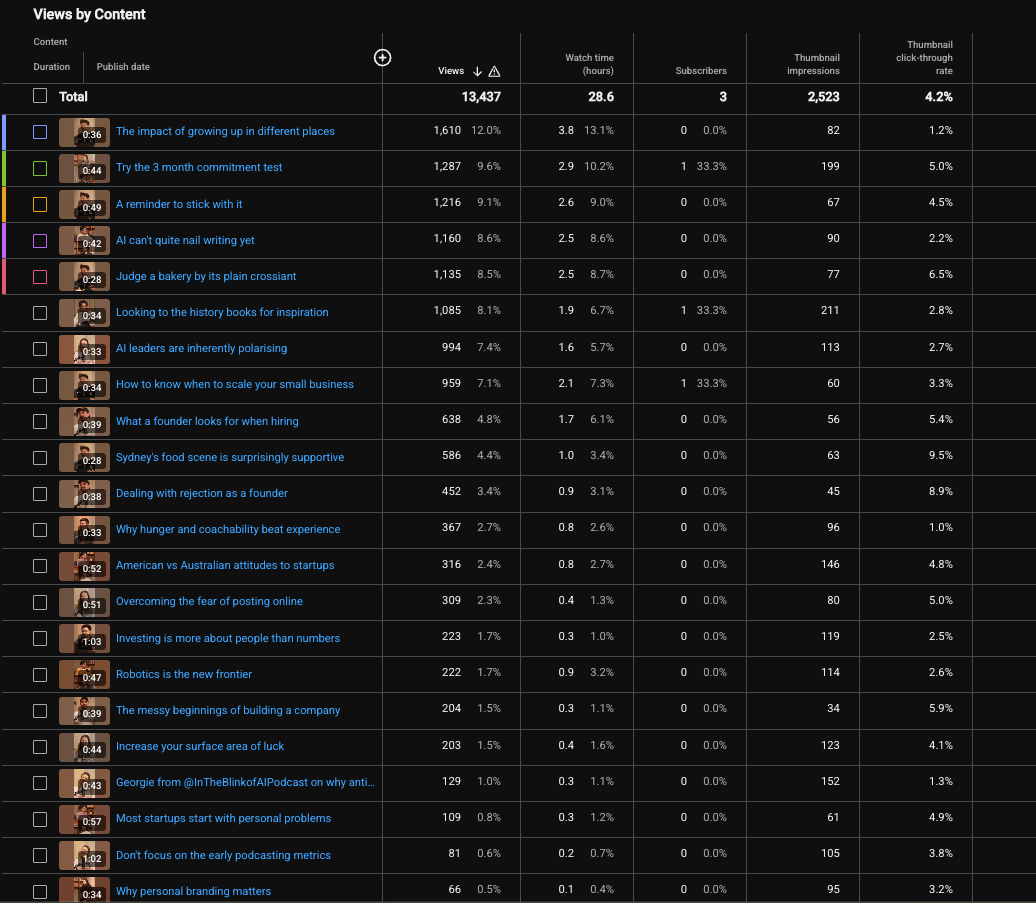
At the time of his testimonial, Saurav had used Choppity for his last six published episodes. He described about 13,000 additional views, around 30 hours of watch time, and three new YouTube subscribers from the clips he generated.
The YouTube Studio screenshot he supplied records 13,437 views, 28.6 watch hours, and 3 subscribers. Its reporting period is not visible, so these figures represent that snapshot.
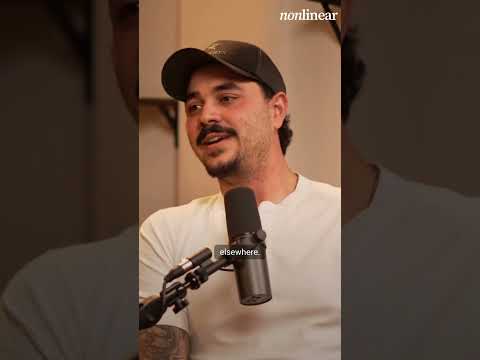
The top visible clip, “The impact of growing up in different places,” recorded 1,610 views. It came from a conversation with a guest who had lived across different countries. Saurav hadn’t expected it to be the strongest performer; he posted it because Choppity suggested it.
That discovery is part of the value for him. The suggestions give him more moments to consider when he doesn’t have time to identify every possible clip himself. So far, he says the additional views have been the most valuable result. More listeners, sponsors, and revenue remain hopes for the future.
It wasn't a clip I would have necessarily gravitated to, but just decided to post it because the platform suggested it.
 View full size
 06The alternative
AI podcast clipping, manual editing, or hiring an editor?
Without Choppity, Saurav says he would still make an occasional bespoke clip in DaVinci Resolve or Premiere Pro. He might consider hiring an editor further down the line, with the cost that comes with it. For now, he thinks the likely alternative would be full episodes going out without much of a short-form strategy.
His experience gives another podcaster a practical way to evaluate an AI clipper: can you get useful suggestions, make the changes you need, and actually get the clips published alongside your main show? For nonlinear, joining those steps together is what made four or five clips per episode feel manageable.
I would just not have the volume of clips I do today.
07The next chapter
Building toward weekly episodes, with a workflow that can keep up
Saurav’s next goal is to bring nonlinear closer to a weekly publishing schedule. That means booking guests, keeping a pipeline of conversations ready, and improving his interviewing craft.
As the full-length episodes become more frequent, he plans to keep using Choppity to put short-form content in front of a wider audience. The podcast stays at the centre. Clipping gives each conversation more opportunities to be discovered.
His recommendation is especially aimed at video podcasters getting started who lack the time or budget to make clips themselves: use a tool to get the short-form habit going.